103
1
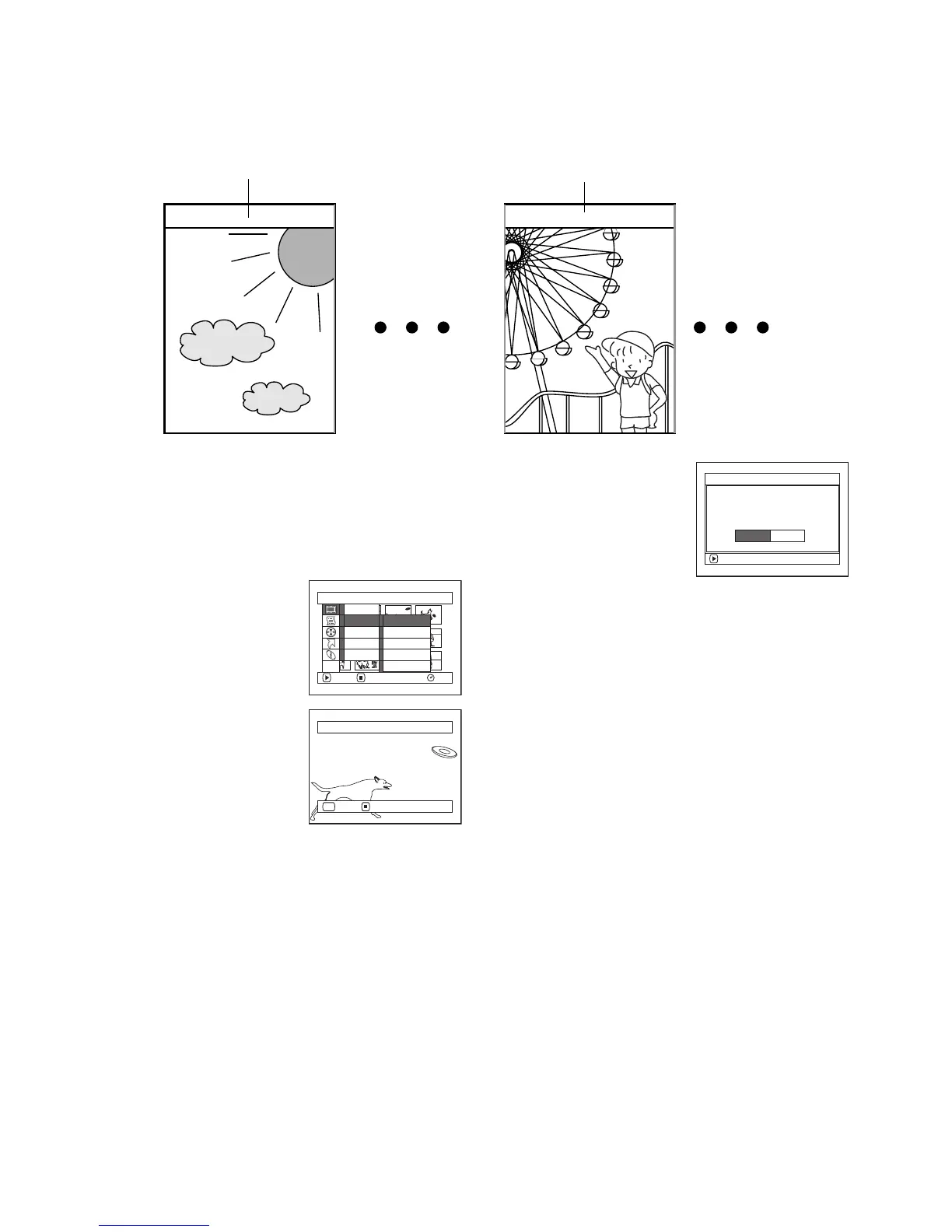
Changing Images for Thumbnails (Edit - Thumbnail)
Normally, the first image of the recorded scene is displayed as a thumbnail: You can choose another image of the scene
for thumbnail. If you set a vivid image to thumbnail, you can know what you recorded from a glance at the Disc
Navigation screen.
1 Press the DISC NAVIGATION button.
2 Select the thumbnail of the scene to be changed.
3 Press the MENU button.
4 Choose “Scene”, “Edit”,
“Thumbnail”, and then
press the A button.
5 The “Change Thumbnail”
screen will appear: If you are
sure you want to change the
thumbnail of the selected
scene, press the A button:
The selected scene will be
played back.
If you want to change the scene whose thumbnail is to
be changed, you can change it on this screen.
6 When the image you want to use as the thumbnail of
the scene appears, press the SELECT button.
7 The screen for verifying
switching of thumbnail will
appear: Choose “YES”, and
then press the A button.
Choose “NO” to cancel
switching of thumbnail.
After Yes or No setting, the “Change Thumbnail”
screen will be restored.
Repeat steps 5-7 to change the other scenes.
8 Press the g button to quit.
Note:
• If you press the MENU button before pressing the A
button in step 5, the submenu screen will appear. (See
page 102)
• A thumbnail of still cannot be changed.
• Since the scene to which skipping is set cannot be played
back, you will not be able to change its thumbnail:
Release the skip setting of the scene to change the
thumbnail.
Original thumbnail You can use this image as thumbnail.
Scene
RAM
ENTER RETURN
Delete
Ed i t
Copy
Sel ect
De t a i l
Sk i p
Fade
Comb i ne
Divide
T h umbn a i l
ETC
Select Thumbnail Point
ENTER CANCEL
SEL
ENTER
Change thu
m
bnai l?
Change Thu
m
bna i l
YES NO














 To Next Page