39
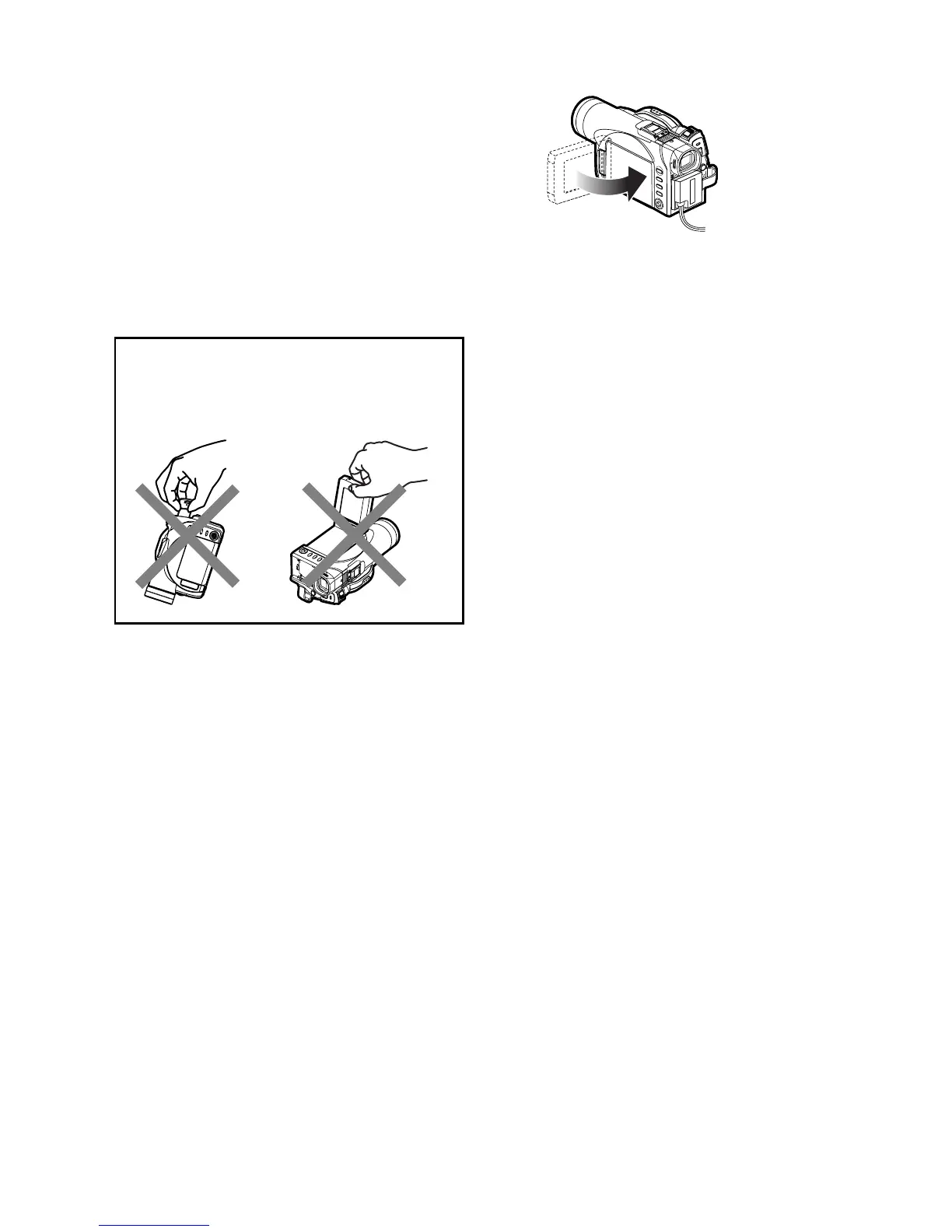
Closing LCD Monitor
Before closing the LCD monitor, be sure to reset it at a
right angle to the DVD Video Camera.
Close the LCD monitor, with the LCD screen facing
inward, until a click is heard.
Note:
• Be sure to return the LCD monitor to a right angles to the
DVD Video Camera before closing it. If the LCD monitor
is tilted or faces outward from the camera body, it cannot
be closed to the DVD Video Camera.
• If the LCD monitor is not securely locked to the DVD Video
Camera, no image will appear in the viewfinder.
Caution
:
Do not lift the DVD Video Camera by holding the
viewfinder or LCD monitor: If the viewfinder or LCD
monitor comes off, the DVD Video Camera will fall.














 To Next Page