26
3
Try to Record and Play Back Using Card (Photo)
Only photos can be recorded on card.
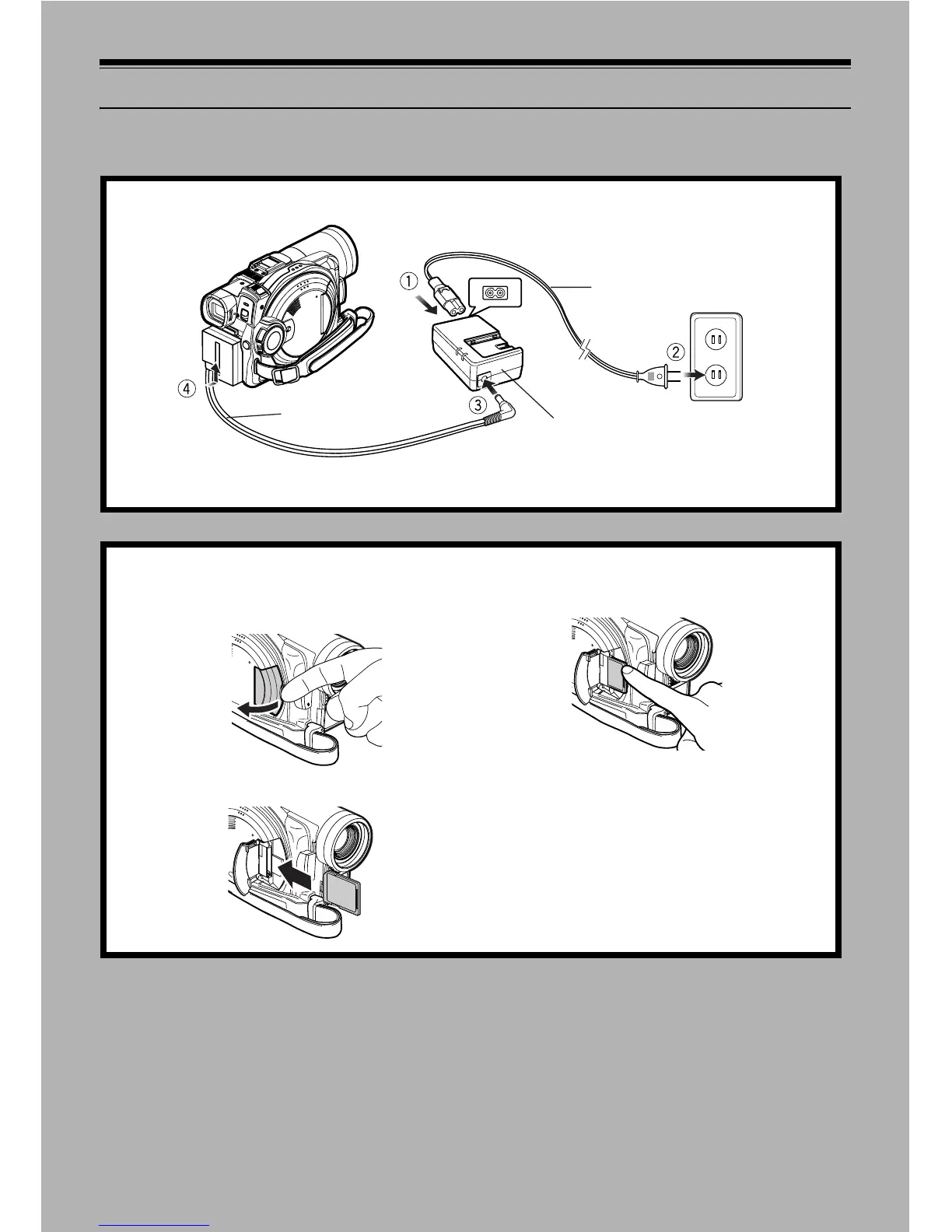
1 Connect power supply (P. 45).
Power cable
AC adaptor
DC cord
Connect them in sequence of the digits.
2 Insert a card (P. 49).
1. Open the cover of card insertion slot with power
turned off.
2. Put in a card.
3. Insert the card all the way until it locks.














 To Next Page