14
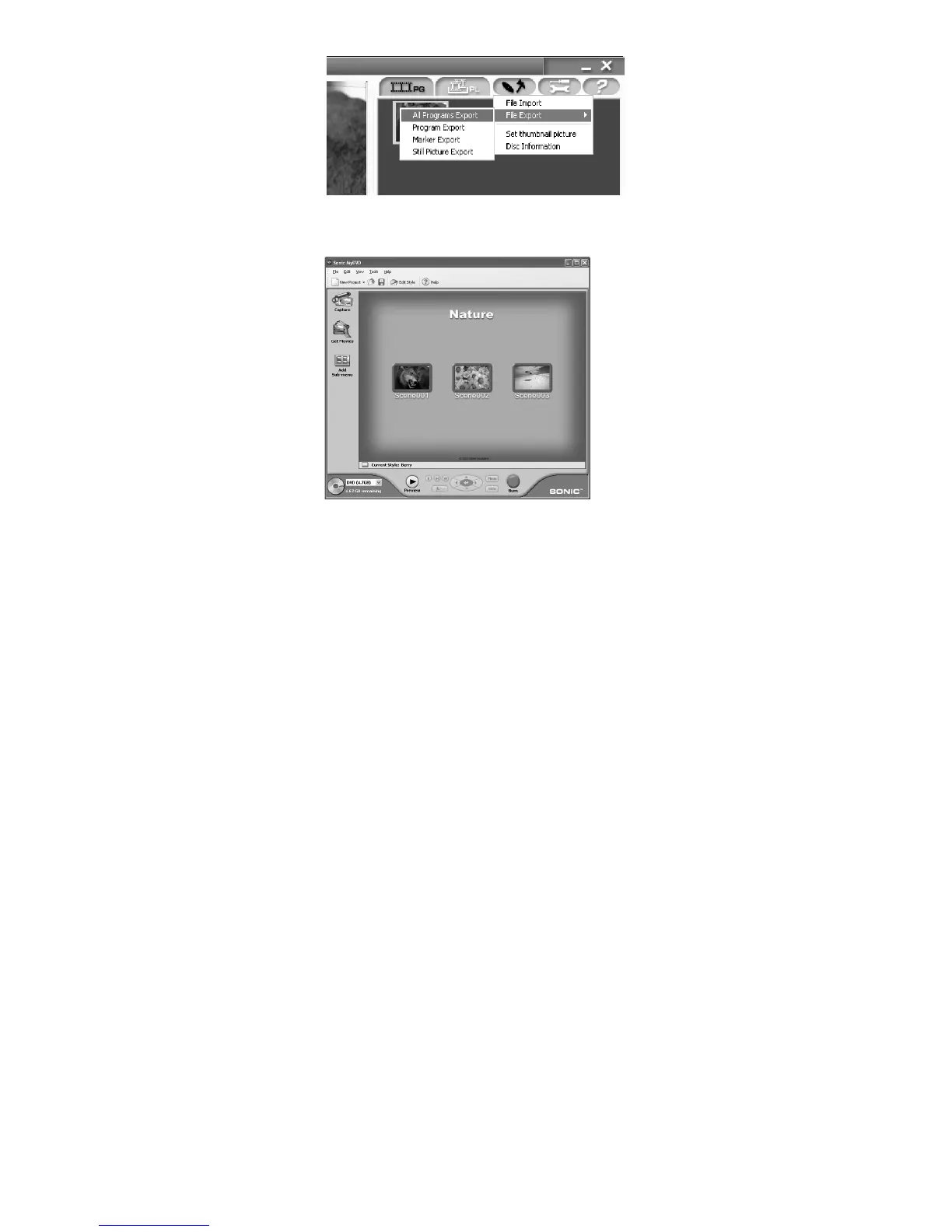
3 Export motion image data to PC using DVD-MovieAlbumSE.
4 MyDVD program will automatically start. (see page 142 for details)
5 Edit motion images and introduce interactive DVD menus using MyDVD Software.
6 Insert a new DVD-R disc into the DVD Video Camera.
• When making an original DVD-R disc using MyDVD software, a message for initialization appears on the
LCD of DVD Video Camera. Select “No” and then follow the instructions on the screen of your PC to make
the original DVD-R disc. Do not perform initialization on DVD Video Camera when using a DVD-R disc with
your computer.
7 Write motion image files to the DVD-R disc with MyDVD.
• Write edited motion images to an 8 cm DVD-R disc in this DVD Video Camera using MyDVD software.
Cautions for use
• When you are making a recording on a new DVD-R disc in your DVD Video Camera, you must initialize the disc
before recording motion images. DVD-RAM disc and Card do not require initialization.
• DVD-R discs are a one time write format; therefore when you write information to the DVD-R disc with
DVD-MovieAlbum or MyDVD, you cannot edit it again.
• When using DVD-MovieAlbum software on Windows
®
2000 Professional / XP Home Edition / XP
Professional, log on to your PC as Administrator or with a login name equally authorized. If you log on with
a login name other than Administrator, you cannot use DVD-MovieAlbum.
• Set the display resolution to 1024 ~ 768 (16 bits color) when using DVD-MovieAlbum.
Display Settings method as follows:
Select “Start” >> “Settings” (except Windows
®
XP Home Edition / XP Professional)>> “Control Panel” >> “Display”
and select “Settings” tab on “Display”, and then adjust “Screen Resolution” and “Color quality” to the above.
• MyDVD included in the provided CD-ROM does not contain the slideshows function. Therefore you can not
edit stills on MyDVD.
• Depending on the condition of your PC, it may take a long time to install the software.














 To Next Page