94
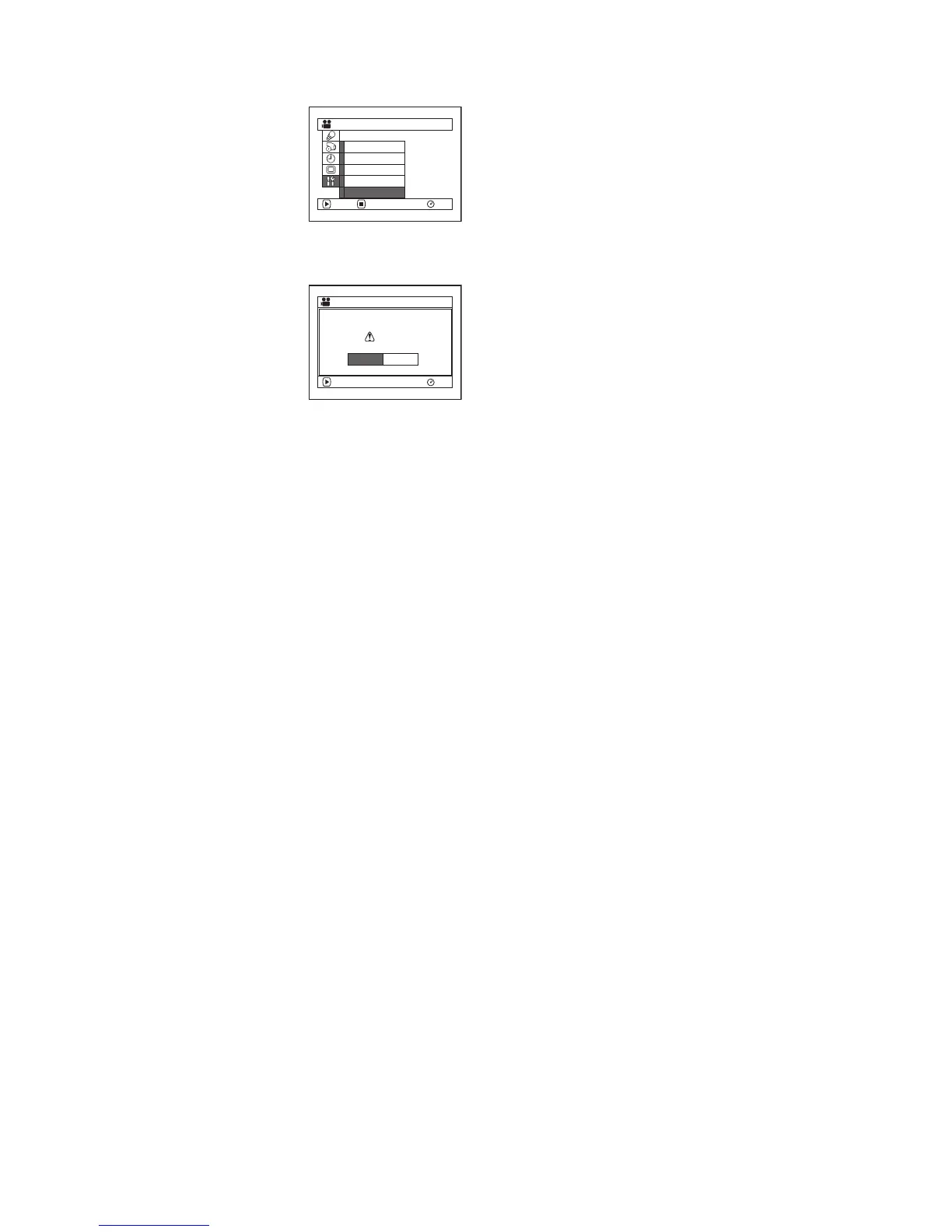
Resetting Menu Settings to Defaults (Reset)
You can restore menu settings to defaults [initial settings at the factory (P. 164)].
1 Press the MENU button,
choose “Reset” on the
“Initial Setup” menu screen,
and then press the A
button.
The screen for verifying
reset will appear.
2 If you are sure that you wish
to reset, use the joystick to
choose “YES”, and then
press the A button.
The settings have now been
reset to defaults.
3 Press the MENU button to end setting.
Note:
To cancel resetting midway, choose “NO” on the verification
screen in step 2 or press the g button.
Ini t ial Setup
RAM
ENTER RETURN
Record LED
Power Save
Beep
Reset
Language
ENTER
Reset?
Reset
YES NO
RAM














 To Next Page