87
3
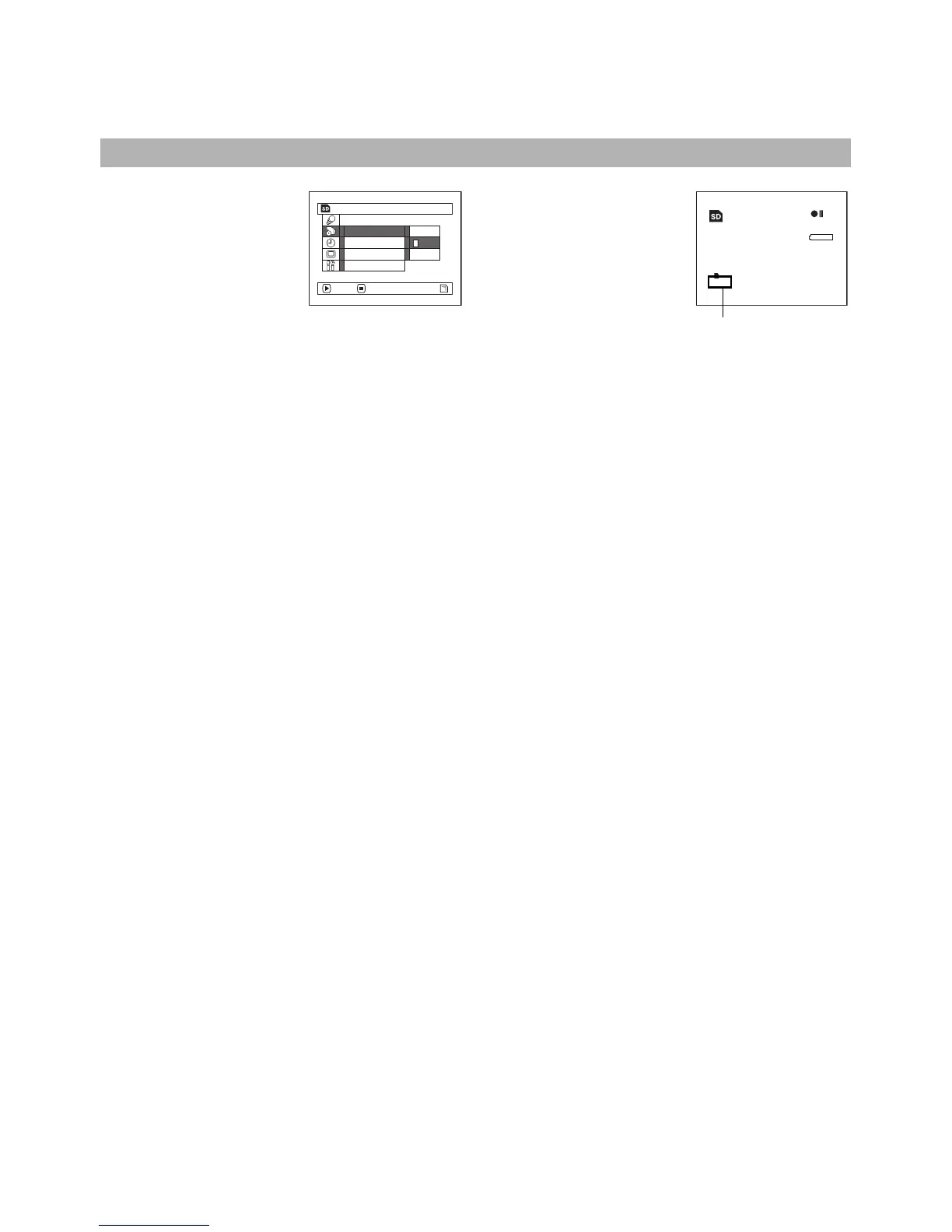
Switching Quality of Still Image (Quality)
You can switch the still recording quality only when using card.
1 Press the MENU button,
choose “Quality” on the
“Record Functions Setup”
menu screen, and then press
the A button.
2 Choose the option you want,
and then press the A button.
3 Press the MENU button to
end setting.
Note:
• The still quality setting will be stored in memory even
when the DVD Video Camera is turned off.
• “PHOTO Input” is displayed only when “Input Source” is
set to “LINE” or “S LINE” (VDR-M70PP only).
• “OSD Output” is displayed only when “Input Source” is set
to “CAMERA”.
It is recommended that you use “FINE” when recording vital images.
Record Funct i ons Setup
NORM
ECO
FINE
Quality
Sel f Timer
OSD Ou t p u t
Input Sou r ce
ENTER RETURN
999
REM
NORM
8 : 00AM
SEP
30
2004
Still recording quality














 To Next Page