137
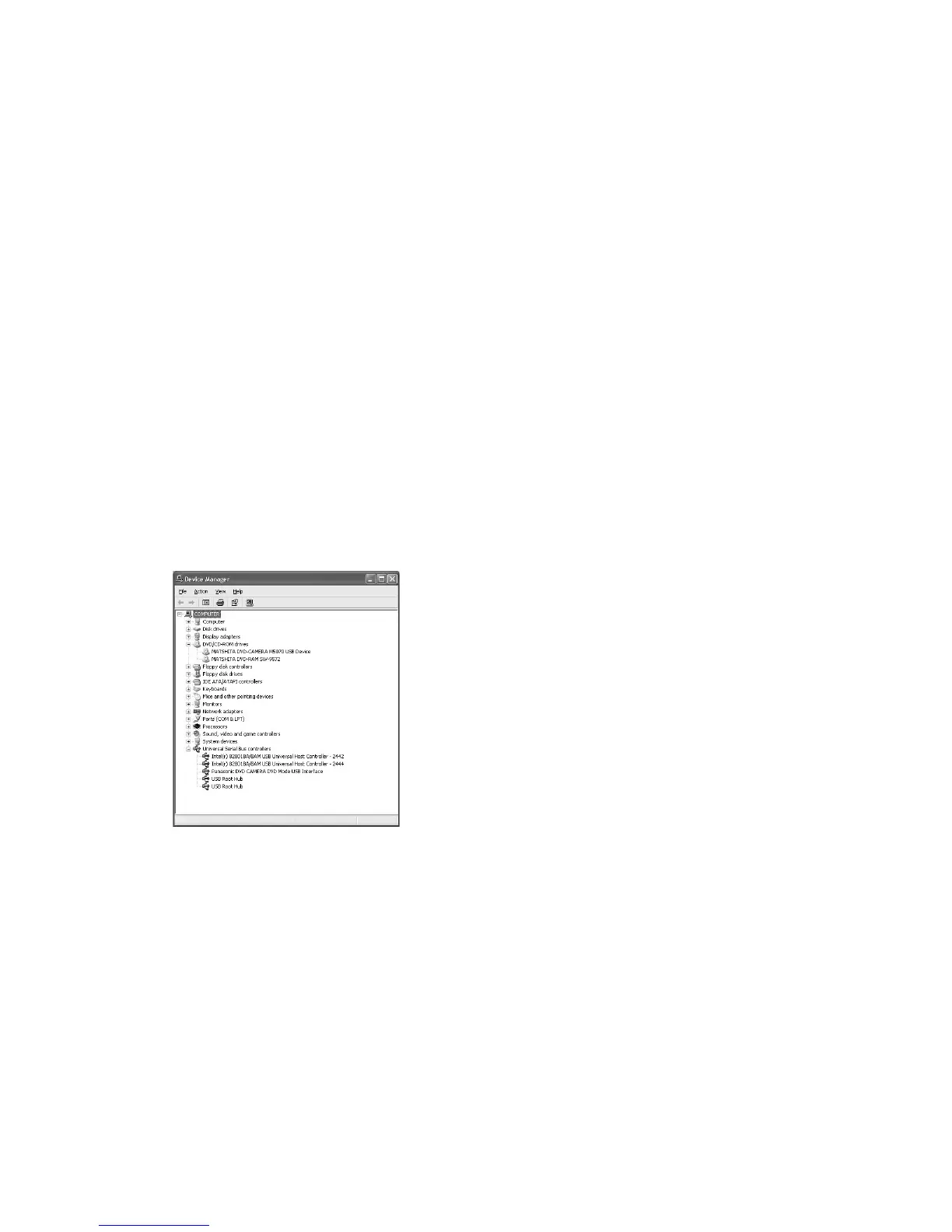
lTo confirm the installation of the USB Driver and the DVD-RAM Driver
You can check whether these installations have been completed successfully. Use the following procedure.
1 Process for getting to Device Manager as follows.
Windows
®
XP : Start - Control Panel - System -
Hardware - Device Manager
Windows
®
2000 : Start - Settings -Control Panel -
System - Hardware - Device Manager
Windows
®
Me/98 Second Edition : Start - Settings -
Control Panel - System - Device Manager
2 Click “Device Manager”. Verify that the following
items are listed on the screen.
When using disc:
•
“MATSHITA DVD-CAMERA M5070 USB Device”
under “DVD/CD-ROM drives” *
1
*1:When using Windows
®
98 Second Edition or Me,
“MATSHITA DVD-CAMERA M5070” is listed under
“CDROM” and “Disk drives” respectively.
• “Panasonic DVD CAMERA DVD Mode USB Interface”
under “Universal Serial Bus controllers”
When using card:
• “MATSHITA DVD-CAMERA M5070 USB Device”
under “Disk drives”
• “Panasonic DVD CAMERA SD Mode USB Interface”
under “Universal Serial Bus controllers”
Example for using disc














 To Next Page