SmartNode 200 overview 20
SmartNode 200 User Manual 2 • General information
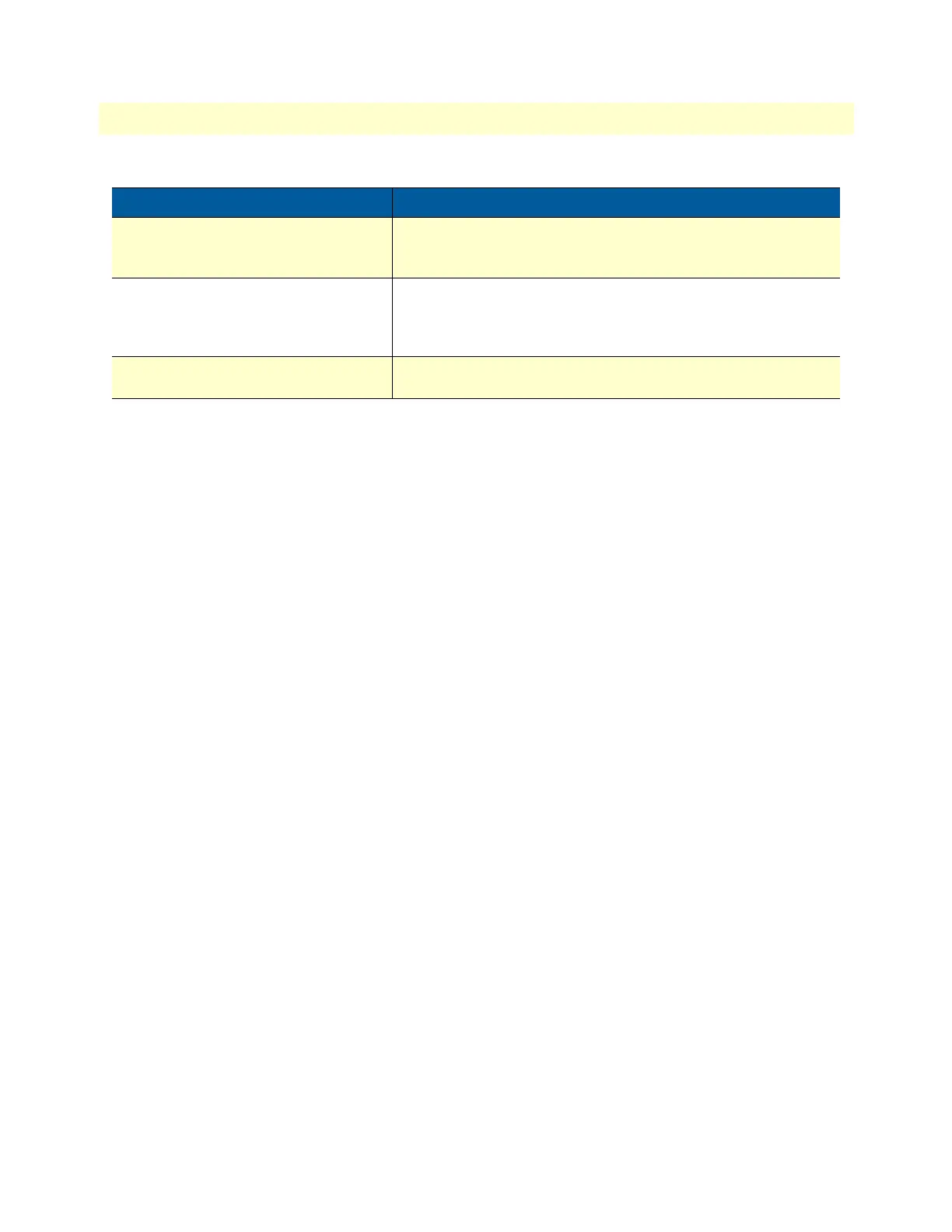
Status LED
(SN200/2JS2V/EUI and SN200/4JS4V/
EUI only)
Blinks during bootup phase and goes solid-green afterwards.
The LED also blinks (faster) during provisioning and firmware
update.
Voice Ports & Phone LED:
FXS 0/0–FXS 0/3
• Off when no ongoing or ringing call
• Fast blinking when in state ringing
• Slow blinking when off-hook or in call
Reset Button
(SN200/1JS1V/EUI, not labeled)
The reset button has several functions, as described in appendix
F, “Reset Button Functions” on page 53.
Table 2. SN200 LED and Button Definitions (Continued)
LED/Button Description


 To Next Page