Planning the Installation 25
SmartNode 200 User Manual 4 • SmartNode Installation
Planning the Installation
Before installing the SmartNode device, the following tasks should be completed:
• Create a network diagram (see section “Network information” on page 25)
• Gather IP related information (see section “IP related information” on page 25 for more information)
• Install the hardware and software needed to configure the SmartNode device. (See section “Software tools”
on page 26)
• Verify power source reliability (see section “Power source” on page 26).
When you finish preparing for SmartNode device installation, go to section “Installing the SmartNode device”
on page 26 to install the device.
Site log
Patton recommends that you maintain a site log to record all actions relevant to the system, if you do not
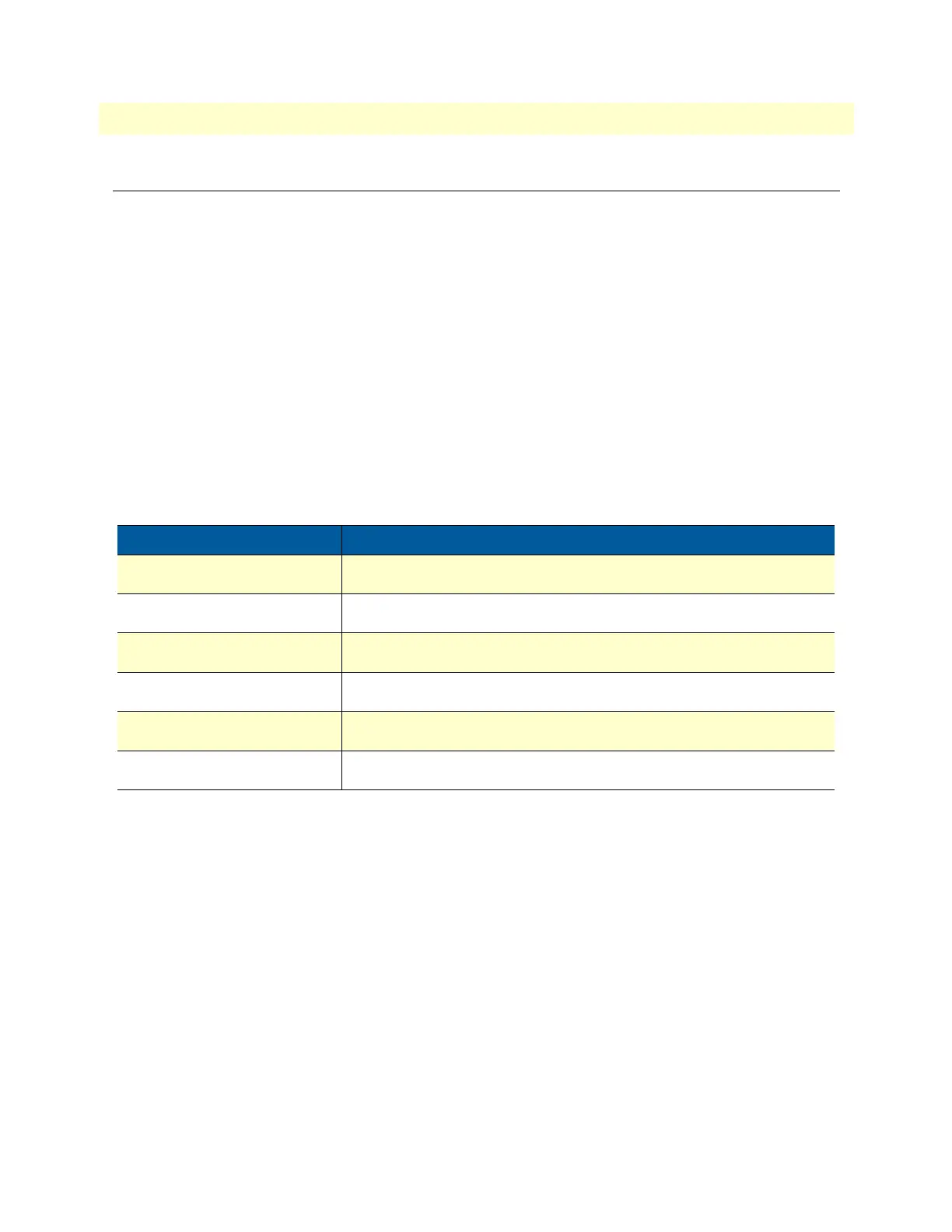
already keep such a log. Site log entries should include information such as listed in
table 3.
Network information
Network connection considerations that you should take into account for planning are described for several
types of network interfaces in the following sections.
Network diagram
Draw a network overview diagram that displays all neighboring IP nodes, connected elements and telephony
components.
IP related information
Before you can set up the basic IP connectivity for your SmartNode device you should have the following infor-
mation:
• IP addresses used for Ethernet LAN port
• Subnet mask used for Ethernet LAN port
Table 3. Sample site log entries
Entry Description
Installation Make a copy of the installation checklist and insert it into the site log
Upgrades and maintenance Use the site log to record ongoing maintenance and expansion history
Configuration changes Record all changes and the reasons for them
Maintenance Schedules, requirements, and procedures performed
Comments Notes, and problems
Software Changes and updates to Trinity software


 To Next Page