User Manual PEAK INSTRUMENTS INC
14
III. Key Definitions and Basic Operations
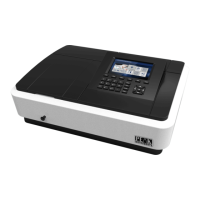
1. Panel schematic diagram
2. Button function descriptions
Button name Button functional description
【MENU】 Menu key under each function
【PRINT】 Print output button
【SAVE】 File storage button
【LOAD】 File open button
【ESC】 Back, cancel button, test stop button
【CLEAR】 Clear key to delete the input data, delete files
【GOλ】 Set the wavelength
【ZERO】 Adjust 100%T and 0Abs, build user baseline key
【OK】 Confirmation button, function, menu selection button
【START】 Test beginning button


 To Next Page
 Loading...