User Manual PEAK INSTRUMENTS INC
31
6.2. Set parameter
6.2.1. Set the number of wavelength measurement
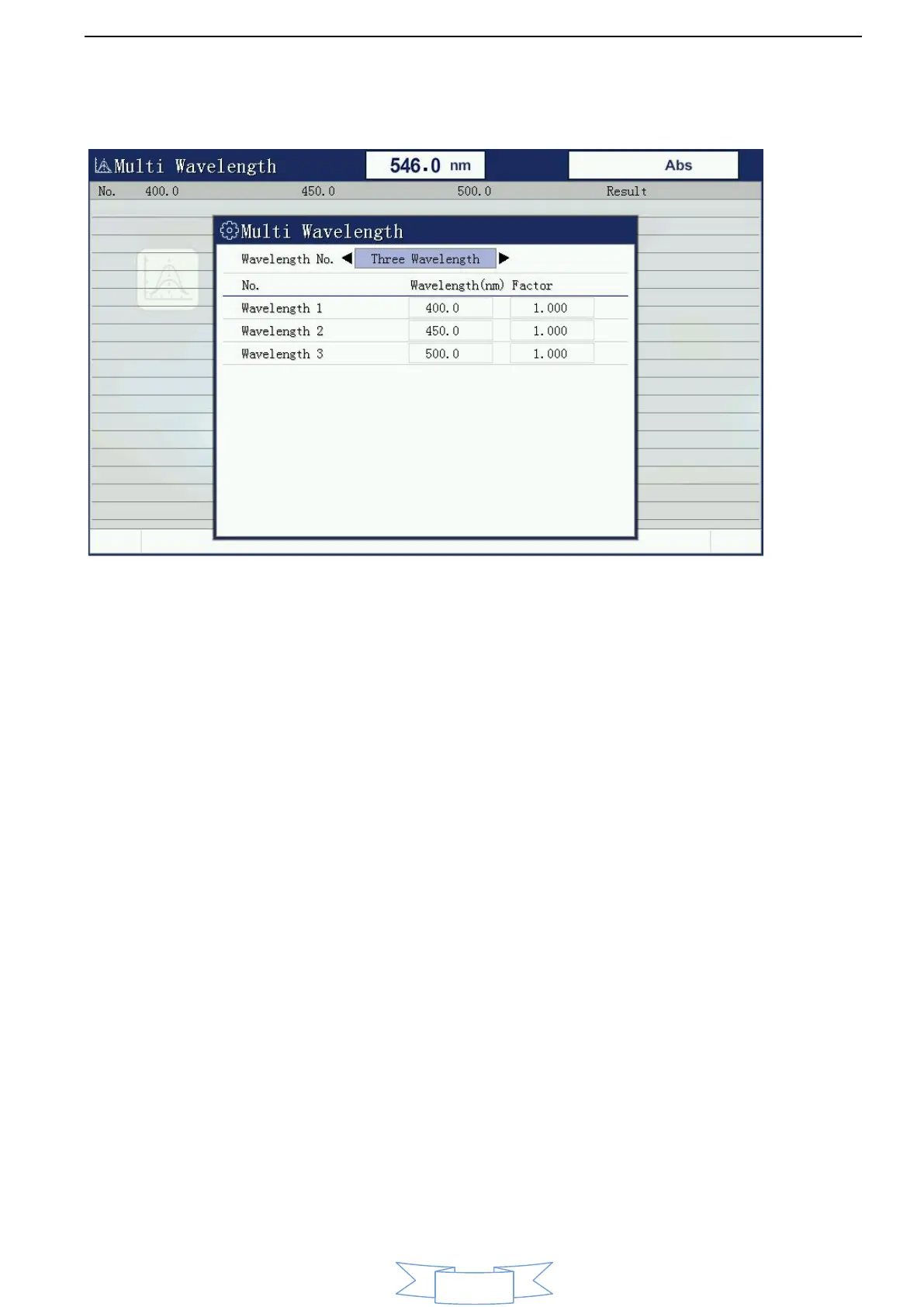
When you select a multi-wavelength test capability will be prompted to enter the
number of the instrument wavelength.
6.2.2. Set test wavelength
After setting the number of wavelengths measuring wavelength will enter the
setup interface, this interface input wavelength values of all measured using the
number keys, lost a good point [ENTER] after confirming then lose the next one,
until all shall be measured wavelengths losers.
6.3. Correction 100%T/0Abs
After these parameters are set, place two reference solution for both
colorimetric anti-tank, and then press the [ZERO] key, the instrument will go to
pre-school set a good few wavelengths were blank, went after the end of the
prior setting the minimum wavelength, and displays 100.0% T or 0.000Abs.


 To Next Page
 Loading...