SGM700 Digitizer
Configuration Menu -FIL-
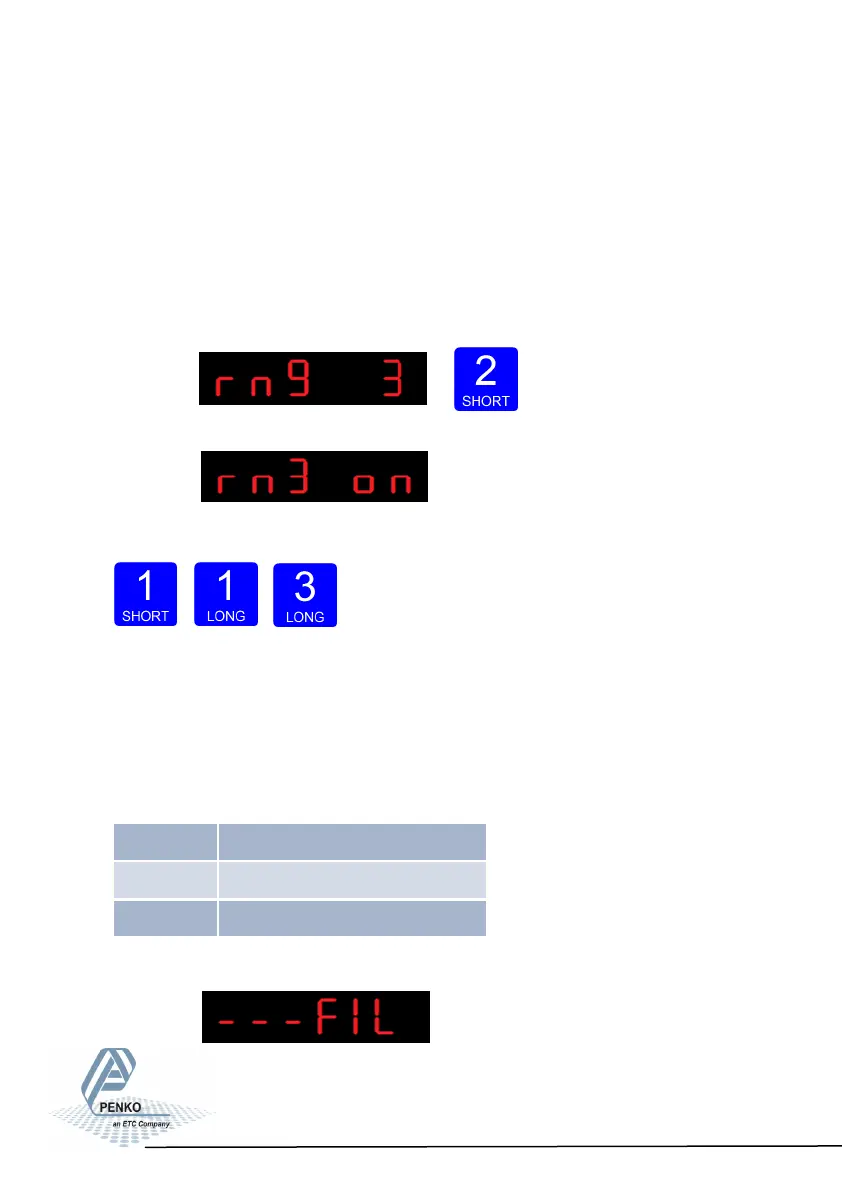
In rng 3 you set the auto range reset option. Choose between:
oF: Multi Range = the highest shown step size will be reseted after the signal has
been lower or equal to zero
on: Mulit Interval = the highest shown step size will be reseted after the signal
reaches the previous range.
To change the auto range reset option press key 2 < 2 sec.
The following screen is vissable:
Use key 1 change the reset option. Confirm by pressing key 3 for >2 sec.
Up Down Confirm
6.9 - - FIL Filter settings
In this menu, the filter settings can be set. The display filter will damp the weigh-
er signal to the display to get a calm display view.
Options are:
Press key 2 <2 sec to enter the filter settings.
49
FIL 1 Display lter band
FIL 2 Display lter factor
FIL 3 Zero suppressing



 To Next Page