SGM700 Digitizer
Configuration Menu -dSF-
6.10 - - - dSF Digital filter settings
In this menu, the digital filter settings can be set. This filter is a 2
nd
order filter.
The filter effects all signals up to and including the cutoff frequency. Options are:
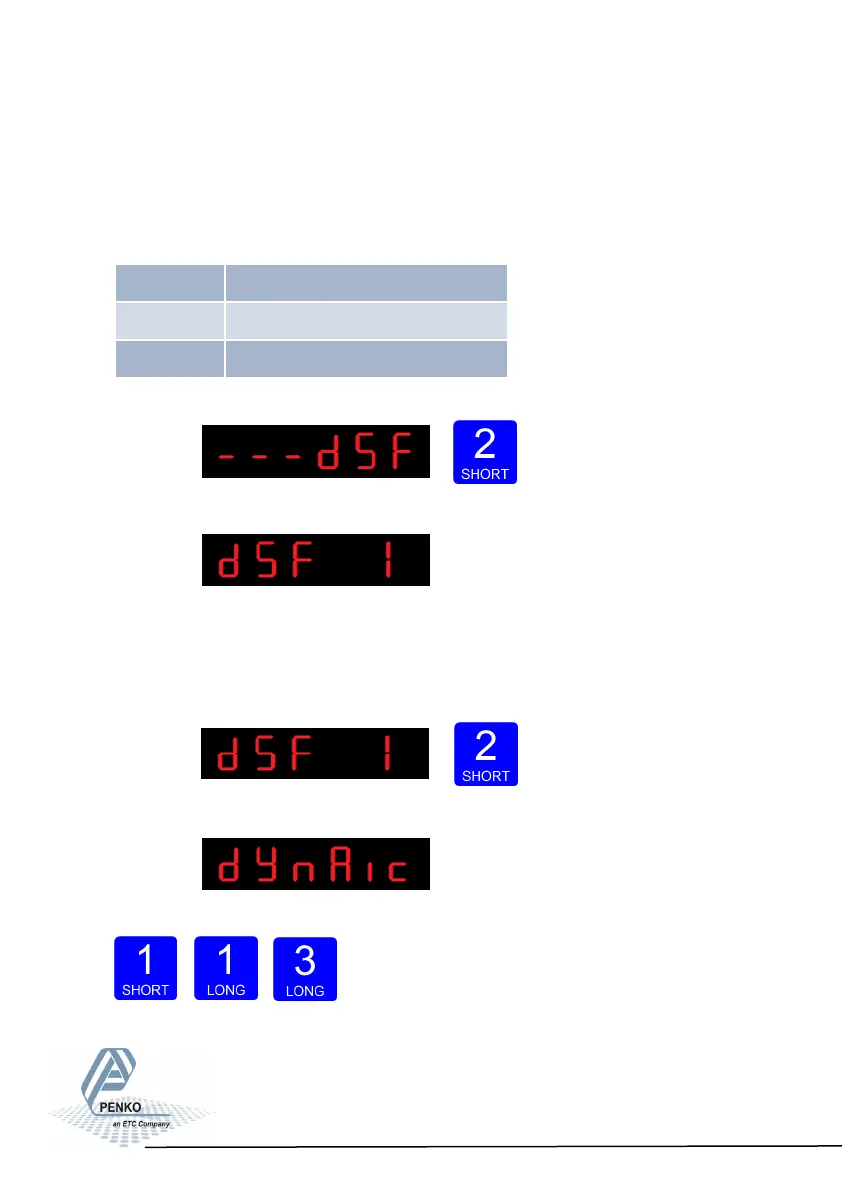
Press key 2 <2 sec to enter the digital filter settings.
The following screen is visible:
In dSF 1 you can set the filter type.
Choose between None, Dynamic and Static. Dynamic application = used when
the weighing signal is constantly changing. Static application = used when the
weighing signal is stable . Press key 2 <2 sec. to change the filter band.
The following screen is visible:
Use key 1 change the filter type. Confirm by pressing key 3 for >2 sec.
Up Down Confirm
52
dSF 1 Filter type
dSF 2 Cuto frequency
dSF 3 Moving average cuto frequency



 To Next Page