109
3
Taking Pictures
When [Auto Macro] is on, the focus is adjusted to the macro range
(distance to the subject is 10 cm to 60 cm) as necessary, even if the
focus mode setting is AF (Standard).
When it is off and the focus mode is set to Standard (=), the AF
operates only in the standard range, and focusing is not done in the
macro range.
When the focus mode is set to Macro or 1cm Macro, the focus is only
adjusted in the respective macro range and is not done in the standard
range.
4
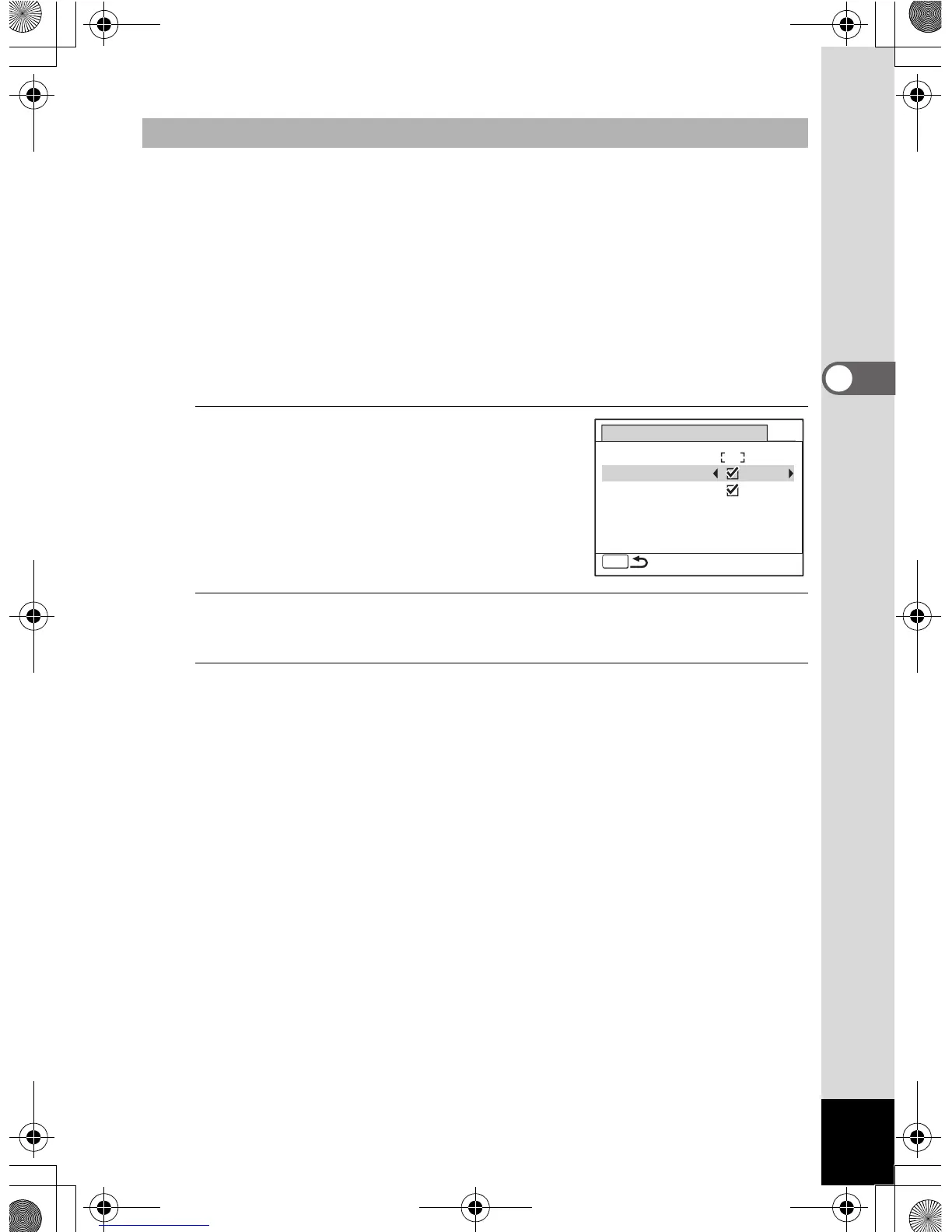
Use the four-way controller (23)
to select [Auto Macro].
5
Use the four-way controller (
45
) to select [
O
(On)/
P
(Off)].
The setting is saved.
6
Press the 3 button twice.
The camera returns to capture mode.
Setting the Auto Macro
MENU
Auto Macro
Focus Assist
Focusing Area
AF Setting
e_kb485.book Page 109 Friday, July 3, 2009 9:18 AM














 To Next Page