110
3
Taking Pictures
The AF assist light aids in focusing on dark subjects. This helps you to
focus on the subject in low light conditions where auto focus does not
work properly.
4
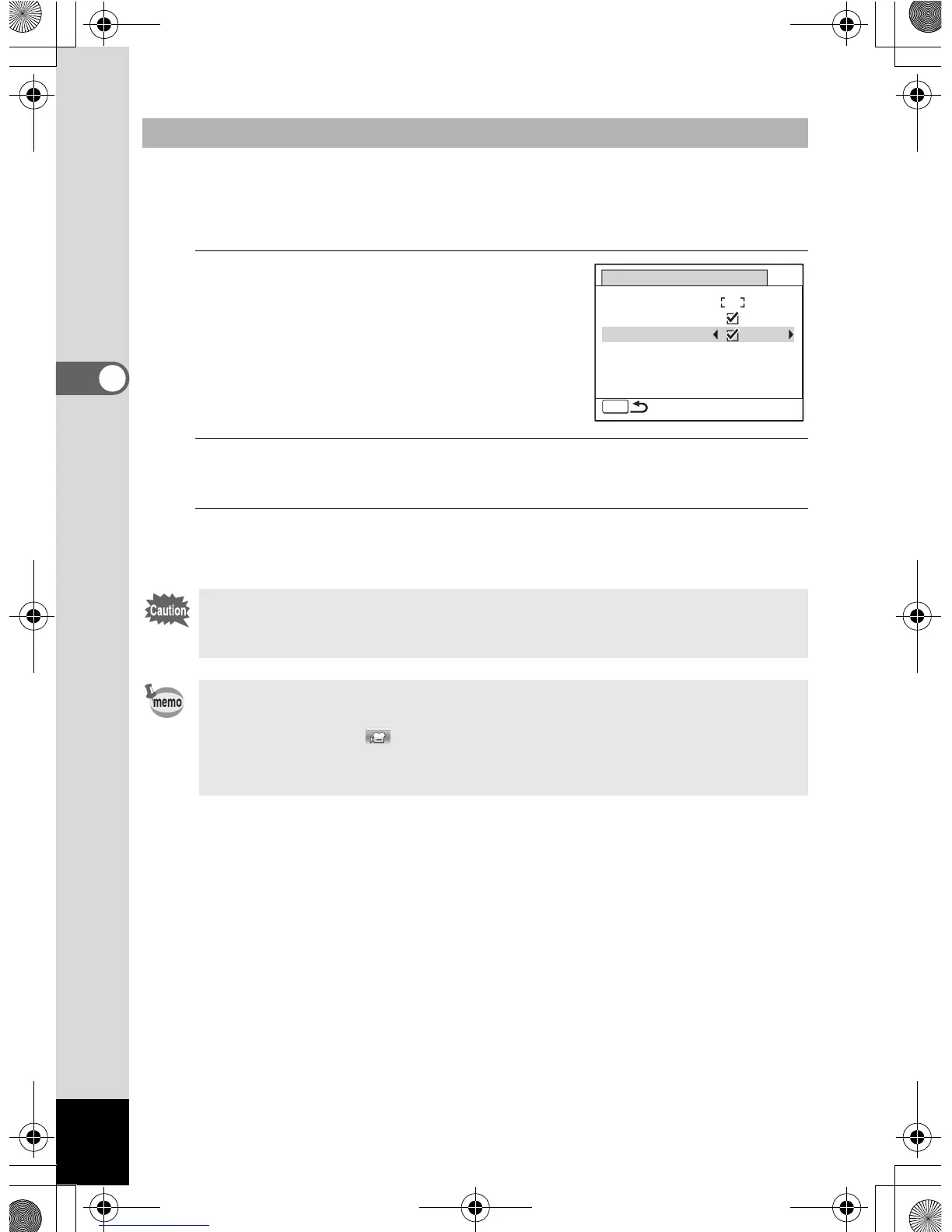
Use the four-way controller (23)
to select [Focus Assist].
5
Use the four-way controller (
45
) to select [
O
(On)/
P
(Off)].
The setting is saved.
6
Press the 3 button twice.
The camera returns to capture mode.
Setting the = Assist Light (Focus Assist)
Looking at the light directly will not create a safety hazard. However, do
not look into the emitter from a very short distance since you may feel
dazzled.
The camera does not emit the Focus Assist light under the following
conditions.
•In C (Movie) or (Underwater Movie) mode
• When the focus mode is set to 3 (Pan Focus), s (Infinity) or z
(Manual Focus).
MENU
Auto Macro
Focus Assist
Focusing Area
AF Setting
e_kb485.book Page 110 Friday, July 3, 2009 9:18 AM














 To Next Page