2023-11
106
VisuNet FLX System
Maintenance, Cleaning and Disposal
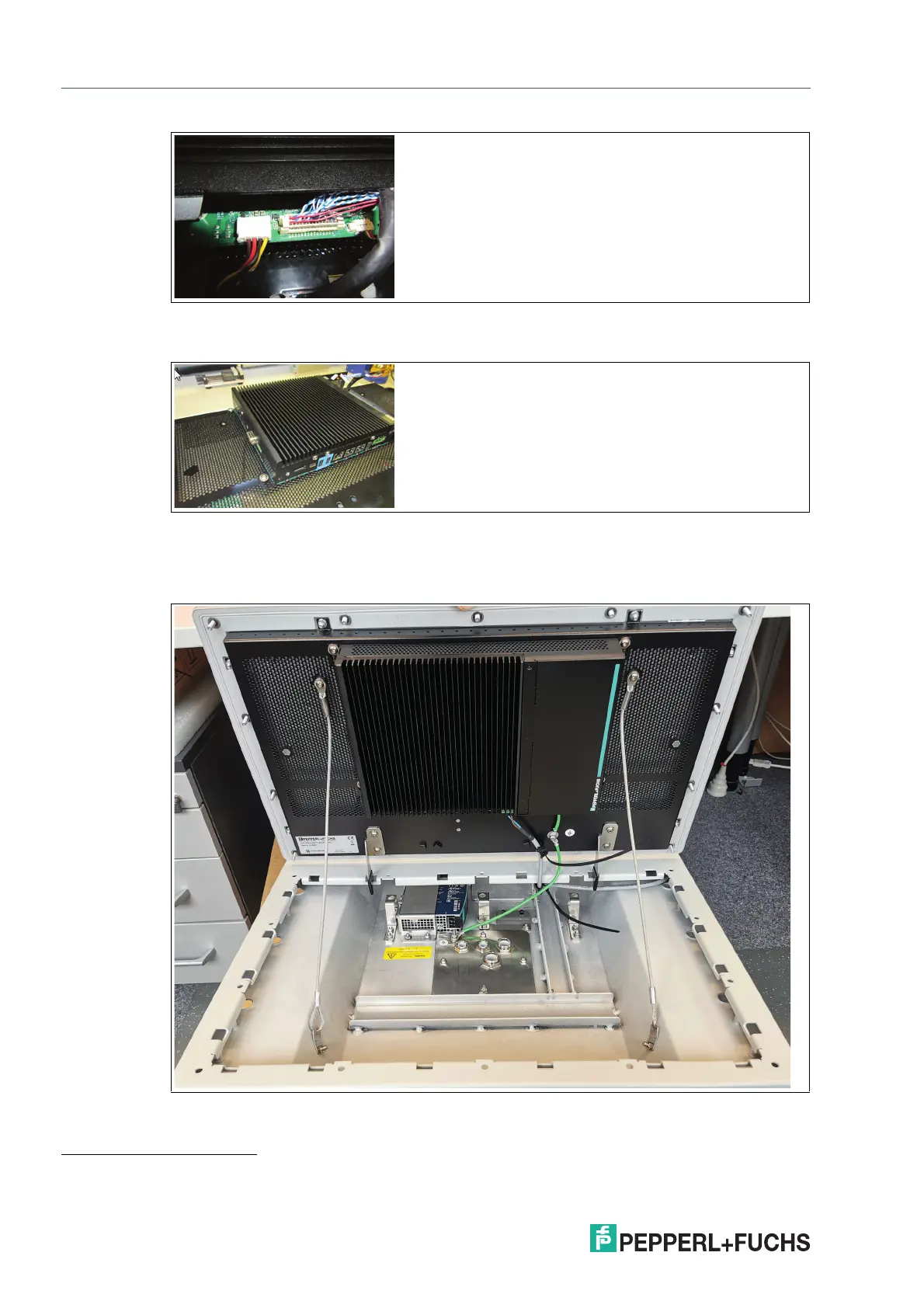
Figure 8.2
4. Remove all 4 screws from the back of the BPC3200-*/DMU3200-* and take it off the DPU
1
.
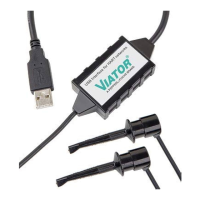
Figure 8.3
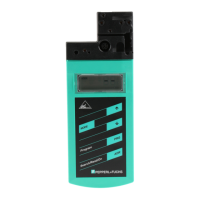
5. To simplify replacement of the DPU, temporarily hold the BPC3200-*/DMU3200-* in place
using cable ties. Put cable ties through both mounting holes at the top-left and top-right
corners, and hang the BPC3200-*/DMU3200-* from the top of the housing frame.
Figure 8.4
1. Use a torque of 4 Nm for tightening the 4 screws of the computer unit when these steps are performed in reverse order.


 To Next Page