2023-11
44
VisuNet FLX System
Mechanical Installation
4.8 Closing the AG-3200-* Housing
Required Tools
• Socket wrench with slotted screwdriver bit
Procedure
1. Slowly lift the DPU into an upright position until the bolts touch the inner frame of the housing.
2. Lift the display, so that the hooks are positioned behind the housing frame.
3. Press the DPU and housing together at the top end of the system. From the back of the
housing, place one threaded sleeve in the hole at the upper-left corner and one threaded
sleeve in the hole at the upper-right corner of the housing.
4. Tighten the two threaded sleeves with a torque of 4 Nm.
5. Repeat the previous step with all other threaded sleeves, following a diagonal pattern.
6. Screw the screws with the seal into the housing.
7. Tighten them all up with a torque of 2 Nm.
Note
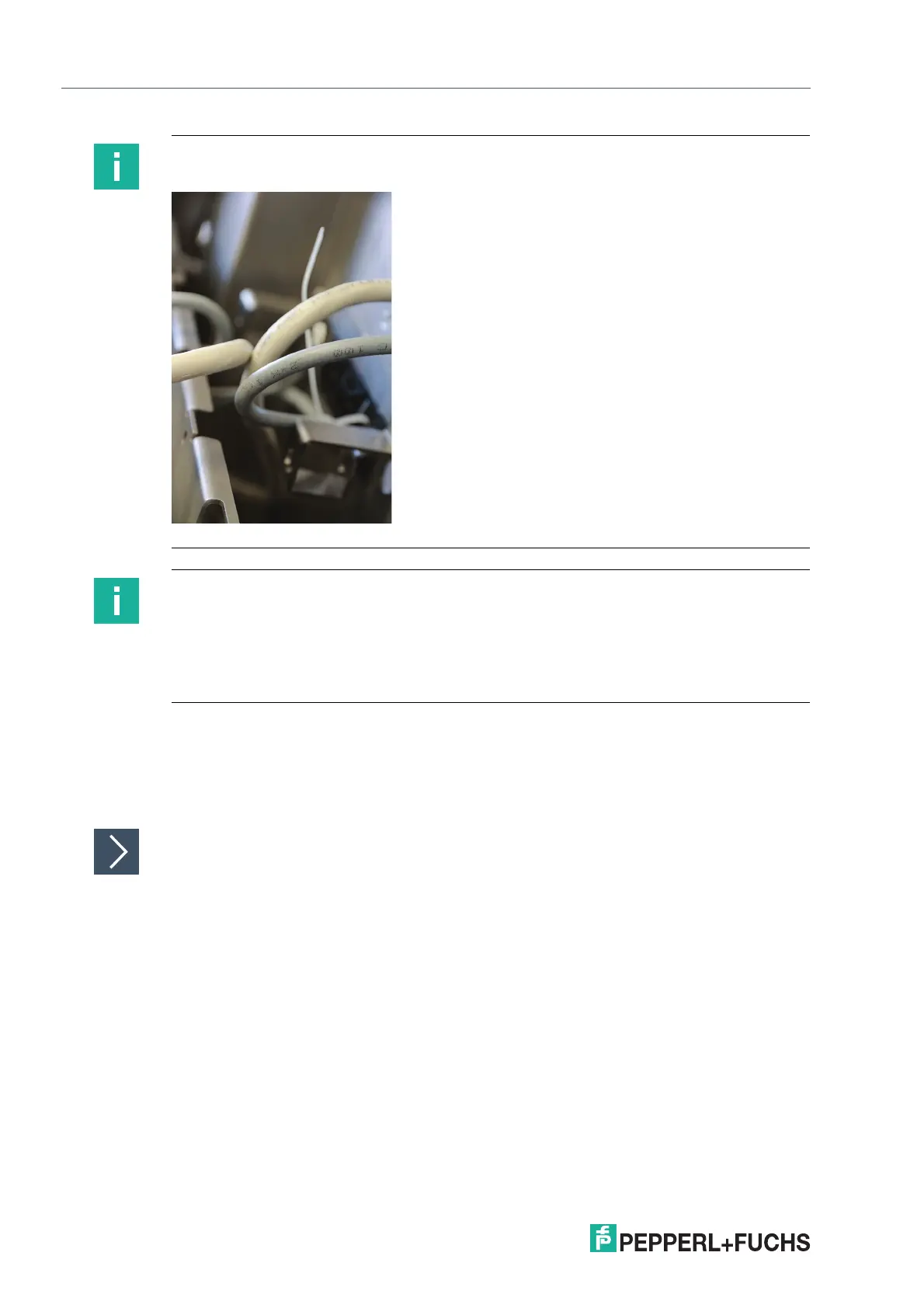
Cables must be long enough to pull in a loop, before fixation.
Figure 4.18
Note
For detailed information on the equipotential bonding of the device refer to chapter
Equipotential Bonding.
For detailed information on connecting the installed cables to system refer to chapter
Interfaces of the system.
For detailed information on the different interfaces refer to the BPC3200-* manual.


 To Next Page