2023-11
40
VisuNet FLX System
Mechanical Installation
Installing Cables
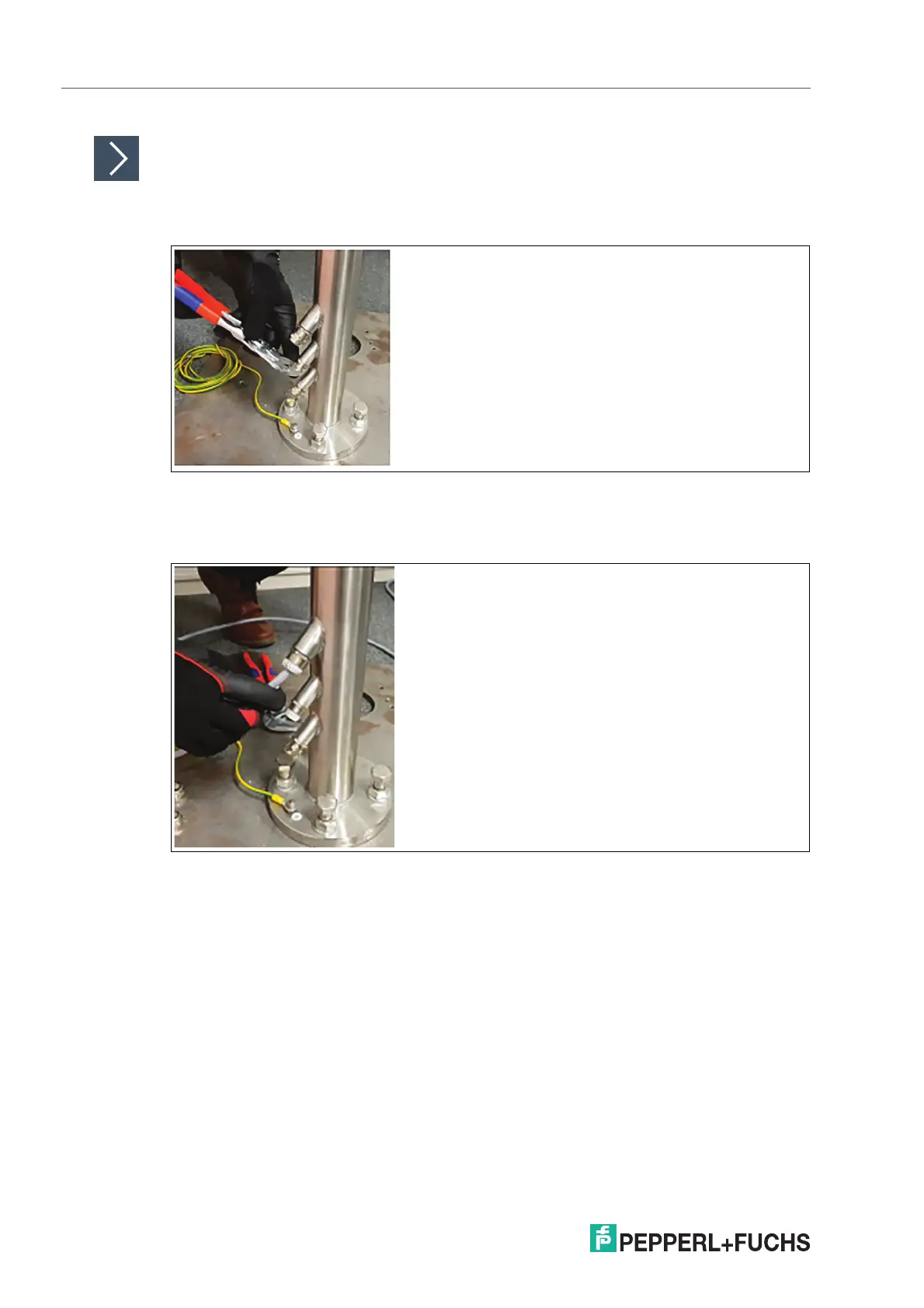
1. Based on how many cables and openings are required (i.e., power and Ethernet), remove the
appropriate number of cable glands at the bottom of the pedestal.
Figure 4.13
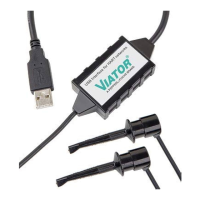
2. Put the gland nut and ferrule of the cable gland on the cable and slide them a few meters down
the length of the cable away from the pedestal. Keep the nut and ferrule on the cable. They are
tightened in a later installation step
Figure 4.14
3. Feed the pull wire (thin, 2.5-m-long wire for pulling cables through pedestal) through the top of
the pedestal and out the appropriate cable entry.
4. Attach the cable to the pull wire.


 To Next Page