Instruction manual for use and maintenance
for WM1L/S WM1L/S-M WM1L/E Single
head machines
File: 1927.doc - 25/01/02 11:55
32
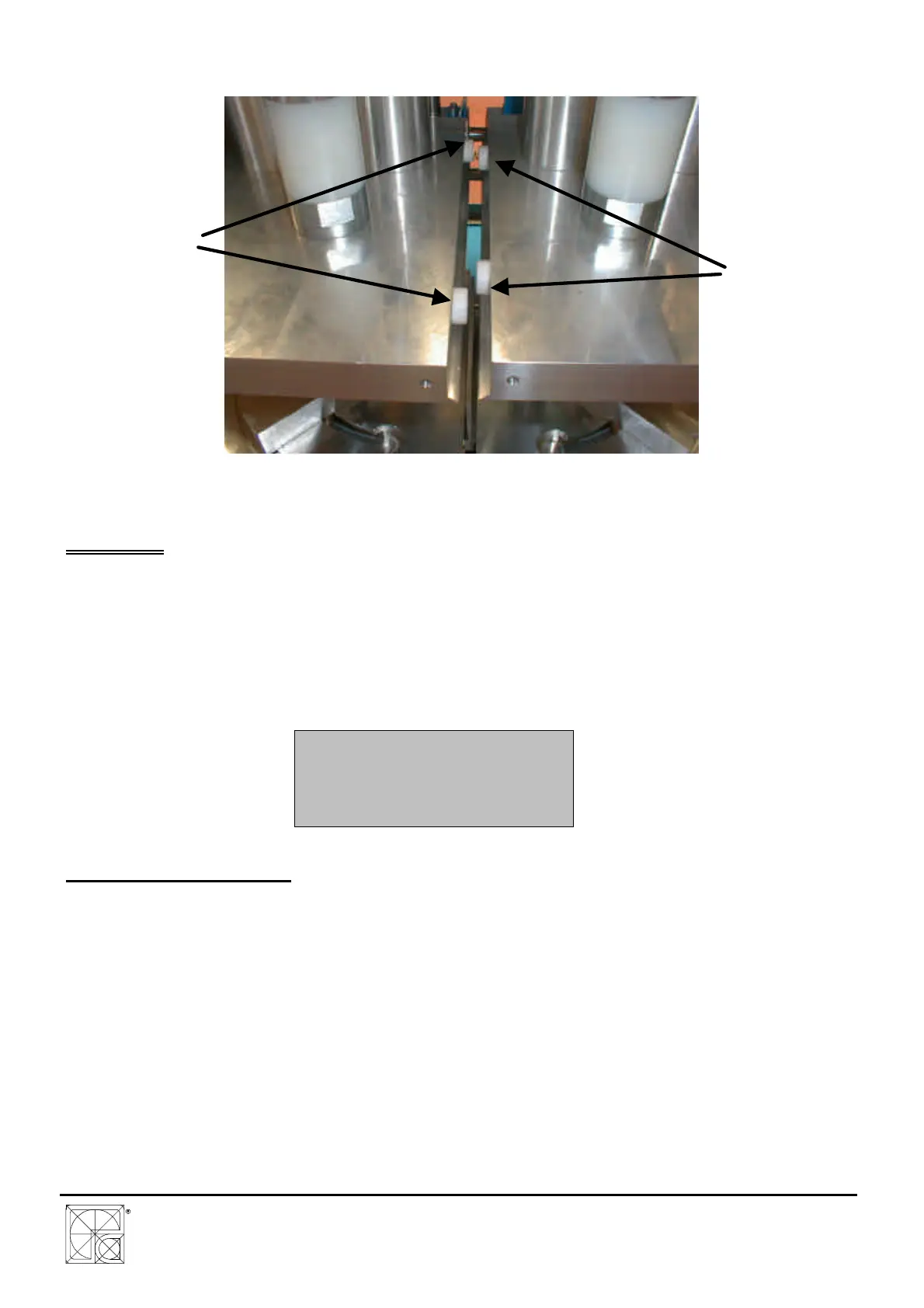
- N. 4 - Mechanical stop lengths for fusion (3)
DWG.A1.25
SERVIZI
This menu contains various options for the machine setup.
From the main menu, pressing key HELP, the display shows:
1 – PLATE CLEANING
2 – TEFLON REPLAC.
3 – PROTECT. MENU
4 – RESET MEMORY
9.1 – PLATE CLEANING
To clean the heating plate (if PVC rests have been left on the teflon) press 1
- Press then, at the same time, push buttons P1 + P2.
- The plates lowers and stops in working position.
At this point it is possible to remove the PVC rests from the Teflon cloth.
ATTENTION: THE HEATING PLATE HAS A VERY HIGH TEMPERATURE (ABOUT 250°)
ALWAYS USE SUITABLE GLOVES TO PROTECT THE HANDS FROM BURNS. TAKE
ALSO THE UTMOST CARE DURING THIS OPERATION.



 To Next Page