For quick access from the main screen, configure a function key to [METHOD] (see chap-
ter “Function keys”).
By default, the leak detector is set to work in a hard vacuum test, in the most sensitive test
mode: this setting meets the majority of users’ needs.
8.2.2 Test mode
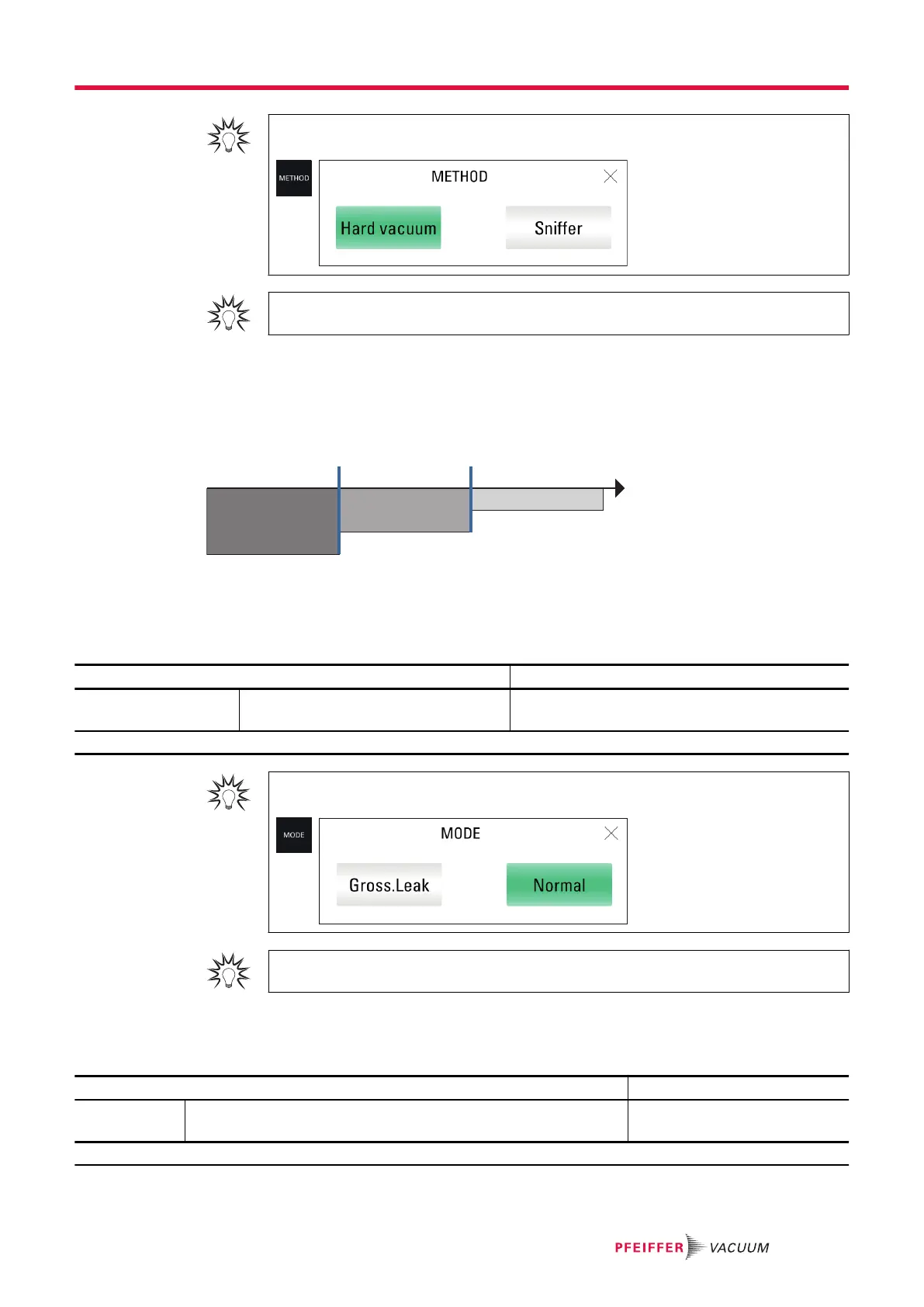
This menu lets you to select a test mode with the hard vacuum test method.
The leak detector will automatically switch to the test mode selected when the internal pressure reaches
the crossover set point (see chapter “Crossover pressures”).
A Roughing C Normal mode
B Gross Leak mode
1 Set point for switching to Gross Leak mode 3 Pressure
2 Set point for switching to Normal mode
Access: Menu [Test] [Mode]
Choice - Setting limit
1)
Mode To be selected Gross Leak
Normal
1) Initial setting: see chapter “Tree diagram to the Settings menu”
For quick access from the main screen, configure a function key to [MODE] (see chapter
“Function keys”).
By default, the leak detector is set to work with 'hard vacuum' test method and 'normal' test
mode: this setting meets the majority of users’ needs.
8.2.3 Type of probe
This menu is used to select the sniffer probe mode used in sniffer (see chapter “Accessories”).
Access: Menu [Test] [Probe type]
Choice - Setting limit
1)
Probe type To be selected
Standard sniffer probe: model with rigid nozzle only
Standard
Smart
1) Initial setting: see chapter “Tree diagram to the Settings menu”
Settings menu
61/108



 To Next Page