Access: Menu [Configuration] [Sound Volume] Choice - Set-
ting limit
1)
Detector min.
sound
To be enabled
The minimum detector sound defines a minimum level for sounds (see 'Detector' pa-
rameter).
1 - Sound range (1–9)
2 - Possible settings range for the sound level (see 'Detector' parameter)
x - Minimum detector sound set: no sound will be below x.
Enabled
Disabled
To be set
The ‘Detector’ parameter values are automatically corrected if the minimum detector
sound is greater than the set values.
The ‘Detector’ parameter values are retained if the minimum detector sound is lower
than the set values.
1 – 9
1) Initial setting: see chapter “Tree diagram to the Settings menu”
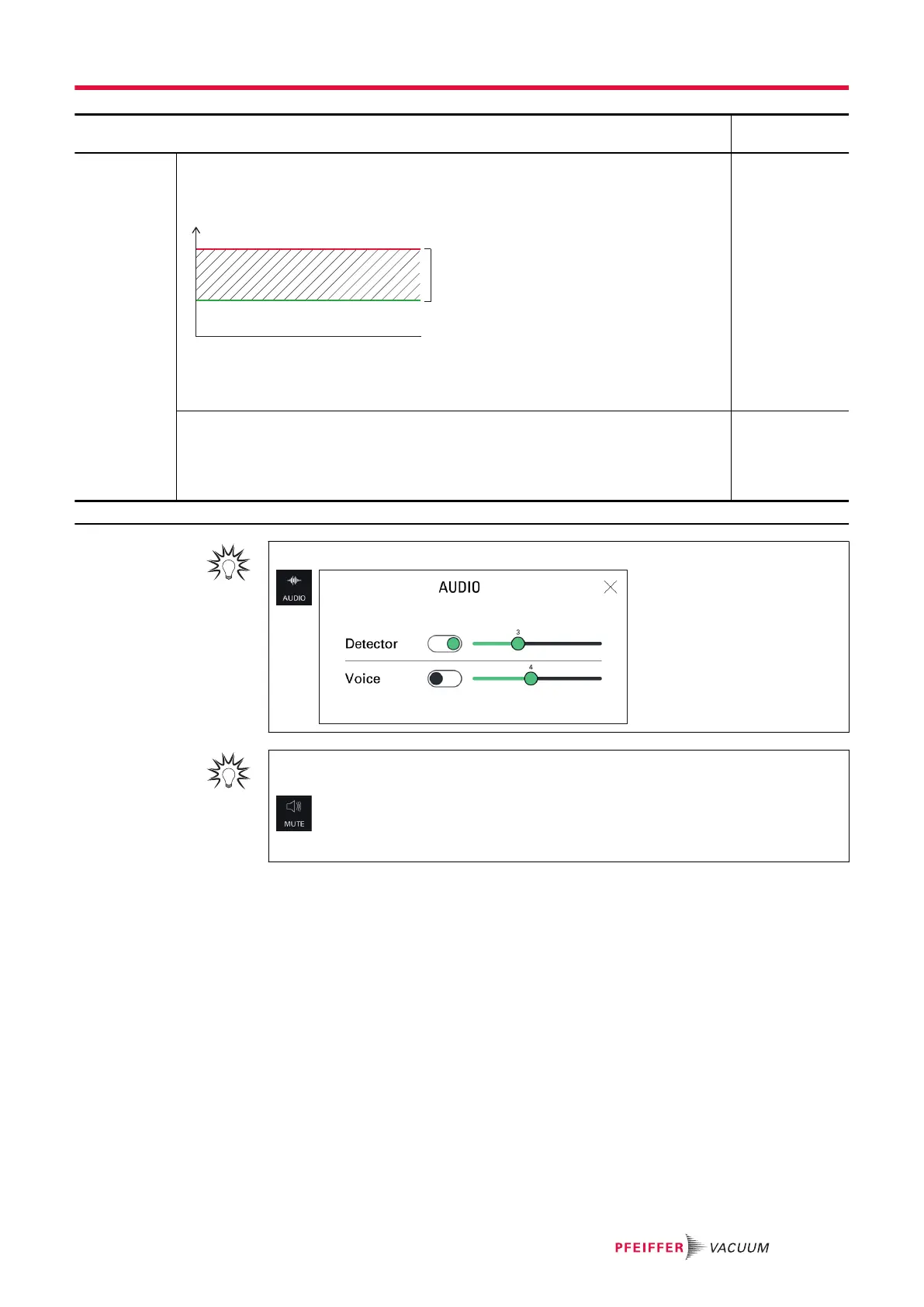
For quick access from the main screen, use the [AUDIO] function key.
To quickly turn off the sound of the detector and the sniffer probe, use the [MUTE] function
key.
The red cross on the pictogram indicates that the "Mute" function is enabled.
8.3.3 Function keys
The function keys are is used to view settings, access a menu (shortcut) or start a direct action.
An enabled function key is available in the function keys bar (see chapter “Function keys bar”).
Settings menu
71/108



 To Next Page