1.3 Conventions
1.3.1 Pictographs
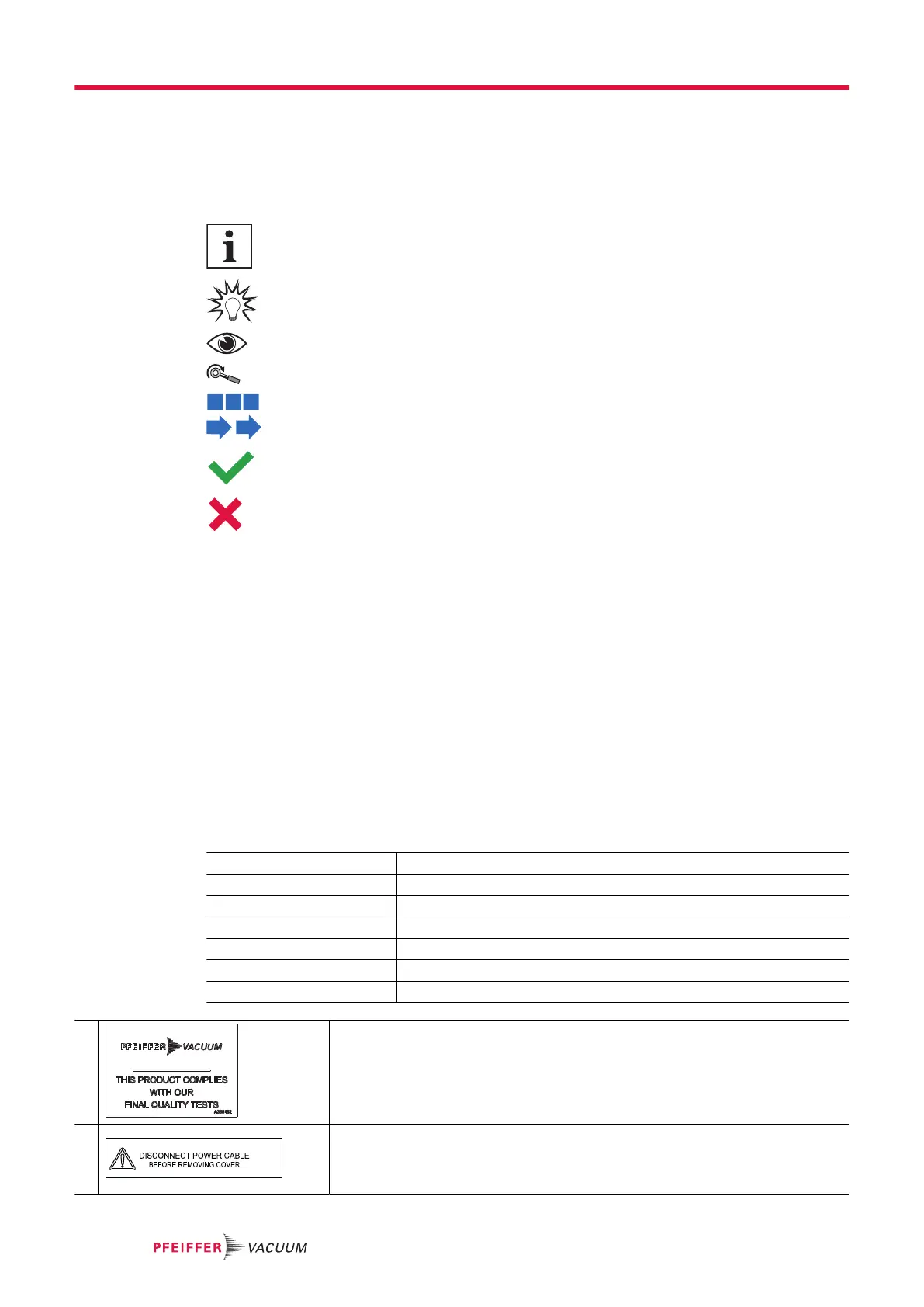
Pictographs used in the document indicate useful information.
Note
Tip
Check a key point on the graphic.
Apply the stated tightening torque.
Respect the chronological order of operations and/or assembly/disassembly direction.
Correct, right choice.
Incorrect, wrong choice.
1.3.2 Instructions in the text
Usage instructions in the document follow a general structure that is complete in itself. The required ac-
tion is indicated by an individual step or multi-part action steps.
Individual action step
A horizontal, solid triangle indicates the only step in an action.
►
This is an individual action step.
Sequence of multi-part action steps
The numerical list indicates an action with multiple necessary steps.
1. Step 1
2. Step 2
3. ...
1.3.3 Labels
I/O Main switch/Circuit breaker
INPUTS/OUTPUTS Inputs/Outputs communication interface connector
SERIAL 9-pin D-Sub RS-232 serial link connector
NETWORK Ethernet connector
USB USB connector
PROFIBUS DP 9-pin D-Sub Profibus connector
PROFINET IO RJ-45 Profinet connector
1 This label indicates that the product has been certified compliant with quality con-
trol upon leaving the factory.
2 This label indicates that some of the internal parts are electrically live and could
cause electrical shock in case of contact.
● Disconnect the main power supply cable from the product before removing
the cover.
About this manual
8/108



 To Next Page