Access: [SWITCH SETPOINT]
Choice - Setting limit
1)
Reject point Read only
Set reject point
● hard vacuum test set point or sniffer set point depending on the test method
set
● Set point for the tracer gas selected
-
Set point A To be set
Reject point A is an acceptance set point for parts.
1 · 10
-13
– 1 · 10
+06
Set point B To be set
Reject point B is an acceptance set point for parts.
1 · 10
-13
– 1 · 10
+06
Value A Function launching
Allocation of the reject point value A to the reject point
-
Value B Function launching
Allocation of the reject point value B to the reject point
-
1) Initial setting: see chapter “Tree diagram to the Settings menu”
8.1.3 Correction factor
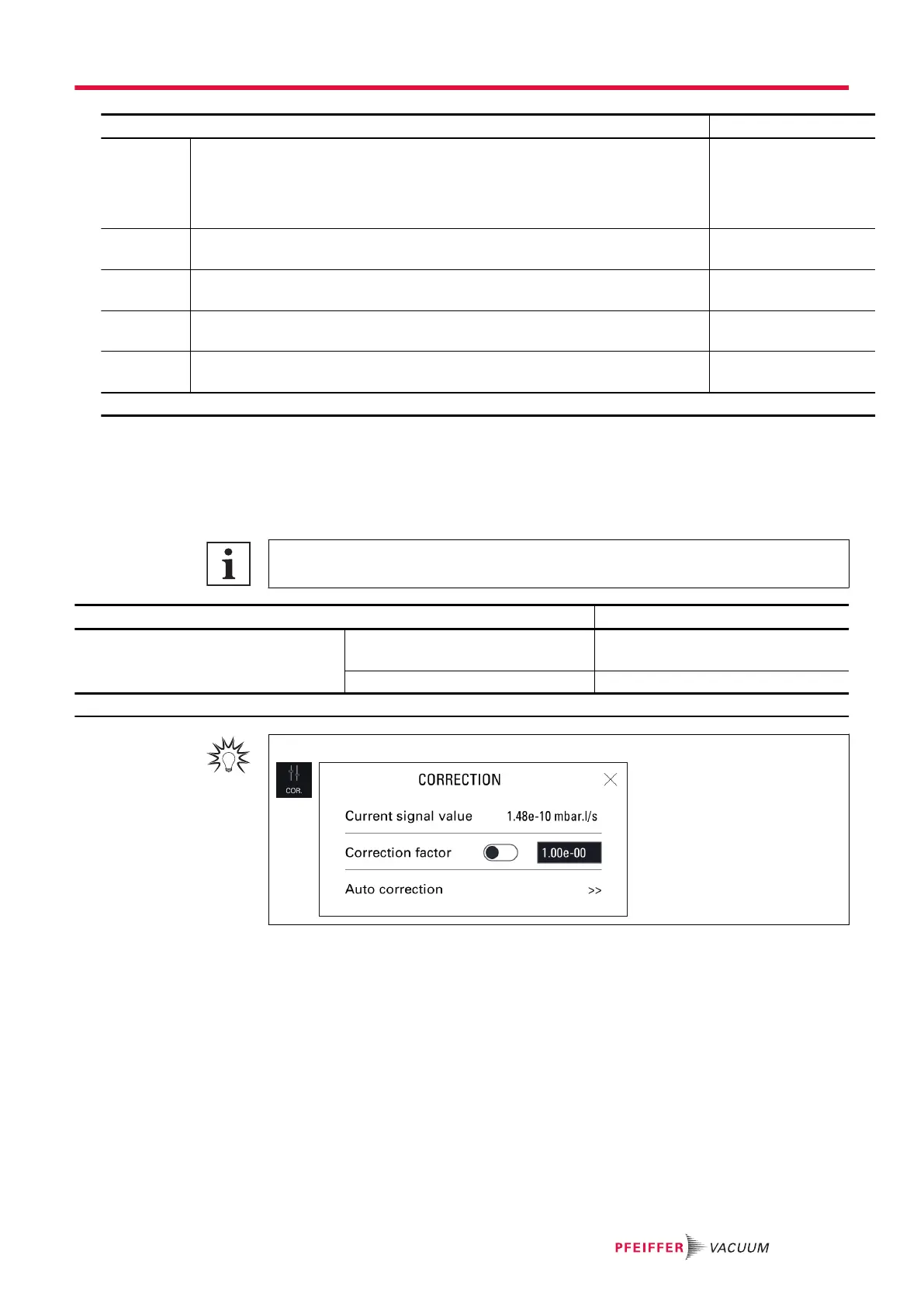
The correction factor is used to correct the leak rate measured by the leak detector when the tracer gas
concentration is less than 100%.
A light indicating that the function is enabled is displayed on the main screen.
Use of the correction factor must not replace calibration.
Access: Menu [Measurement] [Correction factor]
Choice - Setting limit
1)
Correction factor To be enabled Enabled
Disabled
To be set
1 · 10
-18
– 1 · 10
+18
1) Initial setting: see chapter “Tree diagram to the Settings menu”
For quick access from the main screen, use the [COR.] function key.
Example
The table below shows the leak rate displayed according to the correction factor applied.
Example: leak rate displayed with a calibrated leak of 1 · 10
-5
mbar · l/s (1 · 10
-6
Pa · m
3
/s) (with 100%
4
He)
Settings menu
57/108



 To Next Page