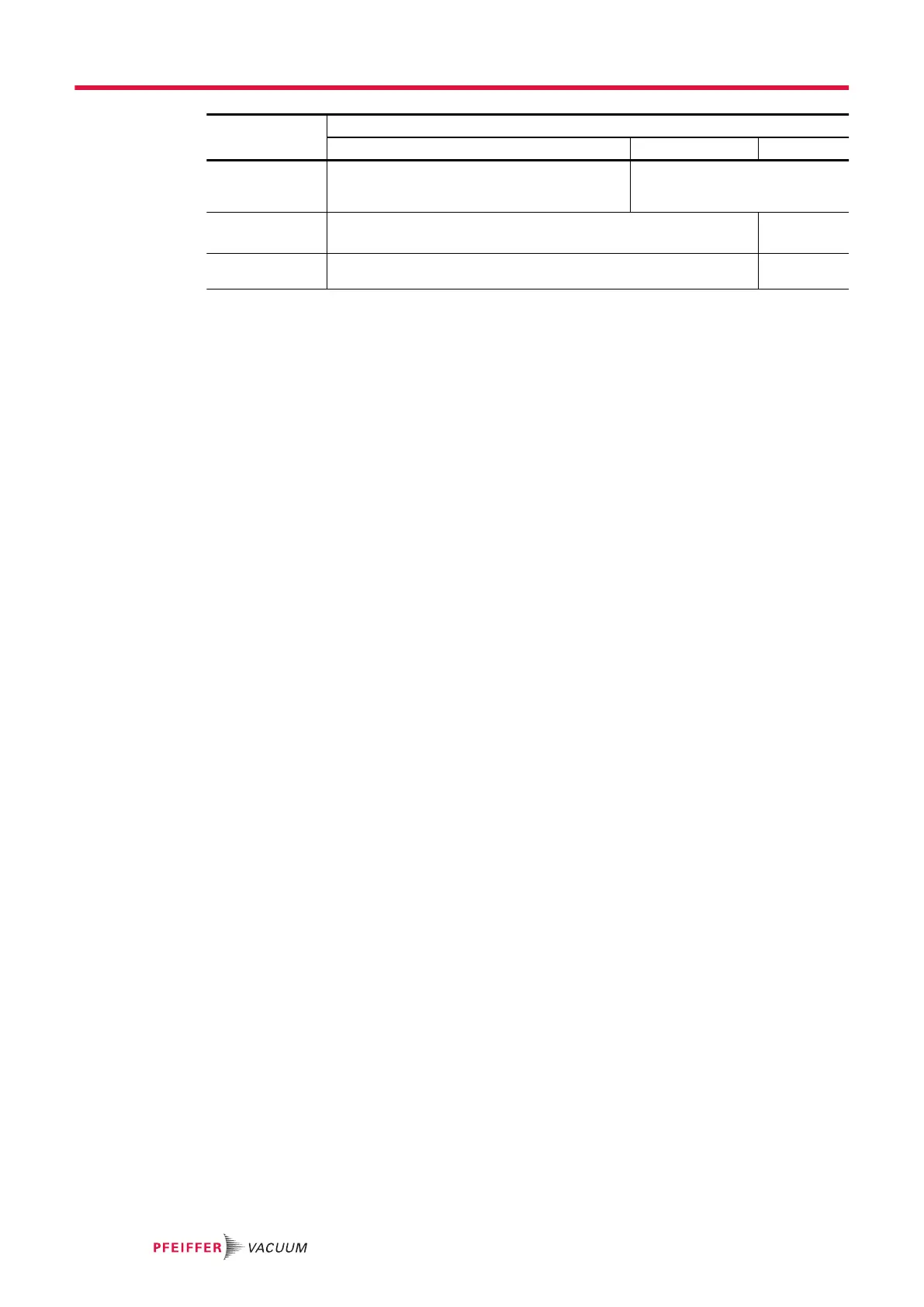
User level
Restricted access Medium access Full access
START/STOP,
CAL, ZERO but-
tons
Invalid
No settings can be made without a password
Valid
6 setting menus Invalid
No setting possible without a password (temporary access allowed)
Valid
Function keys ● Hidden except for [VENT] and [MUTE]
● Displayed if padlock removed (customized access)
Displayed
Temporary access to a locked menu
To access a locked menu, the user is asked to provide the password.
Temporary access: after returning to the main screen, the menu is once again locked.
1. Access the Settings menu
2. Press [Configuration] [Access/Password].
3. Enter password.
Access to the graph screen, menus and locked functions
Access to the following items may be permitted or prohibited:
●
graph screen
●
settings menus: Measurement, Test, Configuration, Maintenance, File Manager and Advanced
●
function keys: [AUDIO], [COR.], [MUTE], [REJECT POINT], [INFOR.], [TIMER] and [TRACER
GAS]
1. Access the menu [Access/Password].
2. Press [Configuration] [Access/Password] + password + [Customized access].
3. Press the padlock to lock/unlock.
●
The presence of an open green padlock indicates that access to the item is permitted (un-
locked).
●
The presence of a closed red padlock indicates that access to the item is prohibited (locked).
Customizing user levels
Depending on the user level, access to the following items may be permitted or prohibited:
●
graph screen
●
settings menus: Measurement, Test, Configuration, Maintenance, File Manager and Advanced
●
function keys: [AUDIO], [COR.], [MUTE], [REJECT POINT], [INFOR.], [TIMER] and [TRACER
GAS]
It is possible to customize the rights for each user level.
1. Select the user level to customize.
2. Press [Configuration] [Access/Password] + password + [Customized access].
3. Press the padlock of the item to allow/deny access.
●
a green padlock indicates that access to the item is permitted.
─
If the item is a function key, the function key is added to the function key bar.
●
a red padlock indicates that access to the item is prohibited.
─
If the item is a function key, the function key is removed from the function key bar.
4. Repeat the operation for each user level to be customized.
Settings menu
74/108



 To Next Page