Access: Menu [Maintenance] [Information] [Detector]
Cell status Status of the cell
Method Test method set
Mode (if 'hard vacuum' method)
Probe type (if 'sniffer' method)
Test mode selected
Type of probe selected
Calibration Calibration set
Last calibration Time since the last calibration performed
Next maintenance Time before the next maintenance to be performed
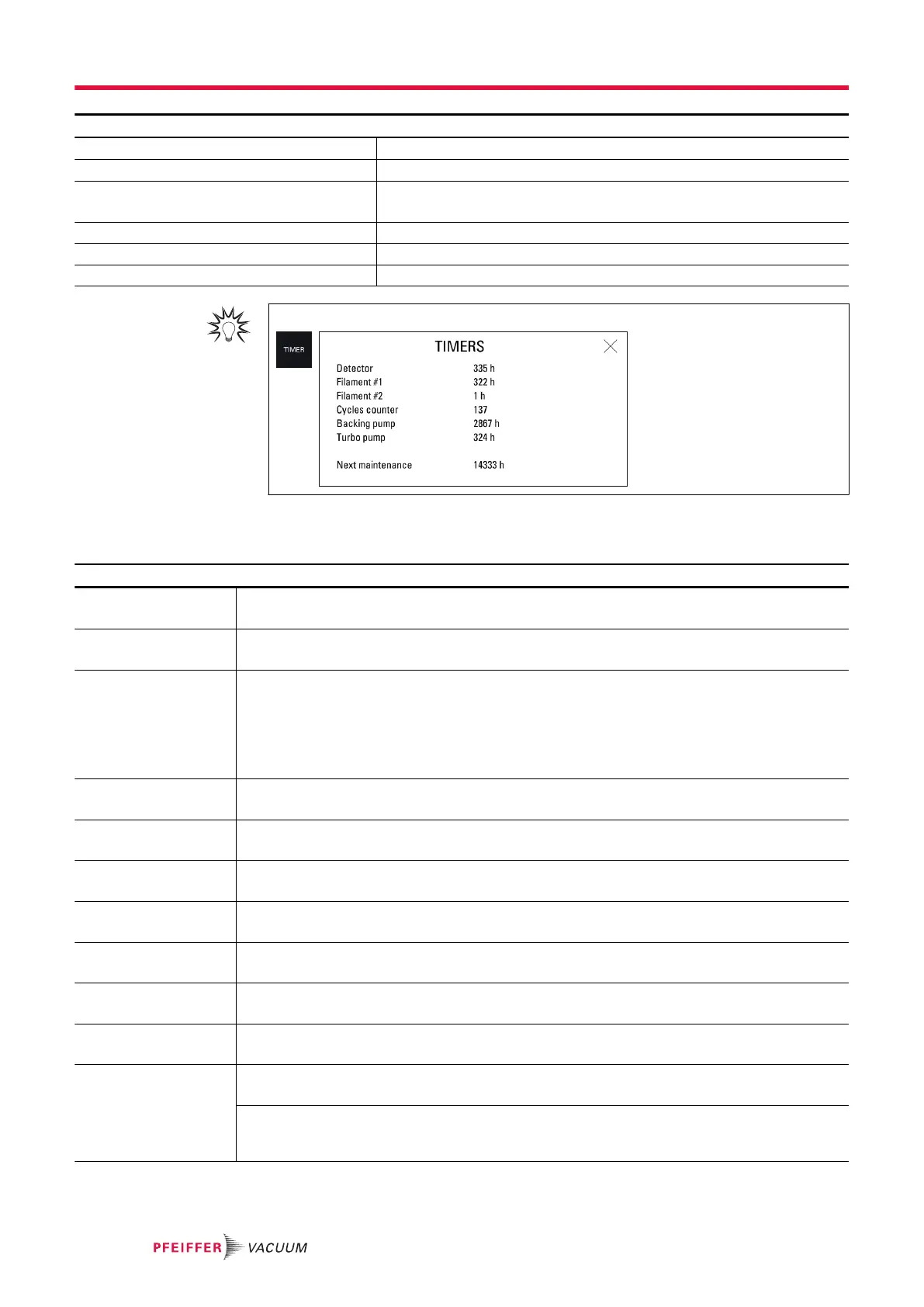
For quick access from the main screen, use the [TIMER] function key.
Analyzer cell information
Reminder: for viewing only in this menu
Access: Menu [Maintenance] [Information] [Analyzer cell]
Filament selected Read only
Filament selected for the measurement (2 filaments in the analyzer cell).
Filament Read only
Status of filament selected (on/off)
Cell status Read only
Performance indicator of the analyzer cell for the selected filament.
● Default settings: between 90% and 100%
● Normal operation: between 10% and 100%
Normal wear on some cell components will reduce this value over time but will not reduce the
accuracy of the detector's measurements.
Triode pressure Read only
For Service Centers only.
Electronic zero Read only
For Service Centers only.
Target value Read only
(see chapter “Target value”)
Acceleration voltage Read only
For Service Centers only.
Emission measurement Read only
For Service Centers only.
Sensitivity coefficient Read only
For Service Centers only.
Cell temperature Read only
The temperature at the analyzer cell
Timer filament 1 Read only
Running time for filament 1
Function to be started
1. Press the running time for filament 1.
2. Press [Reset timer] to reset the timer.
Settings menu
78/108



 To Next Page