NEWVSI TECHNICAL MANUAL - OPERATION PG DRIVES TECHNOLOGY
10 SK80151-1
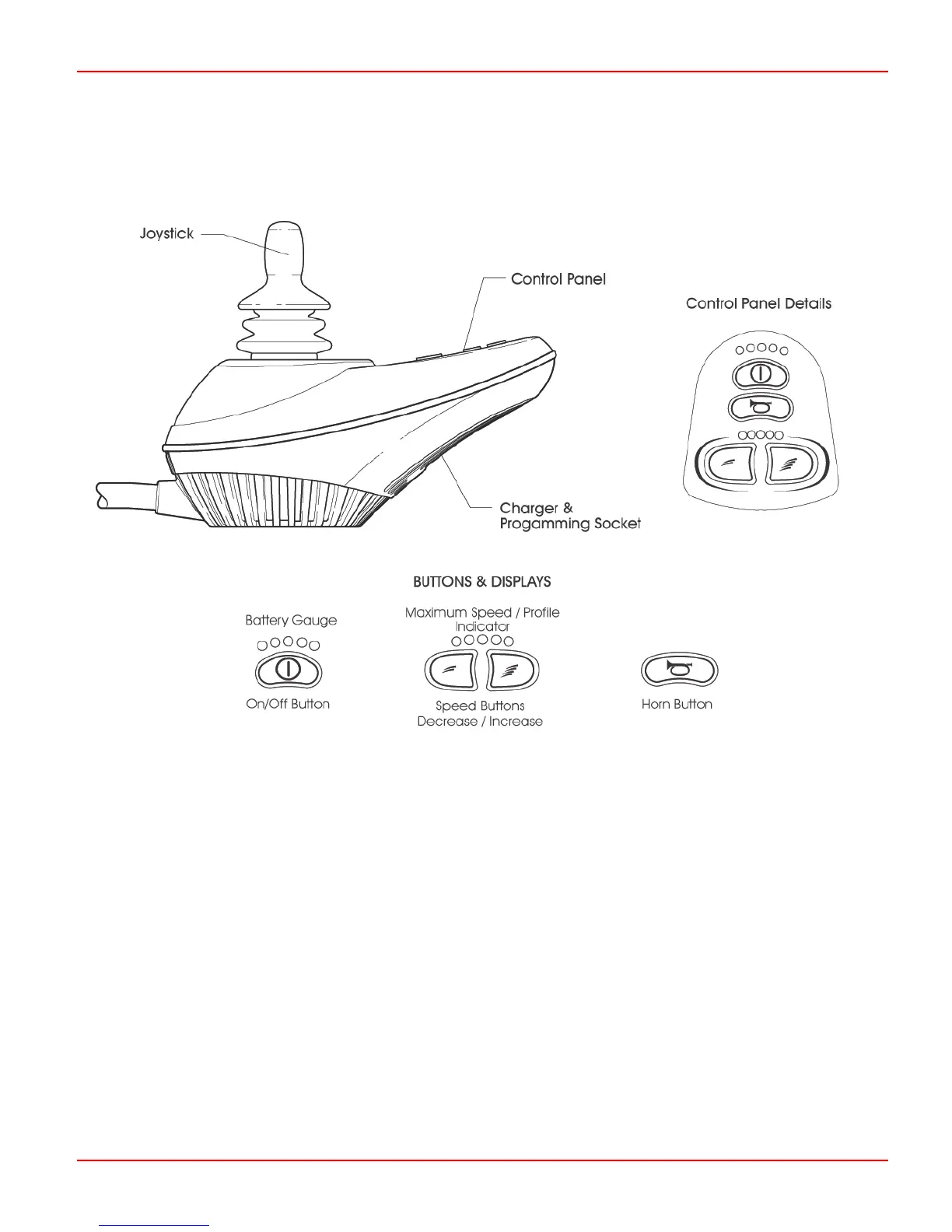
3 Controls
Each of the controls is explained within this section.
3.1 On/Off Button and Battery Gauge
The on/off button applies power to the controller electronics, which in turn supply power to the wheelchair’s motors. Do not use
the on/off button to stop the wheelchair unless there is an emergency. (If you do, you may shorten the life of the wheelchair drive
components).
The battery gauge shows you that the wheelchair is switched on. It also indicates the operating status of the wheelchair. Details
are given in section 8.0.
3.2 Locking / Unlocking the Wheelchair
The newVSI controller can be locked to prevent unauthorized use. The locking method is via a sequence of key presses and
joystick movements, as detailed below.
To lock the wheelchair:
• While the controller is switched on, depress and hold the on/off button.
• After 1 second the controller will bleep. Now release the on/off button
• Deflect the joystick forwards until the controller bleeps.
• Deflect the joystick in reverse until the controller bleeps.



 To Next Page