iXH Camera Systems Installation Guide
Page 41
19. Restoring the iXH Camera Firmware
To restore the camera’s firmware to the factory version (camera settings are not affected):
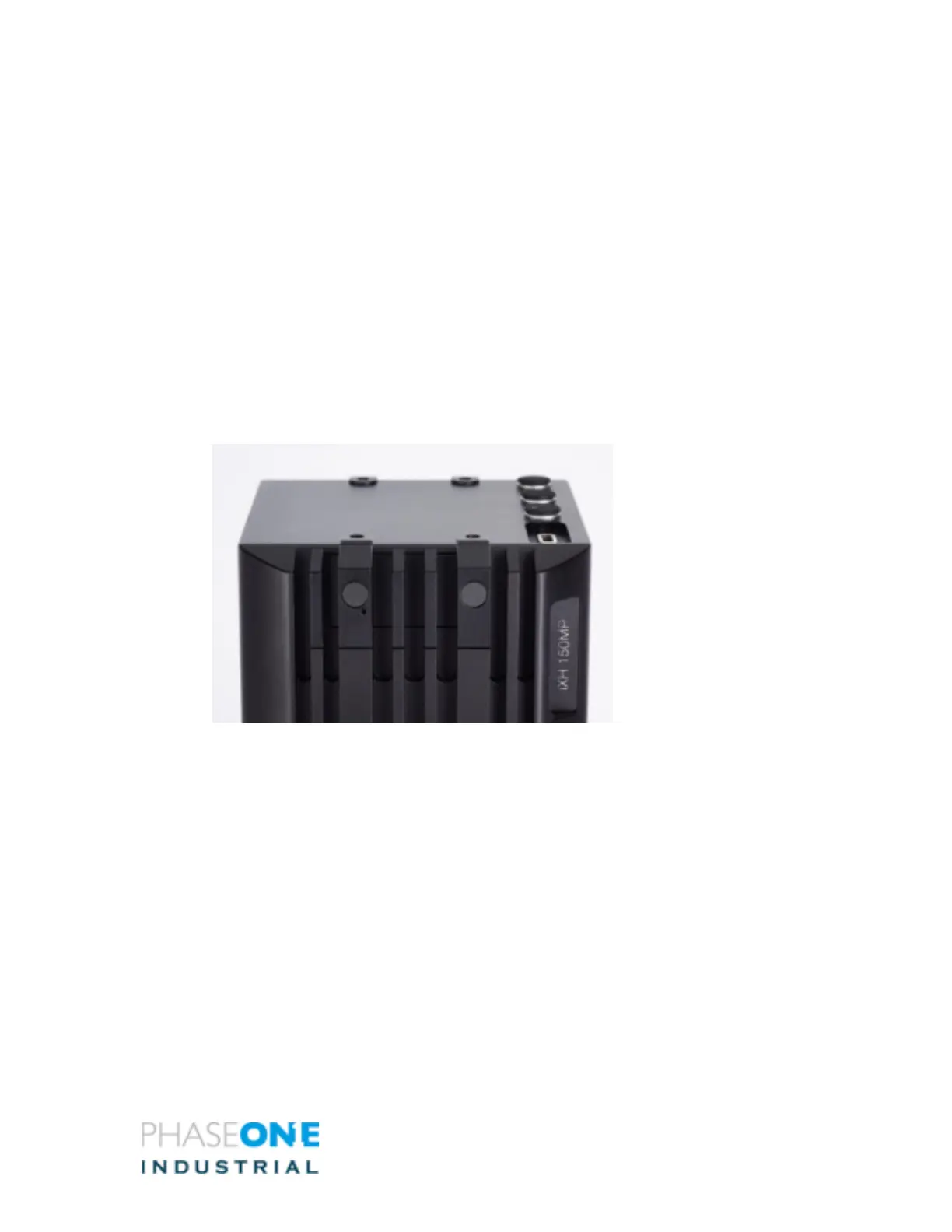
1. Peel off the two plastic covers shown in the image below and remove the two
screws and the metal cover.
2. Insert a pin into the hole seen inside and hold it down
3. Connect the camera to power while holding down the pin.
4. Wait 3 – 4 seconds.
5. Put the camera aside for a few minutes while the firmware is restored to the
factory version. Do not power off the camera until all LEDs resume normal colors



 To Next Page