Page 35 DPM 8000 series - Technical Specification and Advanced Device Configuration
If a barcode is scanned successfully, the DPM8500 will search in the data list for this string and will
set the cursor in the data-list to the first entry matching this string. In addition a short confirmation
beep is audible. The entry is not selected automatically. The user has still to confirm the found entry.
If the scanned string can’t be found in the data-list, the DPM8500 will not move the cursor and will
generate 3 beep tones as a warning.
Example:
This data list is loaded into the DPM4:
name,gender,ID,birthdate
Williams,f,328426,06.06.1975
Jones,m,322426,07.06.1975
Brown,m,428426,08.06.1975
Davis,f,328726,09.06.1975
Miller,m,23423,10.06.1975
Wilson,m,528426,11.06.1975
Moore,f,256426,12.06.1975
Taylor,f,323456,13.06.1975
Anderson,f,234426,14.06.1975
Thomas,m,675426,15.06.1975
Jackson,m,234234,16.06.1975
White,m,234526,17.06.1975
Harris,f,748426,18.06.1975
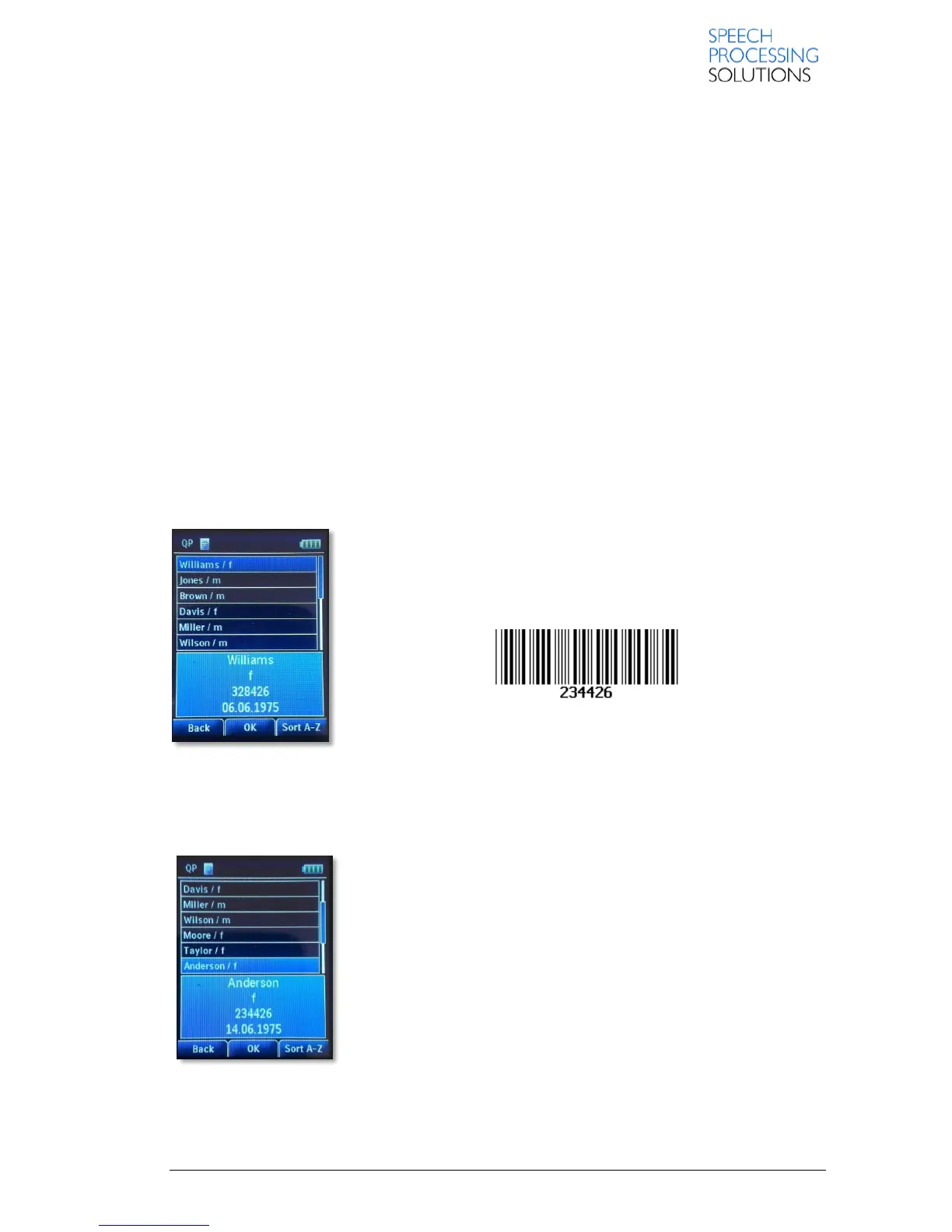
The user enters the data list display:
The user can activate the barcode scanner by pressing the top right
button (above the slider).
Assuming this barcode is scanned:
The device would make an ascending beep sound and the display would change to the
representation below because the string “234426” was found in this line of the data list:
Anderson,f,234426,14.06.1975
The user has now the option to either confirm this selection by pressing “OK” smart button, to
change the selection with the PLUS/MINUS buttons or to exit the data
list by pressing “Back” smart button.













 To Next Page