Page 46 DPM 8000 series - Technical Specification and Advanced Device Configuration
3.9. Settings transfered
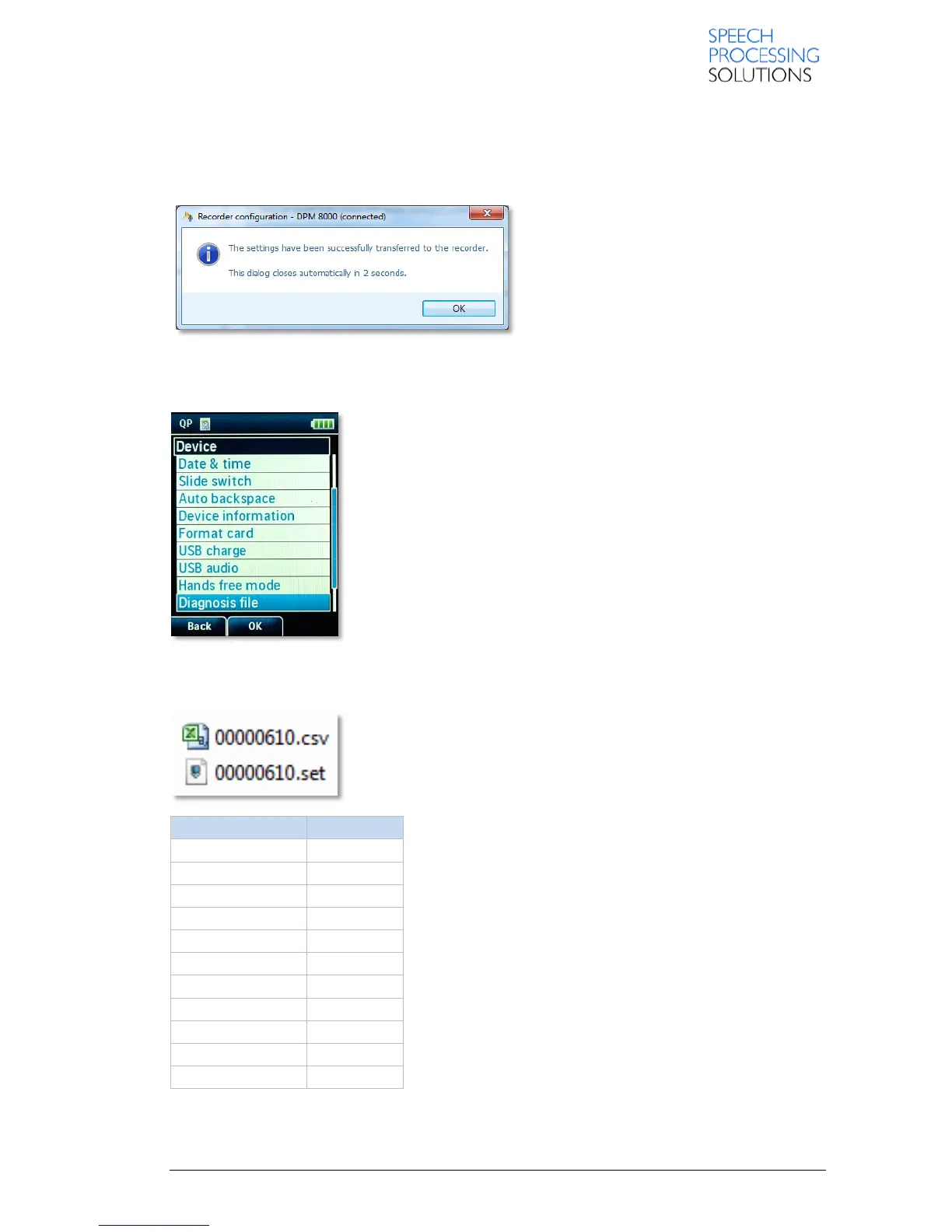
When all changes have been made the configuration values can be transmitted to the device.
The confirmation window closes automatically after 3 seconds.
4. Backup the DPM8000 Settings
With the Diagnosis file you can create a backup file (*.set) with
complete device configurations settings. This is helpful for generating
an exact set of same settings and can be used to clone customer’s
device.
Note: Rename the file to dpm4.set and copy it to another DPM8000
series device – it then will have the same configuration and settings as
the device where the 00000610.set file has been generated.
In any case of problems with the device please create the diagnosis file
and the device configuration file and send this via E-mail to your local
Partner or Technical Manager.
4.1. Diagnosis file
With the diagnosis file (*.csv) you have information about the last
functions performed and a overview about the working conditions.
This example 00000610.set file content following information:













 To Next Page