Page 52 DPM 8000 series - Technical Specification and Advanced Device Configuration
5.3.3. Transfer to DPM8000 series
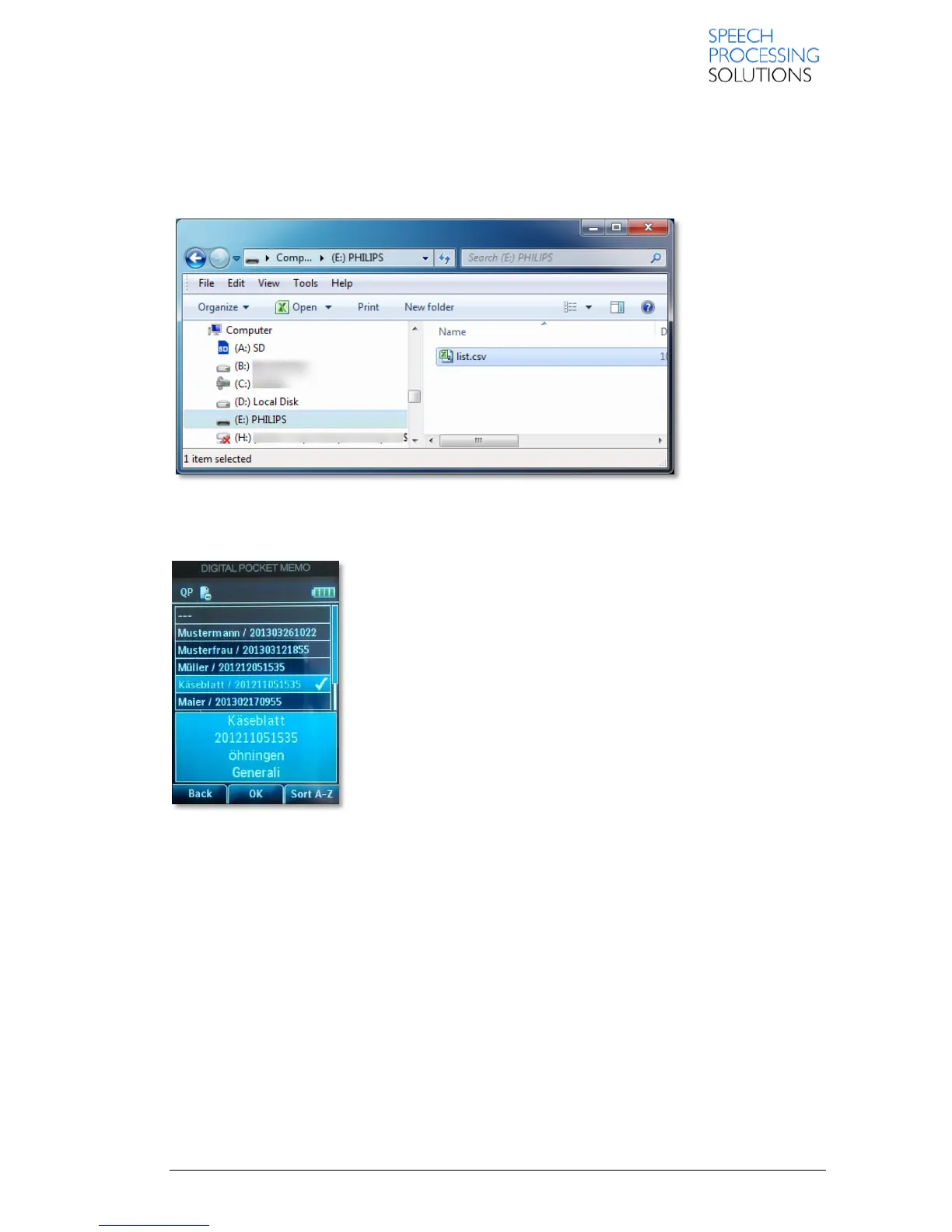
Open the Windows Explorer, select the DPM8000 external drive and copy the list.csv in to memory
card.
In our example, the DPM8000 is recognize as Drive E:
After you remove the DPM8000 device from the Docking station, the device will recognize the
list.csv file, validate this and import to the device.
Your Device is ready to use with the full content of list.csv file. Click on Function Button1 , open the
list, select a value and record your message.













 To Next Page