Page 41 DPM 8000 series - Technical Specification and Advanced Device Configuration
3.7.3. Recording format
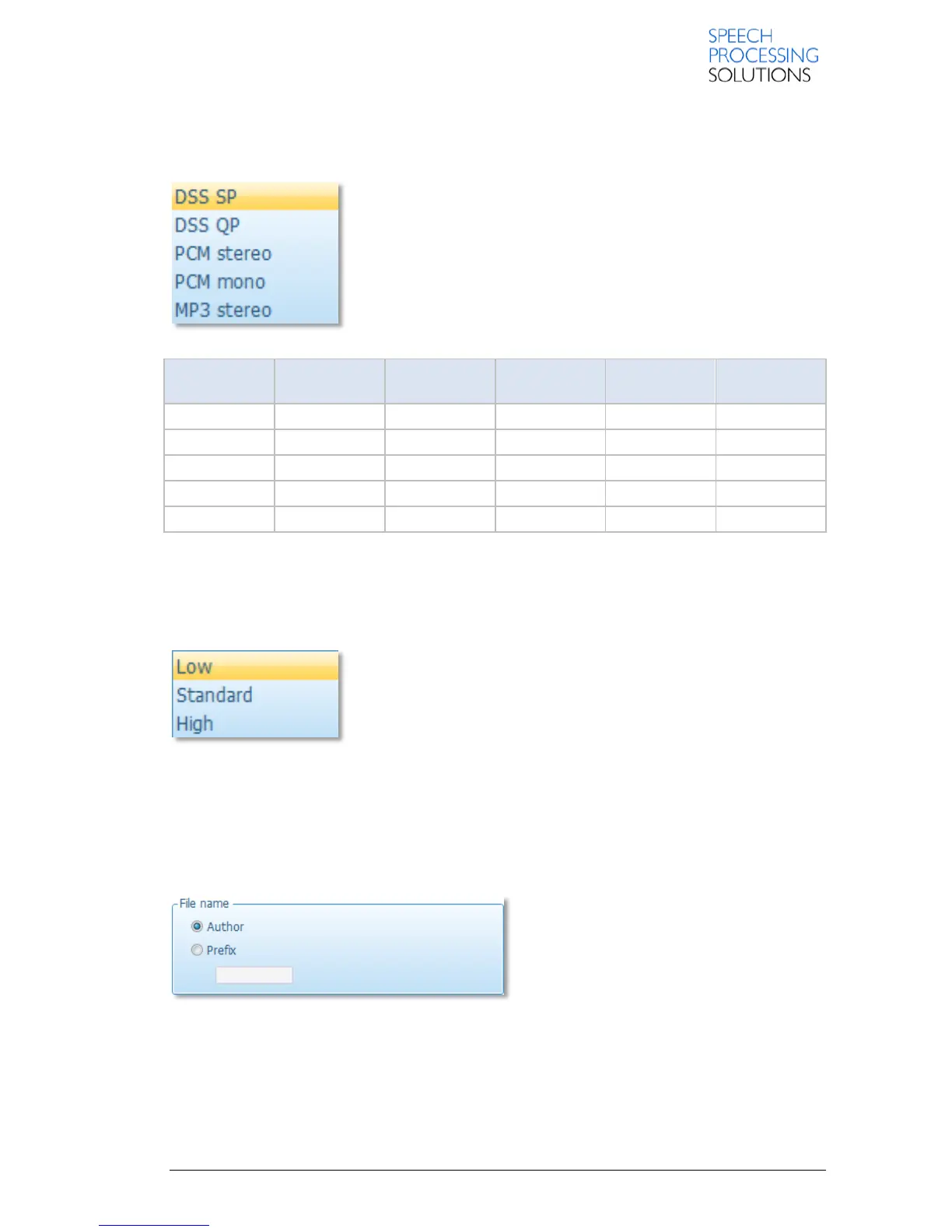
Here you can define what sound format is used for recording dictations on the recorder
DSS SP: This recording format provides excellent audio quality.
It is recommended when the dictation sound files are used, for
example,
for speech recognition.
DSS QP: This recording format provides you with the best quality for
your recordings.
PCM (mono or stereo format): This recording format provides
uncompressed data.
MP3: This recording format provides high audio quality.
3.7.4. Microphone sensitivity
Here you can set the sensitivity level for the audio input via the built-in microphone.
Low (Private): This setting is recommended when recording dictations
in a noisy environment. To get a good quality recording it is important
to speak close to the microphone
Medium (Dictate): This is the default setting and recommended when
recording dictations in a normal environment.
High (Conference): This setting is recommended when, for example,
recording at a conference.
3.7.5. File Name
This setting defines how the file names of recorder recordings are created.
Author option creates a file name based on
the predefined author name.
Prefix enables you to define a prefix string
with up to 4 characters.
Example: File name creation with author name
The entries for the keyword usage, this means the defined content strings, are a selection of author's
names: Jones, Singh, Watson.
Author Watson selects the respective author name on the recorder. The recorder generates this file
name: Wats001.dss













 To Next Page