Page 22 DPM 8000 series - Technical Specification and Advanced Device Configuration
2. DPM8000 Menu Structure
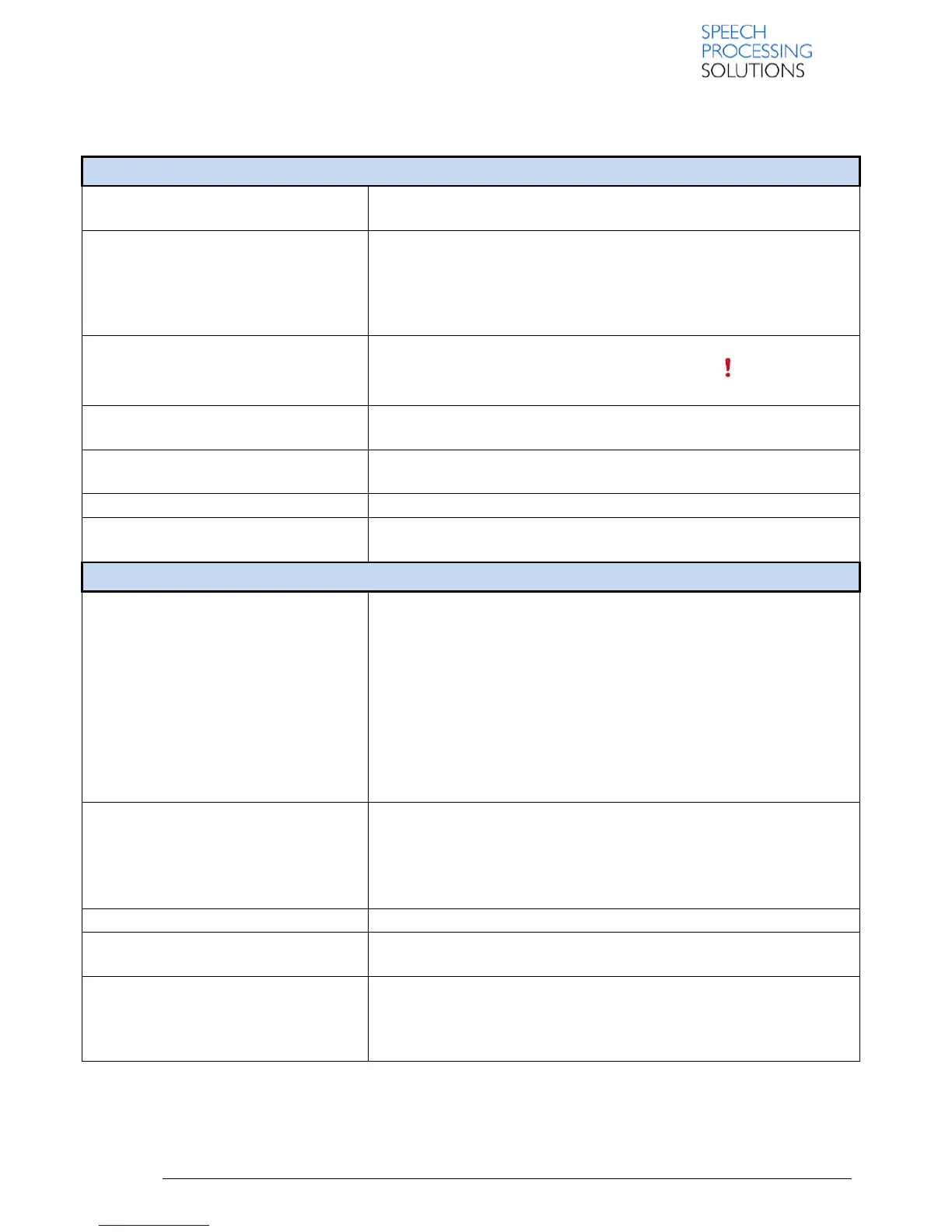
You can delete individual files from the device while the recorder is in
STOP mode.
Using the play, forward or rewind functions, navigate to the beginning of
the section to be deleted, press the F3 Button (MARK), using the play,
forward or rewind functions, navigate to the end of the section to be
deleted. The section is marked in red. Press F2 Button to confirm the
erasing of the marked section.
With the priority-setting option, urgent recordings can be prioritized
during transcription. You can select High (the symbol is displayed) or
Normal. The default value is Normal.
Use the file lock function to prevent important files from being
accidentally deleted and mark them as finished
Index marks can be used to mark certain points in a recording as points
of reference
Delete all files from the device
Display information about the current file, such as file number, file name,
assigned keywords, barcode information, recording date and time
The recording profile presets recording parameters such as recording
quality and file format, microphone sensibility and the microphone mode
to suit the recording conditions. The profile’s symbol is displayed in the
information bar at the top of the Display.
Meeting: optimized for the recording of multiple sound sources, such as
meetings and conferences with a small number of people Dictate:
optimized setting for the recording of a sound source close to the device
Speech recognition: optimized for subsequent editing using speech
recognition software
Personal: customize all settings
If you connect an external microphone to the device, the recording
source will switch automatically and the device’s microphones will be
turned oT. Set the line-in option depending on the external source: OFF
connect an external mono or stereo microphone.
On: connect an amplified recording source (e.g. a stereo system)
Enable/disable a beep tone indicating recording is about to begin.
You can edit an existing recording by overwriting a part of it or inserting
additional recording.
When voice-activated recording is enabled, recording will start when you
begin speaking. When you stop speaking, the device will automatically
pause recording after three seconds of silence, and resume only when
you begin speaking again.













 To Next Page