Page 49 DPM 8000 series - Technical Specification and Advanced Device Configuration
5.3. Create csv list with Microsoft Excel
This step-by-step instruction describe how to prepare a csv list with Microsoft Excel installed on
Windows 7 and transfer a csv list to DPM8000 device.
5.3.1. Region and Language settings
Click on Windows Start Button and select Control Panel.
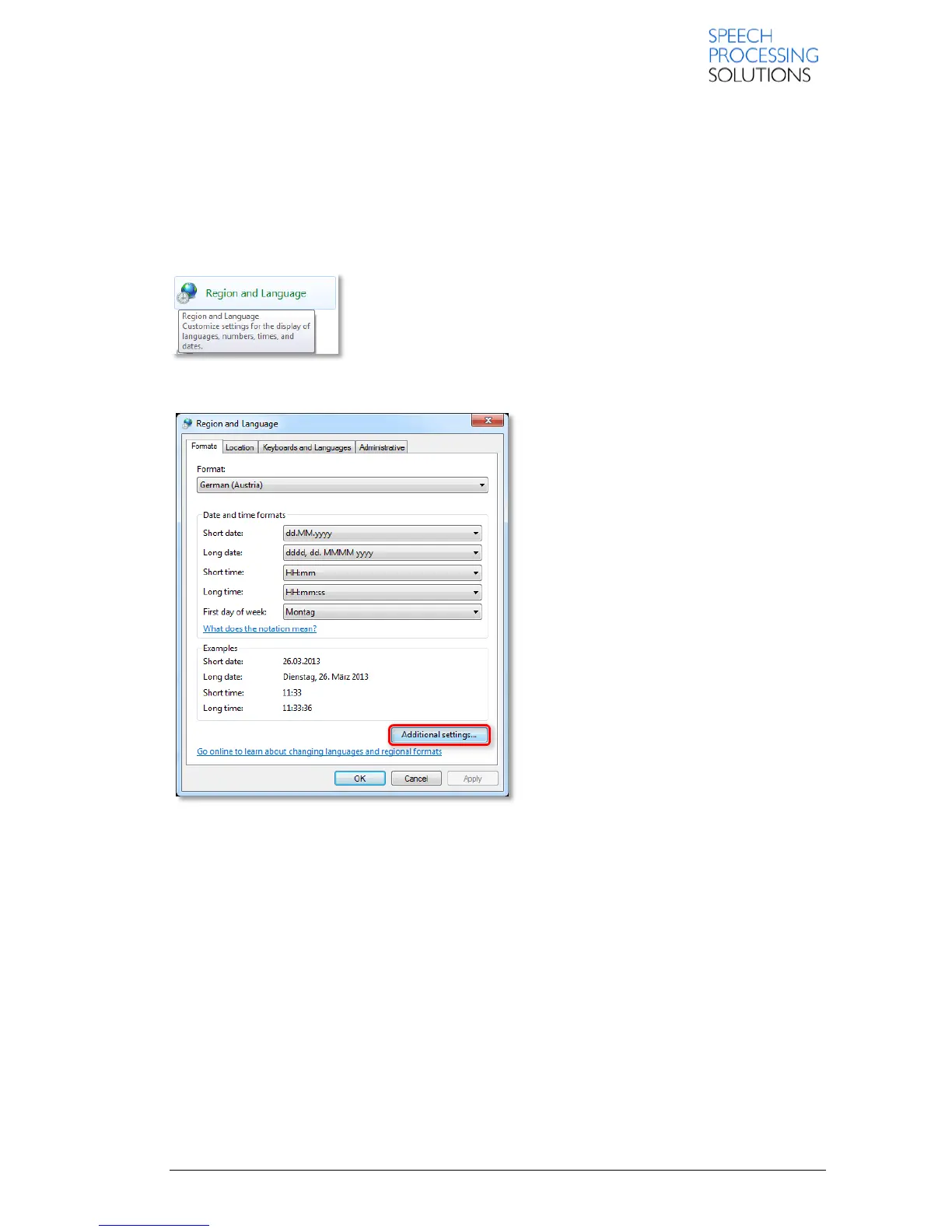
Open the Region and Language options
Click on Additional settings…













 To Next Page