52 Pausing Playback
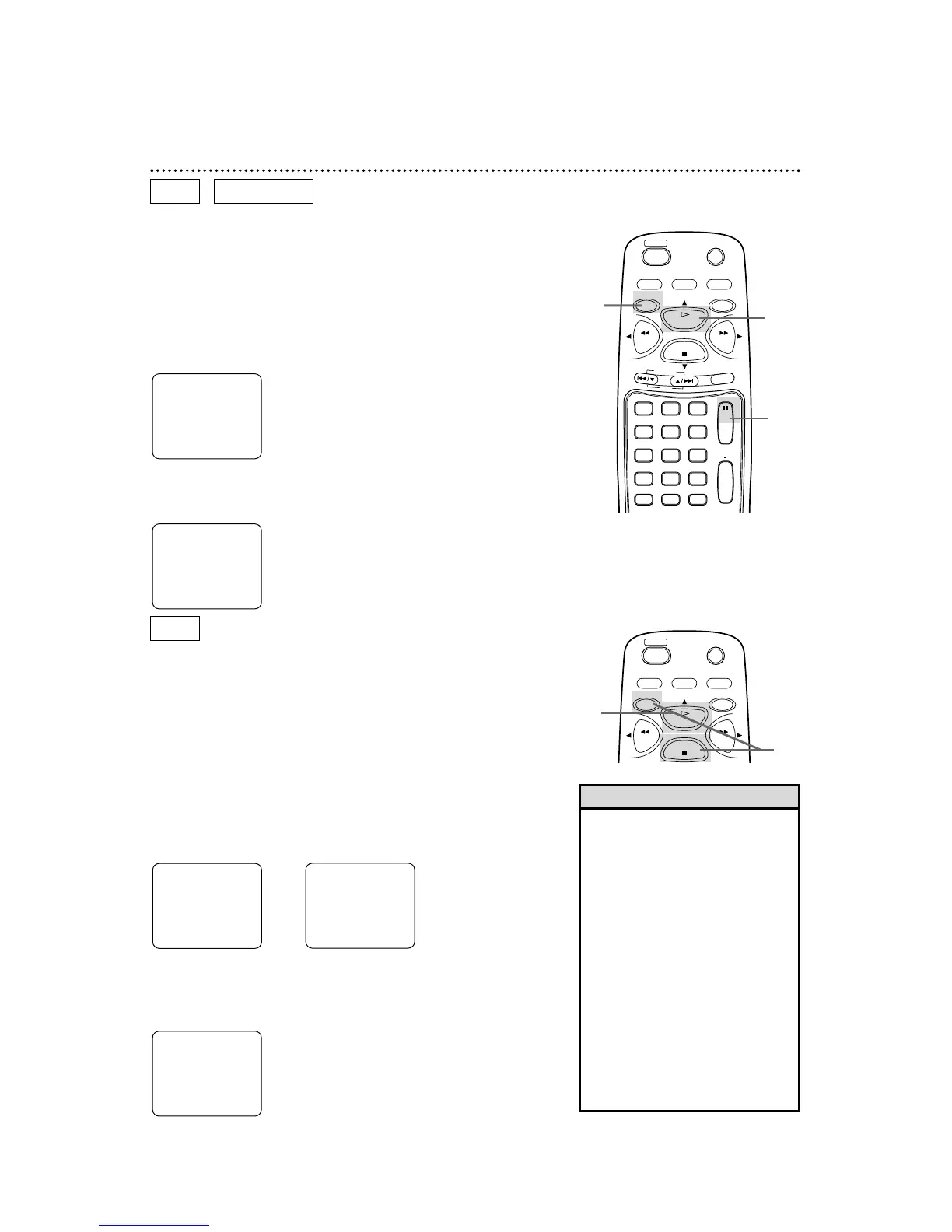
Pausing Playback
● Before you begin, place the DVD/VCR in DVD mode.
Press the DVD/VCR OUTPUT button so that the red DVD light
appears on the front of the DVD/VCR.
1
During disc playback, press the DVD button, then press the
PAUSE button on the remote control. Playback will pause and
the sound will be muted.
2
Press the PLAY button to resume playback.
• Memory On can be erased by
pressing the STOP button a second
time while playback is stopped.
MEMO OFF will appear briefly at
the top left corner of the TV screen.
• Memory On is not available with
Audio CDs.
• The DVD/VCR will switch to VCR
mode automatically if disc playback
is paused or stopped for 30 min-
utes. This helps avoid the possible
burning of a still image into the TV
picture tube. Details are on page
77.
•
To see the on-screen display mes-
sages, such as PLAY, STOP, or
PAUSE, set OSD MESSAGE to ON.
Details are on page 74.
Helpful Hints
Memory On:
Resuming playback from the point
where playback stopped
1
Press the DVD button, then press the STOP button during
disc playback. Playback will stop, and STOP will appear at the top
right corner of the TV screen. In a few seconds, MEMO ON
(Memory On) will appear in the top left corner of the TV screen.
2
Press the PLAY button. Playback will resume from the
point where playback stopped last.
DVD
AUDIO CD
DVD
Pausing Playback...
1
2
Memory On...
1
2
● Before you begin, place the DVD/VCR in DVD mode.
Press the DVD/VCR OUTPUT button so that the red DVD light
appears on the front of the DVD/VCR.



 To Next Page