74 Other Menu Settings
1
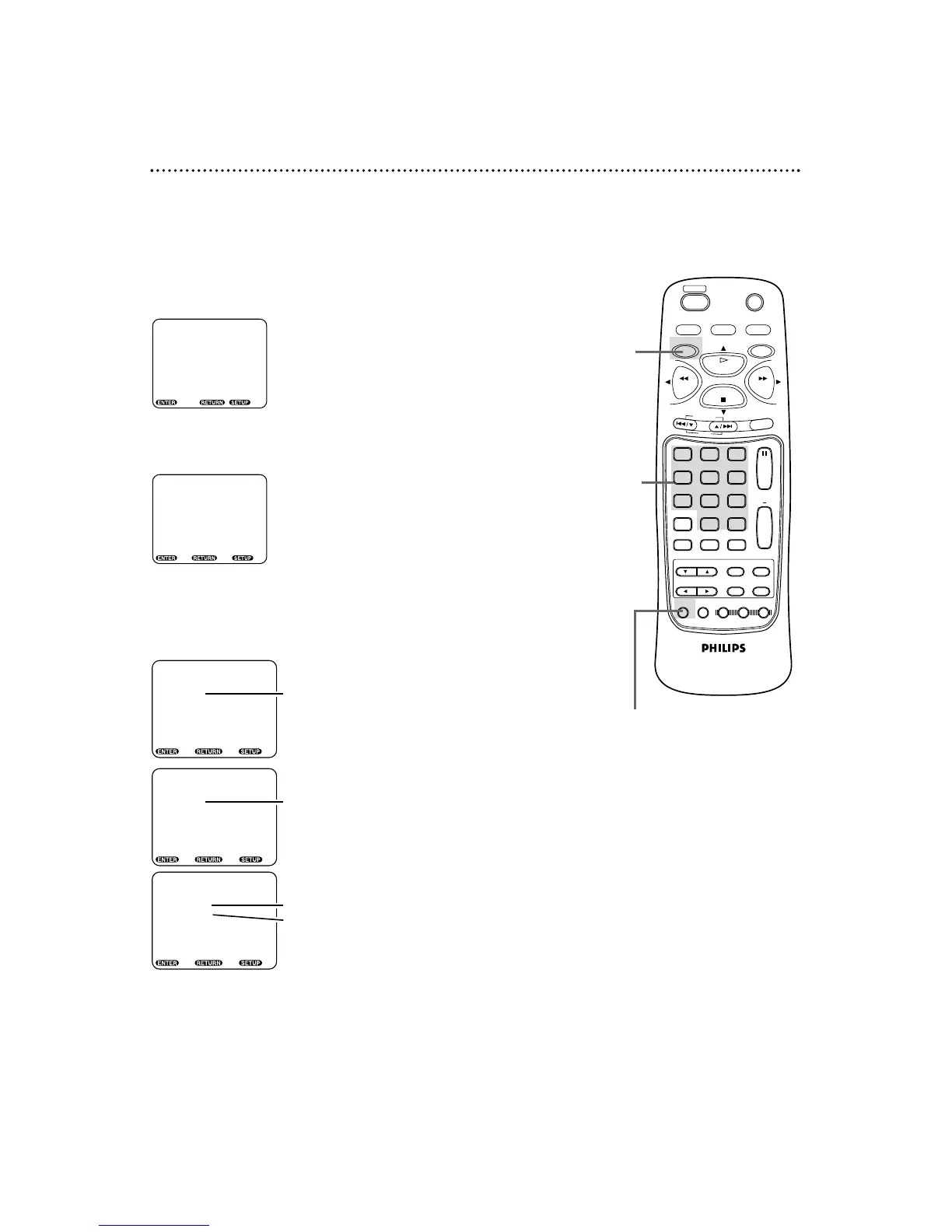
When disc playback is stopped, press the DVD button,
then press the SETUP button. The setup screen will appear.
2
Press the Number 5 button to select OTHERS.
3
Press the corresponding Number button to select an item:
OSD MESSAGE, ANGLE ICON, or BACKGROUND.
1,5
2-4
4
Press a Number button to select a setting.
5
Press the SETUP button to remove the menu.
● Before you begin, place the DVD/VCR in DVD mode.
Press the DVD/VCR OUTPUT button so that the red DVD light
appears on the front of the DVD/VCR.



 To Next Page