1
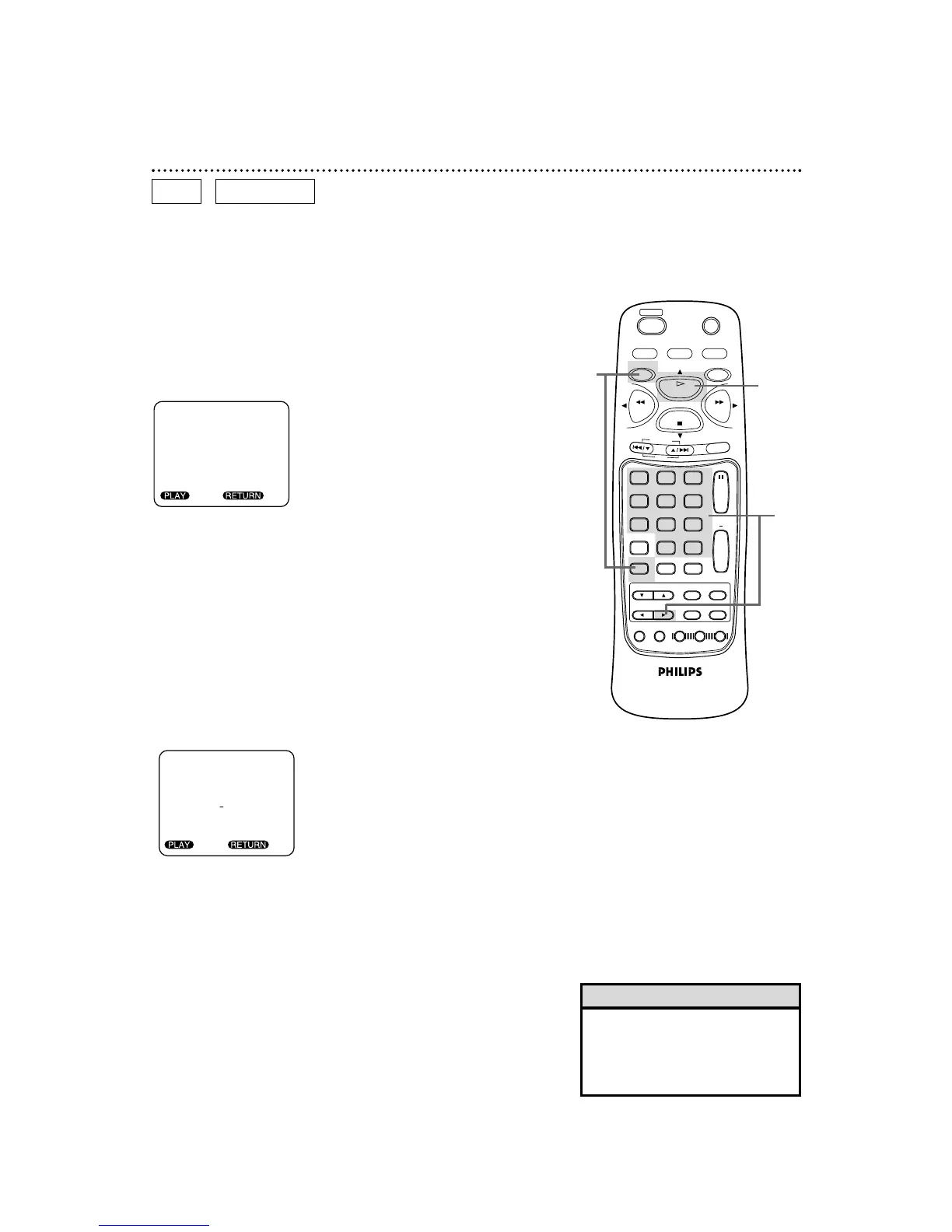
Press the DVD button, then press the SEARCH MODE
button repeatedly (three times for DVDs or two times for
Audio CDs).
2
Use the Number buttons to enter the Disc time at which
you want playback to begin.
● Example: 1 hour, 23 minutes and 30 seconds
1 → +10 → +10 → 3 → +10 → +10 → +10 → 0
● To enter zero, press the Number 0 (zero) button or press the
B button.
● Make sure the time you enter is within the total time of the
Disc. If it is not, you will have to enter a different time.
● If you make a mistake, press the B button repeatedly until you
reach the item you need to correct (hour, minute, or second),
then enter the correct information.
3
Within 30 seconds, press the PLAY button. Playback will
start at the time that you specified.
Starting Playback at a Specific Disc Time
Specific Time Playback 57
DVD
AUDIO CD
2
3
• Specific time playback is not avail-
able with some discs or if MEMO-
RY OFF is activated for a DVD.
Details are on page 52.
Helpful Hint
● Before you begin, place the DVD/VCR in DVD mode.
Press the DVD/VCR OUTPUT button so that the red DVD light
appears on the front of the DVD/VCR.



 To Next Page