Step by Step Playback 53
1
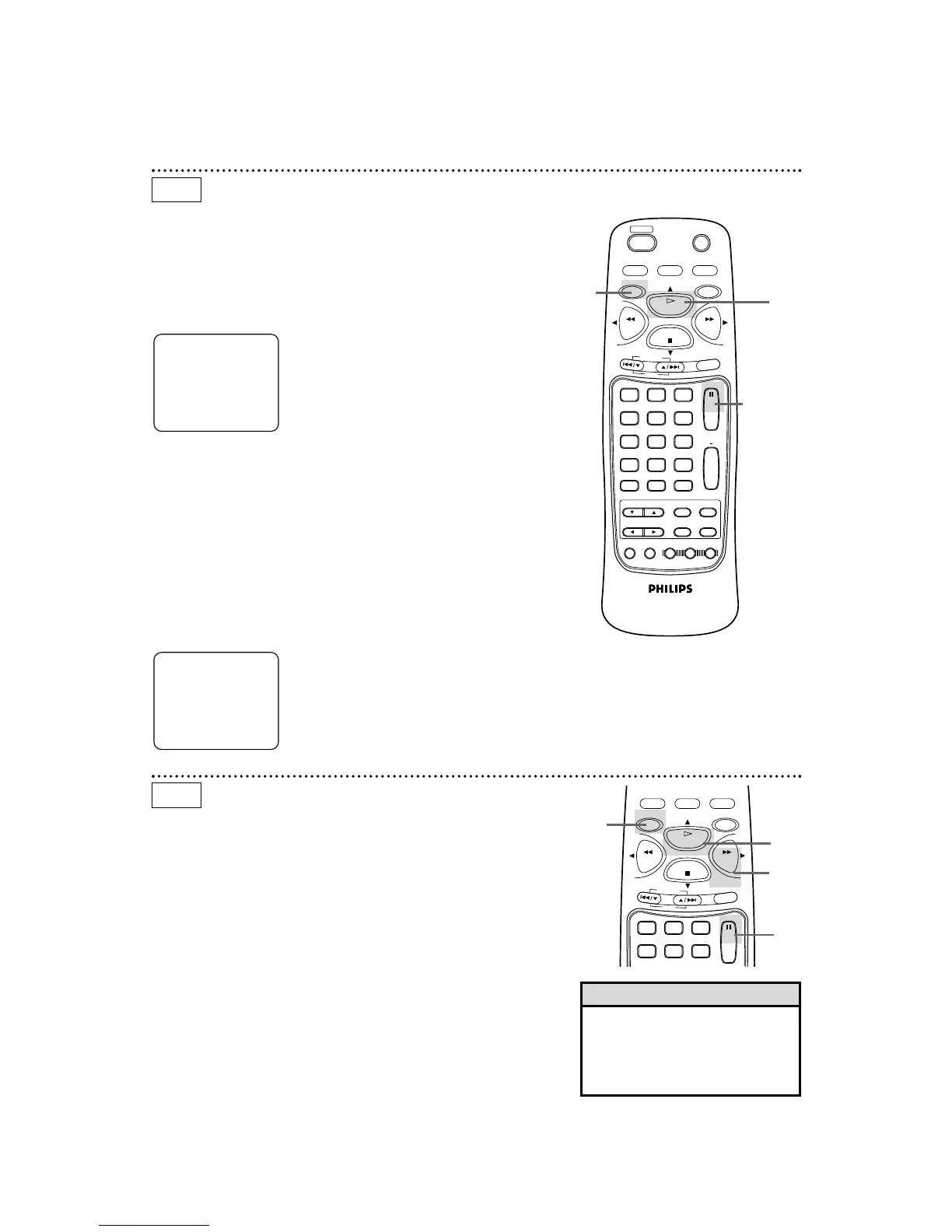
Press the DVD button, then press the PAUSE button to
pause playback. The sound will be muted.
3
Press the PLAY button to resume playback.
PLAY will appear briefly on the screen. (OSD MESSAGE must be
set to ON. Details are on page 74.)
2
Press the PAUSE button repeatedly to see the picture
advance one frame (or step) at a time.
The sound will remain muted. PAUSE will appear briefly on the
screen each time you press the PAUSE button. (OSD MESSAGE
must be set to ON. Details are on page 74.)
DVD
3
1,2
● Before you begin, place the DVD/VCR in DVD mode.
Press the DVD/VCR OUTPUT button so that the red DVD light
appears on the front of the DVD/VCR.
3
Press the PLAY button to return to normal playback.
2
Press the F.FWD button. Slow motion playback will begin.
Press the F.FWD button repeatedly during slow motion playback
to vary the speed of slow motion playback. You may play the DVD
at 1/16, 1/8, or 1/2 the normal playback speed.
1
Press the DVD button, then press the PAUSE button dur-
ing playback.
• The sound will be muted when
playback is paused and during
slow motion playback.
• You can not play the DVD in
reverse slow motion.
Helpful Hints
DVD
Slow Motion
1
3
2
● Before you begin, place the DVD/VCR in DVD mode.
Press the DVD/VCR OUTPUT button so that the red DVD light
appears on the front of the DVD/VCR.
1
1



 To Next Page