64 Camera Angles
• The ANGLE ICON must be set to
ON in order for the angle symbol to
appear as described in step 2. To
set ANGLE ICON to ON, see page
74.
• If the angle status appears on the
screen (for example, ANGLE [1]/8),
the angle symbol will not appear on
the screen.
Helpful Hints
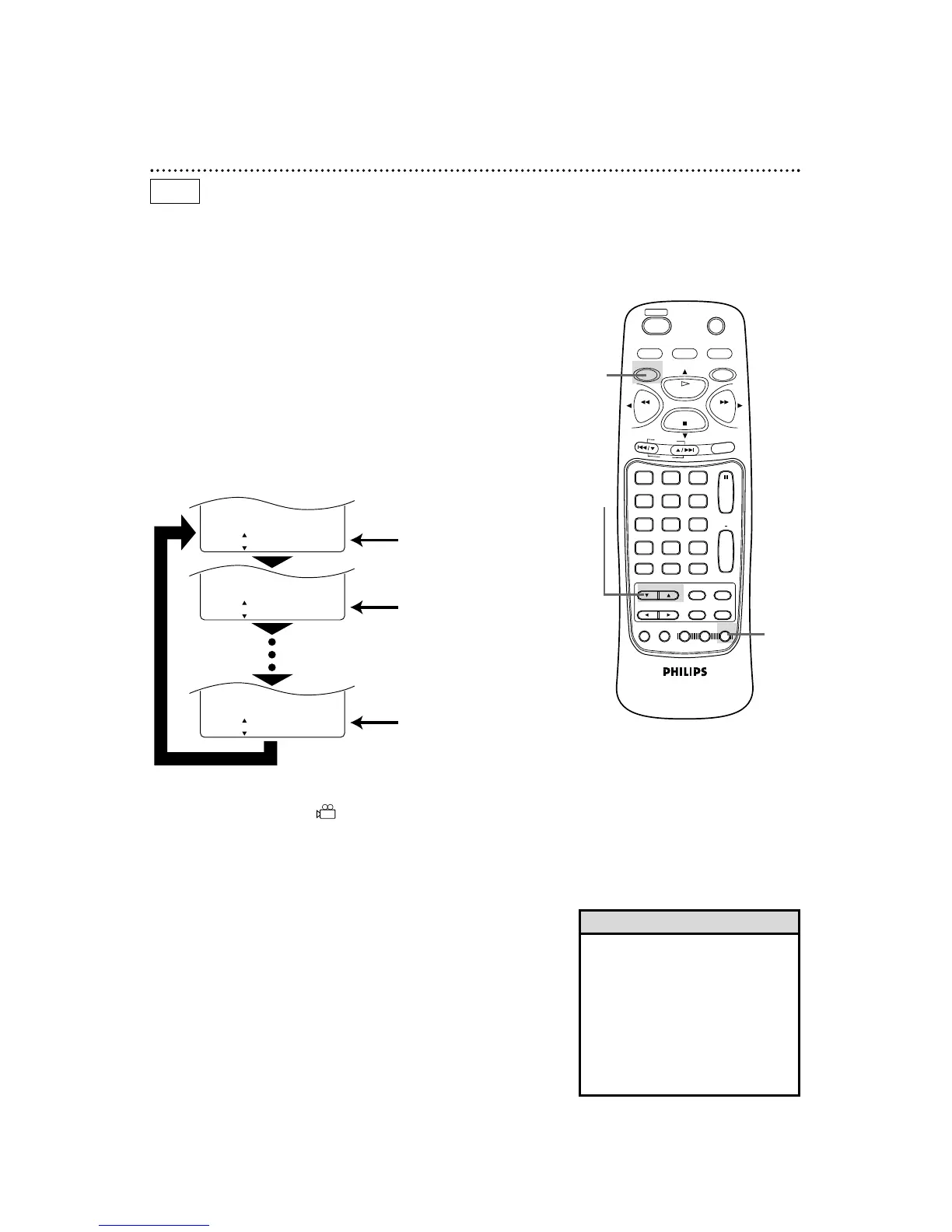
Some DVDs contain scenes that were recorded from different
angles. You may select a camera angle with the DVD/VCR.
1
Press the DVD button, then press the ANGLE button
during playback.
2
Within 15 seconds, press the o/p buttons to select a dif-
ferent angle.
1
DVD
2
● If the Disc contains sequences recorded from different camera
angles, the angle symbol will appear at the bottom-right of
the screen. You can change the camera angle when the symbol
appears on the screen.
● The camera angle cannot be changed if the Disc does not con-
tain sequences recorded from different camera angles.
● Before you begin, place the DVD/VCR in DVD mode.
Press the DVD/VCR OUTPUT button so that the red DVD light
appears on the front of the DVD/VCR.
ANGLE [ 1 ]
/
8
Angle 1 (default) of eight
possible angles
Angle 8
ANGLE [ 2 ]
/
8
ANGLE [ 8 ]
/
8
Press the o /p buttons to
select another angle.
Angle 2
Press the o /p buttons again.



 To Next Page