Language Settings (cont’d) 71
4
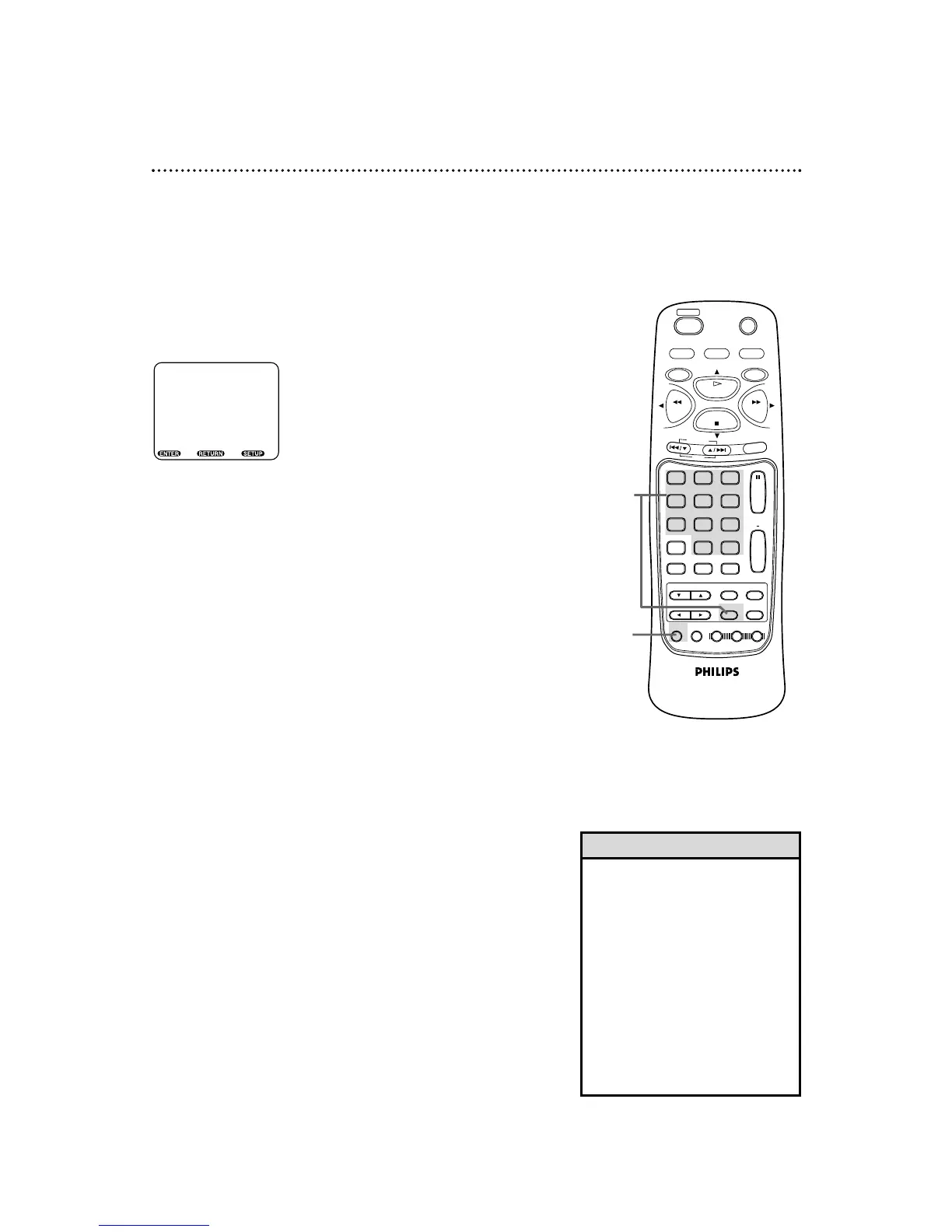
Press a Number button to select a setting.
● If OTHER is selected on the AUDIO, SUBTITLE or DISC
MENU screen, the COUNTRY CODE screen will appear. Press
four Number buttons to enter the country code you desire,
then press the ENTER button. Refer to the list on page 72. The
codes are listed alphabetically, according to language.
● You can only select other languages for AUDIO, SUBTITLE, and
DISC MENU if the language is available on the Disc.
5
Press the SETUP button to remove the menu.
5
4
• If you accidentally set the PLAYER
MENU LANGUAGE to French or
Spanish and need English:
1) Press the DVD button, then press
the SETUP button.
2) Press the Number 1 button
(IDIOMA or LANGUE).
3) Press the Number 4 button
(MENÚ EN PANTALLA or MENU
SUR ÈCRAN).
4) Press the Number 1 button
(INGLÉS or ANGLAIS).
5) Press the SETUP button to
remove the menu.
Helpful Hint



 To Next Page