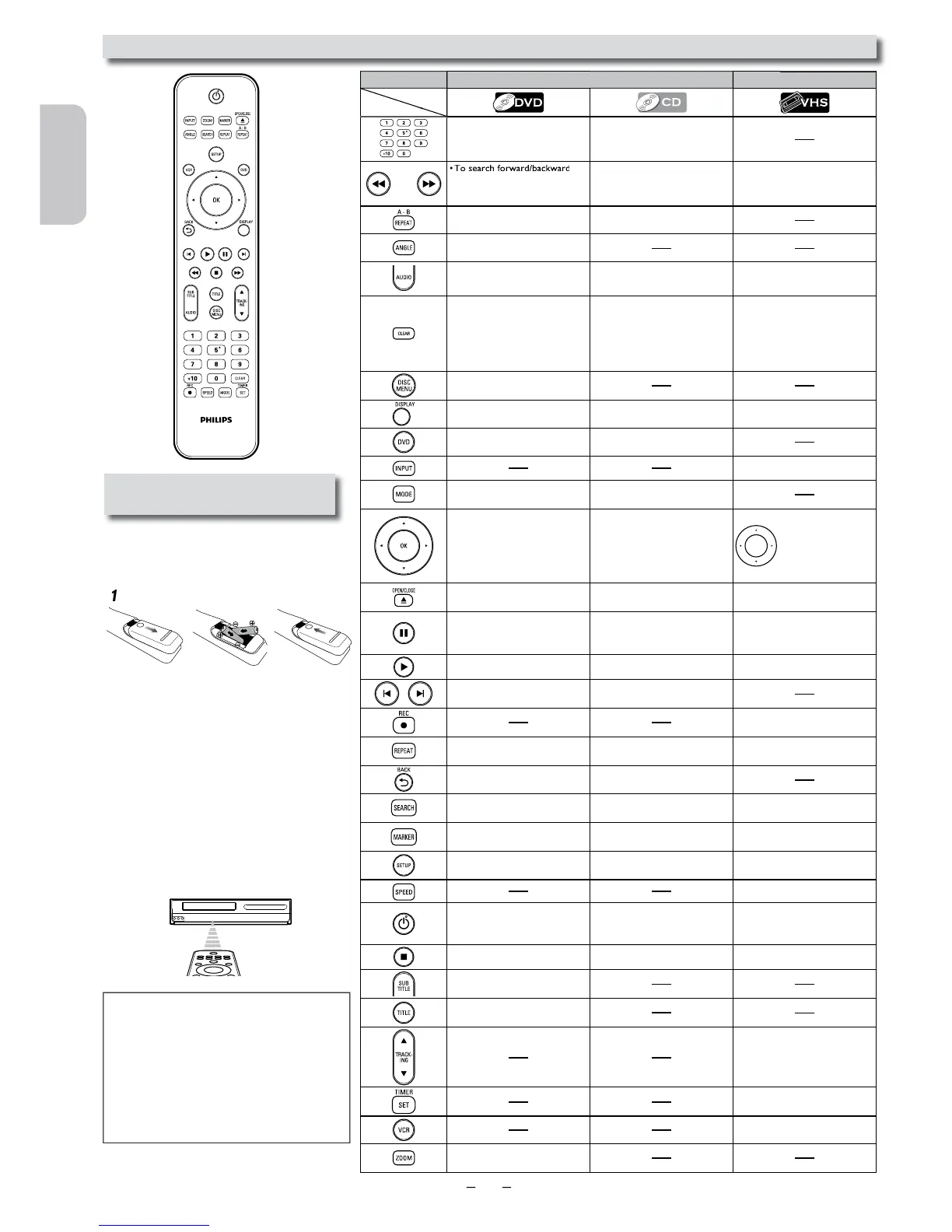
Installing the Batteries for
the Remote Contro
Install two AAA batteries (supplied)
matc
he battery compartment of the Remote
ontrol.
Keep in mind the following when using the
Remote Control:
•
es
between the Remote Control and the
infrared sensor window on the Unit.
• The maximum operable infrared signal
anges from the Remote Control are as
pprox. 16 feet (5m) within 30
pprox. 16 feet (5m) within 15
pprox.
10 feet (3m) within 30
isc.
• To begin slow forward/reverse
p
e.
• To search forward/backward
t
isc.
• To forward/backward a tape.
• To begin slow forward
p
etween your
chosen point A and B.
•
“L-ch” or
“R-ch”.
• To select “HIFI” or “MONO”
mo
y.
• To cancel the point for A-B
y.
• To cancel the point for A-B
.
• To exit the VCR menu.
•
e current time, tape
counter and L1 or L2.
•
e.
• To select input “L1” or “L2”.
• To set black level on/off.
•
isc tray.
• To eject the cassette tape from
t
• To advance playback one frame
• To advance playback one frame
y.
• To select the repeat mode on/
off.
•
setup menu. • To call up the VCR menu.
•
e
Unit into the standby mode. (To
completely turn off the Unit, you
must un
e
Unit into the standby mode. (To
completely turn off the Unit, you
must un
e
Unit into the standby mode. (To
completely turn off the Unit, you
must unplug the AC power cord.)
.
• To put the VCR into standby
mode for a timer recording
• To select the VCR output mode.
• To activate VCR mode.
• To magnify part of a picture.
atteries.
• Always remove batteries from Remote
ontrol if they are dead or if the Remote
ontrol is not to be used for an extended
period of time. This will prevent battery acid
rom leaking into the battery compartment.
•
If you turn off this Unit,
on
the Unit or Remote Control is not available.












 To Next Page