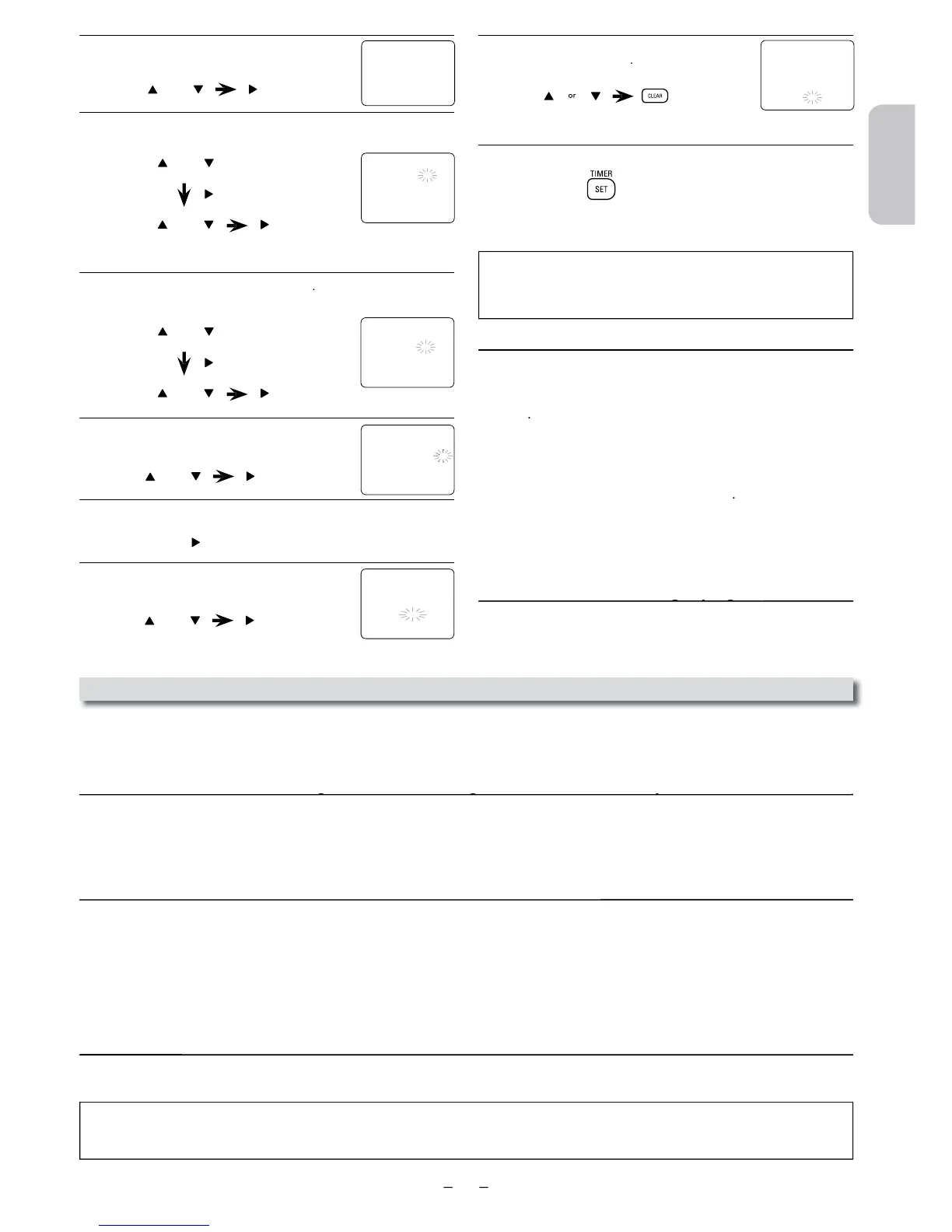
Select “ONCE”, “DAILY” (Mon-Fri) or “WEEKLY”.
to go to next step.
• You can program the Unit to record up to 8 programs, for up to
Select the desired starting time
Repeat the procedure in steps 5 and 6 to set the ending time.
8
Select “L1” or “L2”.
• Select “L1” to activate rear input jacks. Select “L2” to activate front input
jac
o check, correct or cancel a timer
on the Remote Control.
2) Pres
) Select “TIMER PROGRAMMING” by using
4) Select the program number which you want to check by using
The details of the program you selected will appea
screen.
• Go to the digit you want to change by using
o cancel a timer recordin
or
ONE TIME PROGRAM
PROGRAM NUMBER
– – : – – – –
L1/L2 – –
REC SPEED – –
ONE TIME PROGRAM
PROGRAM NUMBER
START TIME 0 7 : 3 0 PM
END TIME 0 8 : 3 0 PM
L1/L2 L
REC SPEED – –
or
or
ONE TIME PROGRAM
PROGRAM NUMBER
– – : – – – –
L1/L2 – –
REC SPEED – –
Notes for Timer Recording & One-touch Timer Recording (OTR)
• If a cassette tape is not in the Unit or does not have the erasure prevention tab, TIMER REC indicator on this Unit blinks and timer
ecording cannot be performed. Please insert a recordable cassette tape.
• When timer recordings are set, TIMER REC indicator on this Unit lights up. To use the VCR as usual, until the time for the recording,
press
TIMER REC indicator light turns off
fter a one-touch timer recordin
has been set, this Unit o
erates as described below
• If a cassette tape runs out before a one-touch timer recording or a timer recording is finished, the Unit ejects the cassette tape. Press
to activate the VCR function again.
• Once the Unit turns to the timer standby mode, no VCR functions are available until
to activate the VCR function again.
When an one-touch timer recording or a timer recording is completed...
• TIMER REC indicator on this Unit flashes if there are no more timer recordings on standby.
• The Unit goes to the DVD mode and all the VCR functions will be unavailable. All the DVD functions are available during one-touc
on the Remote Control to use the VCR when the Unit is turned off.
•
on the Remote Control to use the VCR when the Unit is turned on. In case timer recording
is in stan
on the Remote Control and then press
on the Remote Control.
If you want to use the DVD
or while TIMER REC indicator on this Unit is
on or blinkin
on the Remote Control to choose DVD mode
then continue with the other DVD
eatures as described in this manual
•
To set another program after step 9, press
Then continue with step 2
:
•
If there is a power failure or the Unit is unplugged for more than 30 seconds, clock time setting and ALL timer programs will be lost.
e set up again.
Continued on next page












 To Next Page