LL: all parental locks are cancelled.
• Level 8: DVD software of any grades (adult/general/children) can be played back.
• Levels 7 to 2:
only DVD software intended for general use and children can be played back
• Level 1: only DVD software intended for children can be played back, with those intended
or adult and general use prohibited.
IPS FOR LEVELS
• 8 [ADULT]: DVD software of any grades (adult/general/children) can be played back.
• 7
: no one under 17 admitted
• 6 [R]: restricted; under 17 requires accompanying parent or adult guardian
• 5 [PGR]: parental guidance recommende
: unsuitable for children under 13
• 3 [PG]: parental guidance suggeste
• 2 [G]: general audience
• 1
Enter your desired 4-digit
password (expect for 4737).
If you have set a password
lready, enter the current 4-digit
passwor
Enter current 4-digit password.
in
case you forget it.
• If you forget the
passwor
at step
4, then enter your ne
SETUP PARENTAL
PASSWORD
Enter current password.
SETUP PARENTAL
PASSWORD
Please enter a 4-digit password.
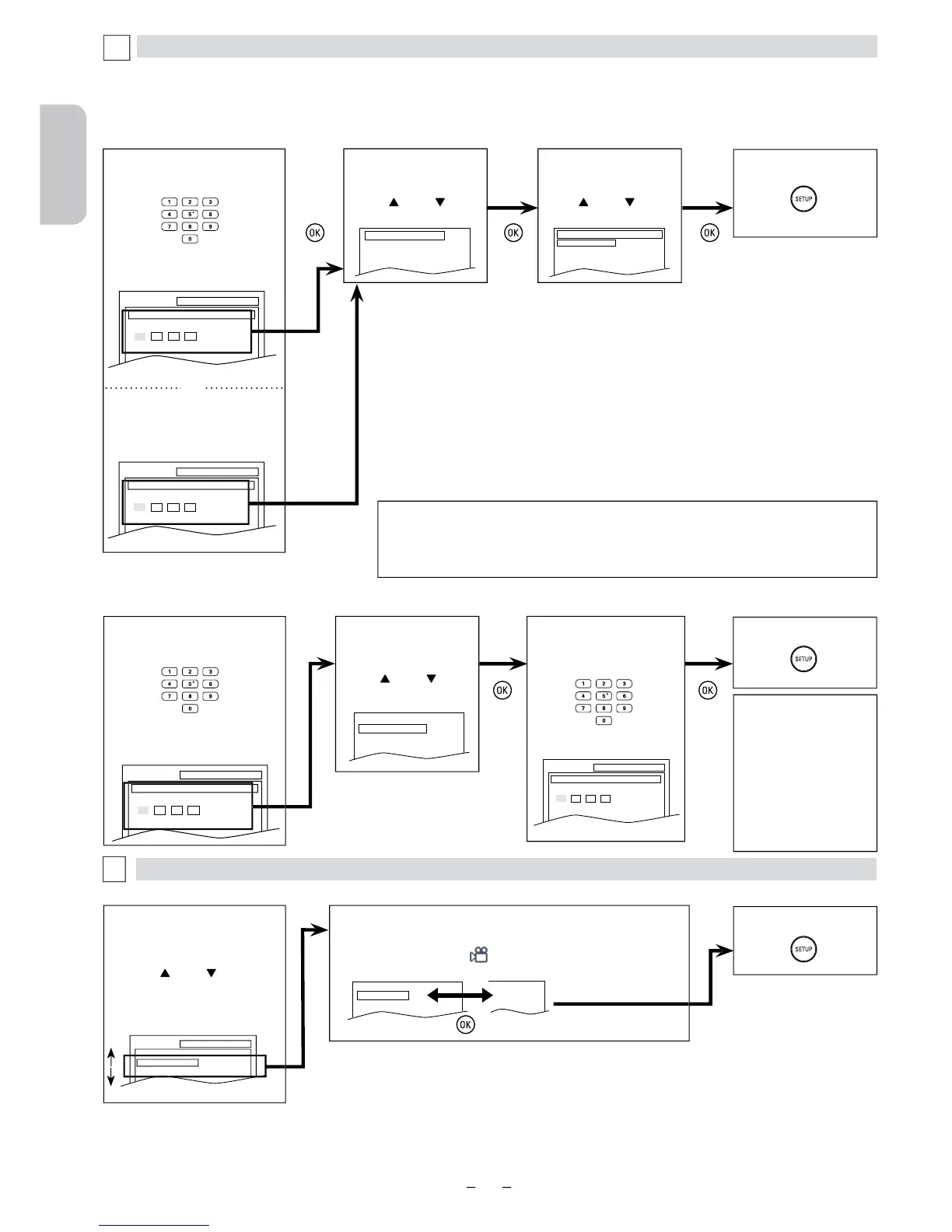
Select “PARENTAL
LEVEL”.
PARENTAL Settin
This function prevents Unit from playing material inappropriate for children.
arental level allows you to set the rating levels on your DVD software. Playback will stop if the ratings exceed the levels you set. Follow
steps 1 to 3 in the “CUSTOM Menu” section on page 24.
e the Password for Parental Controls
ou can change your password for parental controls. Follow steps 1 to 3 in the “CUSTOM Menu” section on page 24.
3$66:25'&+$1*(
3$5(17$//(9(/ $//
Select the desired level.
PARENTAL LEVEL
ALL
8 [ADULT]
7 [NC-17]
6 [R]
PASSWORD CHANGE
PARENTAL LEVEL ALL
SETUP PARENTAL
PASSWORD
Enter current password.
SETUP PARENTAL
PASSWORD
Please enter a 4-digit password.
You can change the other functions. Follow steps 1 to 3 in the “CUSTOM Menu” section on page 24.
Default: ON)
Set to “ON” to display
w
:
• Some DVD-video may not respond to “PARENTAL“ setting. Make sure this function works with
your
eo.
• The resume information will be cleared if you change the parental level when the resume
information is on












 To Next Page