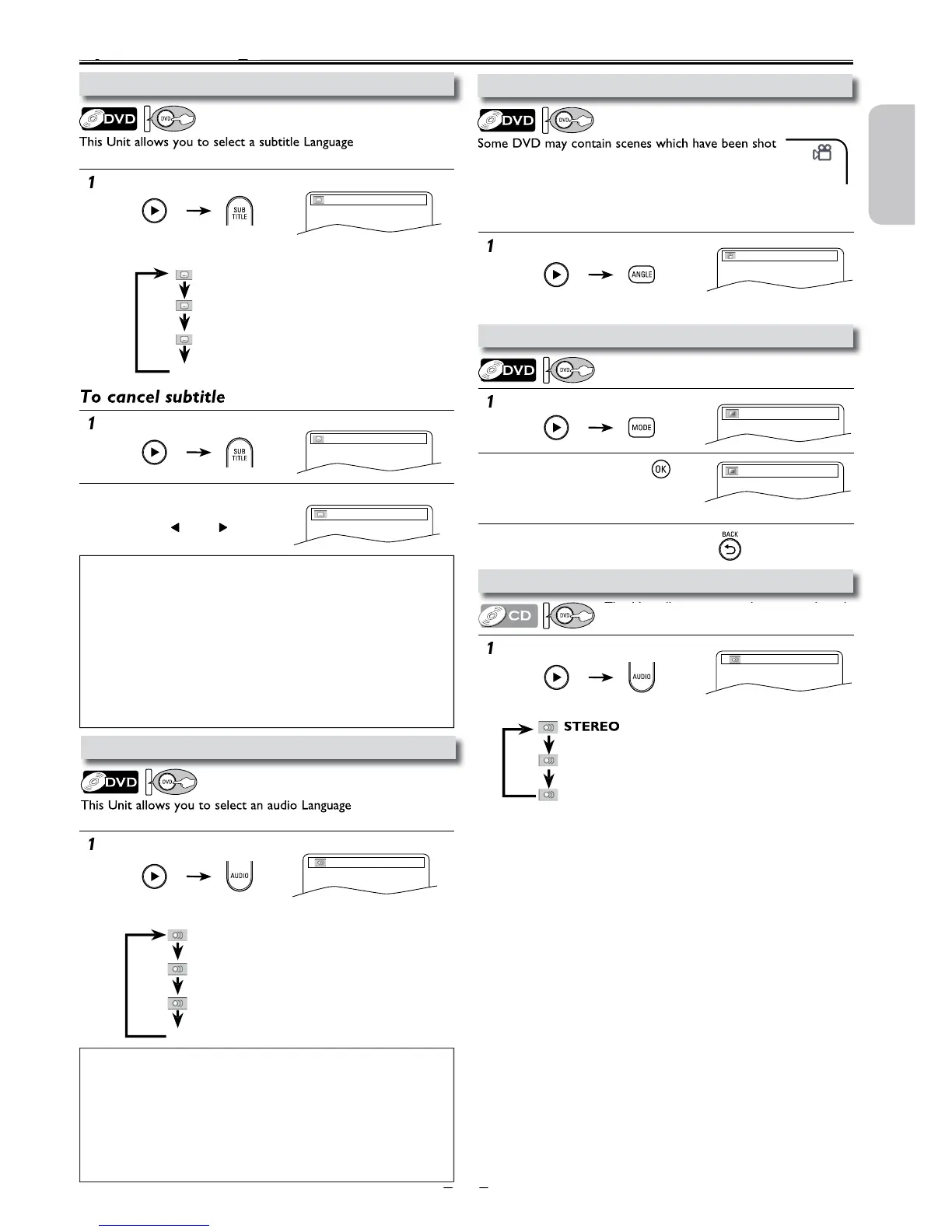
imultaneously from various angles. You can change
he camera angle if the “ANGLE ICON” appears on
screen.
If the “ANGLE ICON” is set to “OFF” in “OTHERS” menu
it will
not appear. Refer to pages 24-26
N: makes the dark areas brighter.
FF: shows the original picture as recorded.
to set subtitle to “OFF”.
1.ENG Dolby D 3/2.1ch 48k/3
right and left channels are active)
Adjust the black level to make the dark
reas of the TV picture brighter.
ote(s):
• If your Language is not shown after pressing
e
subtitle Language setting on the disc menu. (Operation varies depending on
he discs, so refer to the manual along with the disc.)
• When “NOT AVAILABLE” appears on the TV screen, it means no
su
e scene.
•
If you choose a Language that has a 3-letter language code, the code will be
isplayed every time you change the subtitle language setting. If you choose
ny other Languages, ‘---’ will be displayed instead. Refer to page 28.
• Some discs will only allow you to change the subtitle from the disc menu.
Refer to the manual accompanying the discs for details.
:
• If your Language is not shown after pressing
io
Language setting on the disc menu. (Operation varies depending on the
isc, so refer to the manual along with the disc.)
• When “NOT AVAILABLE” appears on the TV screen, it means audio
e.
• Some discs will only allow you to change the audio setting from the disc
menu. Refer to the manual accompanying the discs for details.












 To Next Page