20 EN
Cancel
OK
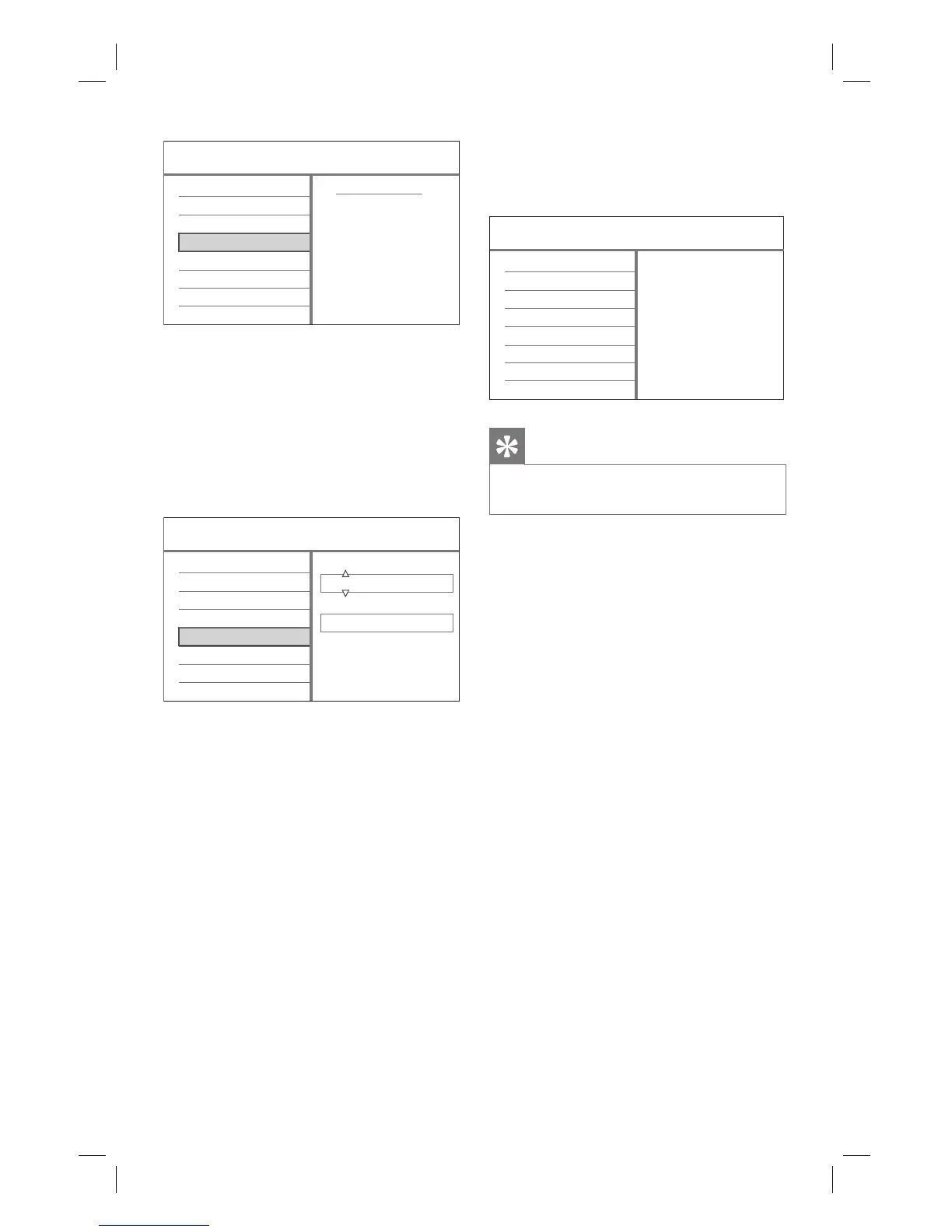
First Installation
Menu Language
TV Region
TV Shape
Auto Scan
Clock
If a cable box or satellite receiver is
connected: select [ Cancel ] to skip
the channel search.
If an off-air antenna is connected:
select [ OK ] to start the channel
search. This process takes a few
minutes. Once complete, press OK.
The time and date entry screen is
displayed.
Year Month Day
2008 1 1
Hour Min. Sec.
00 00 00
First Installation
Menu Language
TV Region
TV Shape
Auto Scan
Clock
6 Press ST (or the numeric keys) to
enter the correct entry. Press OK to go
to the next fi eld.
A confi rmation message is displayed.
•
•
7 Select [ Confi rm ] and press OK.
The installation is complete. The
recorder is now ready for use.
Setup Completed
First Installation
Menu Language
TV Region
TV Shape
Auto Scan
Clock
Tips
To re-install or modify the TV channels, see
chapter ‘Adjust Settings - Tuner settings’.
•
1_DVR2008-93_eng_wk822.indd 201_DVR2008-93_eng_wk822.indd 20 2008-05-26 10:53:14 AM2008-05-26 10:53:14 AM



 To Next Page