30 EN
Play video
Play a recorded title
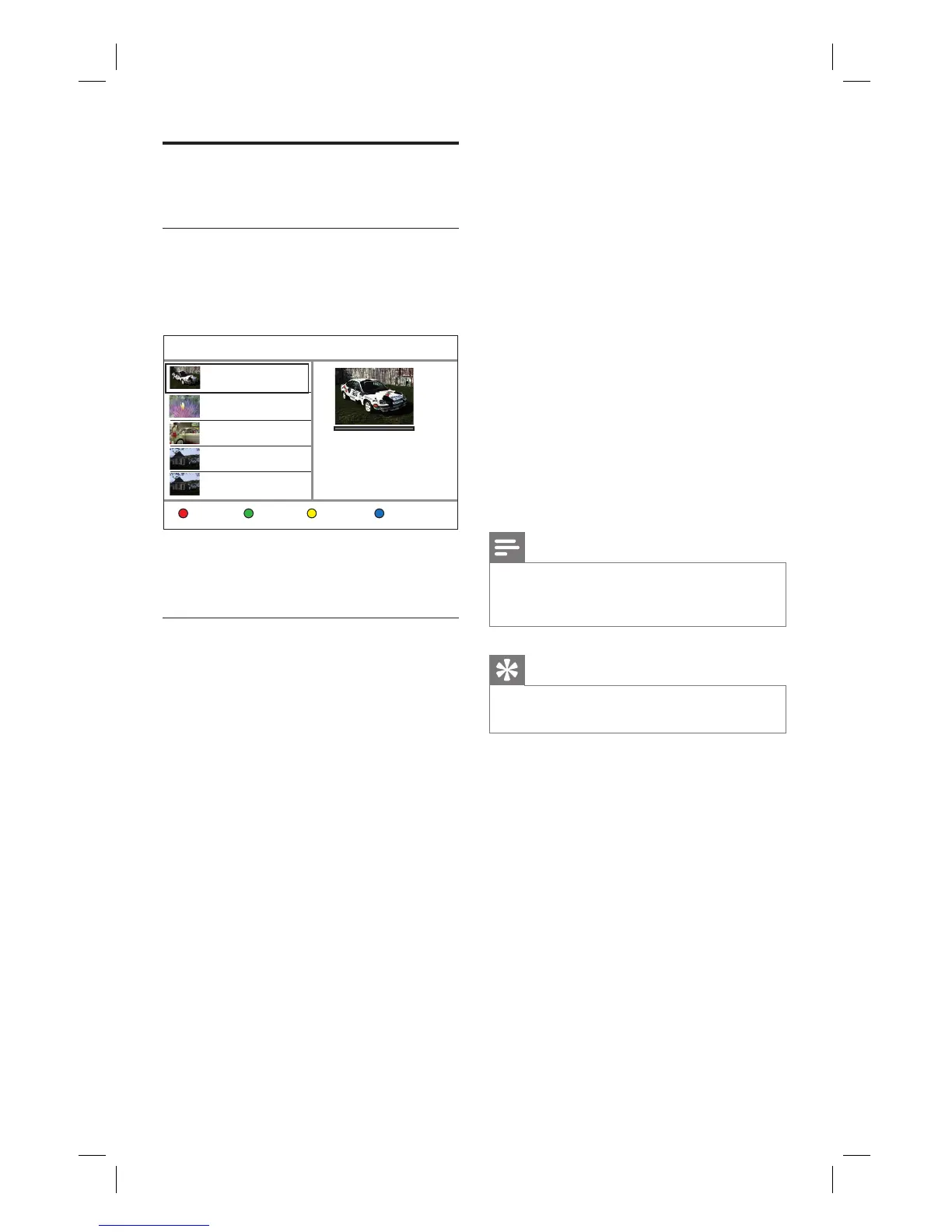
1 Press 录像清单.
The list of recorded titles is displayed.
Recording List 8 Free Space : 85GB
Tools
TITLE: 01 NEW
2008/03/01 12:00:16
PR 1
TITLE: 02
2008/02/02 10:00:30
PR 13
TITLE: 03
2008/02/10 09:15:16
PR 8
TITLE: 04
2008/02/11 11:00:30
PR 1
TITLE: 01
Quality: SP
Length: 00:15:10
Size: 524 MB
SortingEdit Resume Play
TITLE: 04
2008/02/11 12:15:30
CH01
2 Select a title and press u.
Play a Movie
You can play a DivX
®
fi le stored on this hard
disk recorder or from a USB fl ash drive. To
copy data fi les to this recorder, see chapter
“Copy Files”. This recorder supports play of
the following formats: VOB (DVD), MPG
(MPEG-1/2), AVI (DivX 3x/4x/5x/6x, MPEG-4
ASP: XviD), DivX, DivX Ultra, DAT (VCD),
and HD MPEG2 TS/TP fi les (resolution up to
1080i).
1 Press 主选单.
2 Select a source:
For data fi les on the recorder: select
[ Media Files ], then press OK.
For USB devices: press USB.
The content menu is displayed.
3 Press X to select [ Movies ].
•
•
4 Locate the fi le to play.
To display all DivX fi les, select [ List ].
If the fi le is stored in another folder,
select the folder, then press OK
If the folder contains many fi les,
pressí ë to view the previous/next
page of fi le names.
5 Select a fi le and press u.
To stop playback, press x.
To return to the previous level, select
[ Previous ], then press OK.
To select another subtitle language,
press 字幕.
You can select another character set,
see chapter “Adjust Settings –
Language settings - Set DivX subtitle
font”.
Notes
The supported subtitle fi le formats include:.srt,
.smi, .sub, .sami.
Low-quality DivX® video may be pixelated.
•
•
Tip
During play of DivX Ultra fi les, press 返回 to
return to the main DivX menu.
•
•
•
•
•
•
•
•
1_DVR2008-93_eng_wk822.indd 301_DVR2008-93_eng_wk822.indd 30 2008-05-26 10:53:16 AM2008-05-26 10:53:16 AM



 To Next Page