EN 31
English
Play
Play music
Play MP3/ WMA fi les
Play most MP3/ WMA fi les copied to a USB
device or the recorder.
1 Press 主选单.
2 Select a source:
For data fi les on the recorder: select
[ Media Files ], then press OK.
For USB devices: press USB.
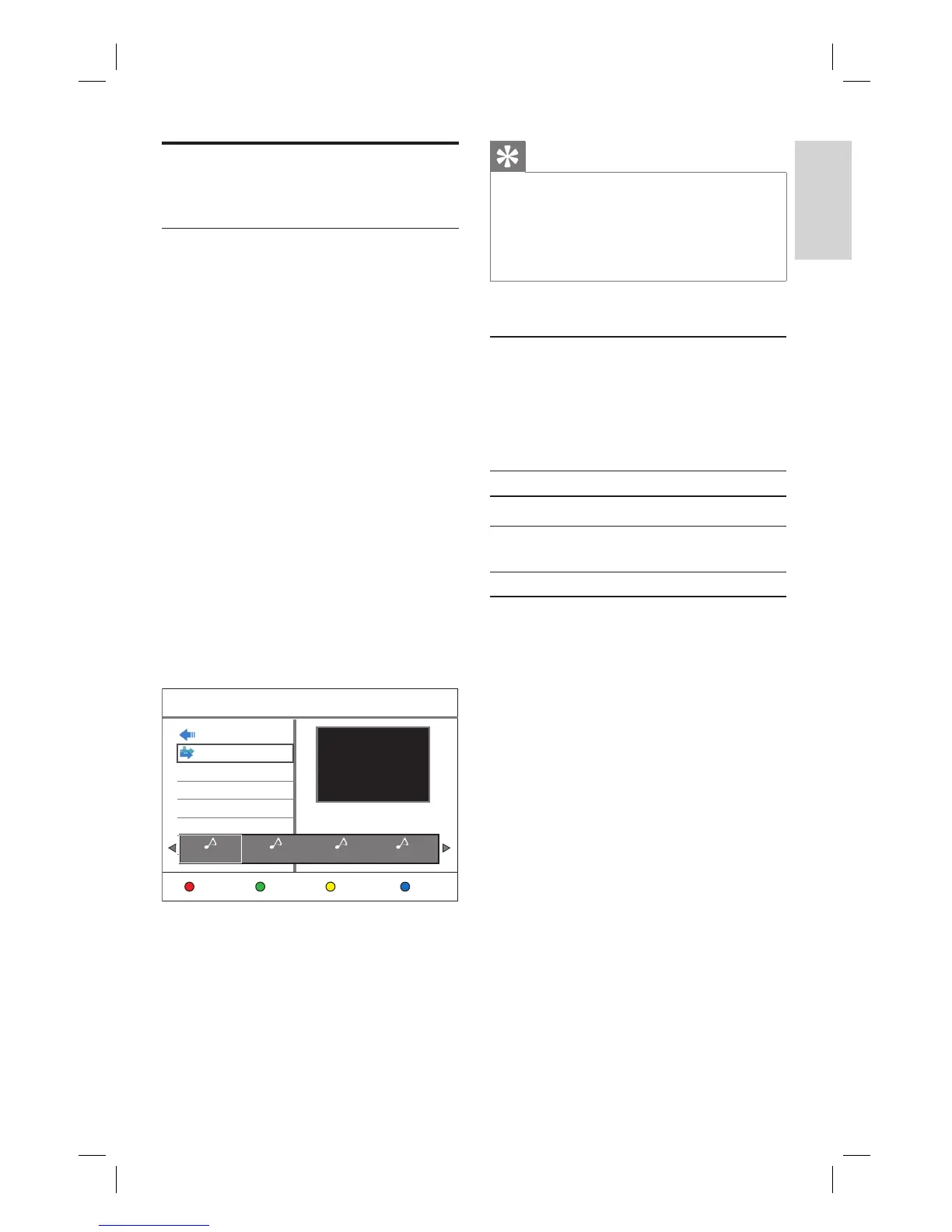
The content menu is displayed.
3 Press X to select [ Music ].
4 Locate the fi le to play.
To display all MP3/WMA fi les, select
[ List ].
If the fi le is stored in another folder,
select the folder, then press OK
If the folder contains many fi les,
pressí ë to view the previous/next
page of fi le names.
Previous
List
Music
Edit Repeat
Artist: Artiste1
Title: Music
Album: Music
Genre: Rock
Tra ck: 1
Comment:
1. Music.mp3 2.Music2.mp3 3. Music3.mp3 4.Music4.mp3
5 Select a fi le and press u.
To stop playback, press x.
To repeat play, press the Yellow
button [ Repeat ] repeatedly to toggle
between the repeat options.
•
•
•
•
•
•
•
Tips
This recorder does not support MP3PRO audio
format.
If any special characters are present in the MP3
track name (ID3) or album name, it might not be
displayed correctly on the screen because these
characters are not supported.
•
•
Select another track/ fi le
When a folder contains several tracks or fi les,
you can select a different track or fi le during
playback.
Action Button
To go to the next track/fi le.
É
To return to the start of the
previous track/fi le.
Ñ
Select repeat options
You can select various repeat functions during
playback. The repeat play options vary
depending on the media type.
1 During play of the audio fi les, press the
Yellow button [ Repeat ].
2 Press the Yellow button [ Repeat ]
repeatedly to select the repeat option
and press OK.
[ All ]
Repeat play of all fi les.
[ Repeat 1 ]
Repeat play of the selected fi le.
3 To cancel repeat play, press the Yellow
button [ Repeat ] repeatedly to select
[ Repeat Off ].
1_DVR2008-93_eng_wk822.indd 311_DVR2008-93_eng_wk822.indd 31 2008-05-26 10:53:17 AM2008-05-26 10:53:17 AM



 To Next Page