EN 33
English
Play
Enlarge a picture
You can enlarge the picture on the screen and
pan through the picture.
1 Press 缩放 repeatedly.
The zoom mode is activated.
2 Use STWX keys to pan through the
enlarged picture.
3 To exit, press 缩放 repeatedly until
normal size resumes.
Play from a digital camera
1
Connect the digital camera to the USB
socket on the front panel.
2
Use the digital camera to control playback
settings.
Control Play
Select another title/ chapter
During play, select another title or chapter by
following these steps:
Action Button
To go to the next chapter.
ë
To return to the start of the
previous chapter.
í
To select by a chapter number.
Numeric
keys 0 - 9
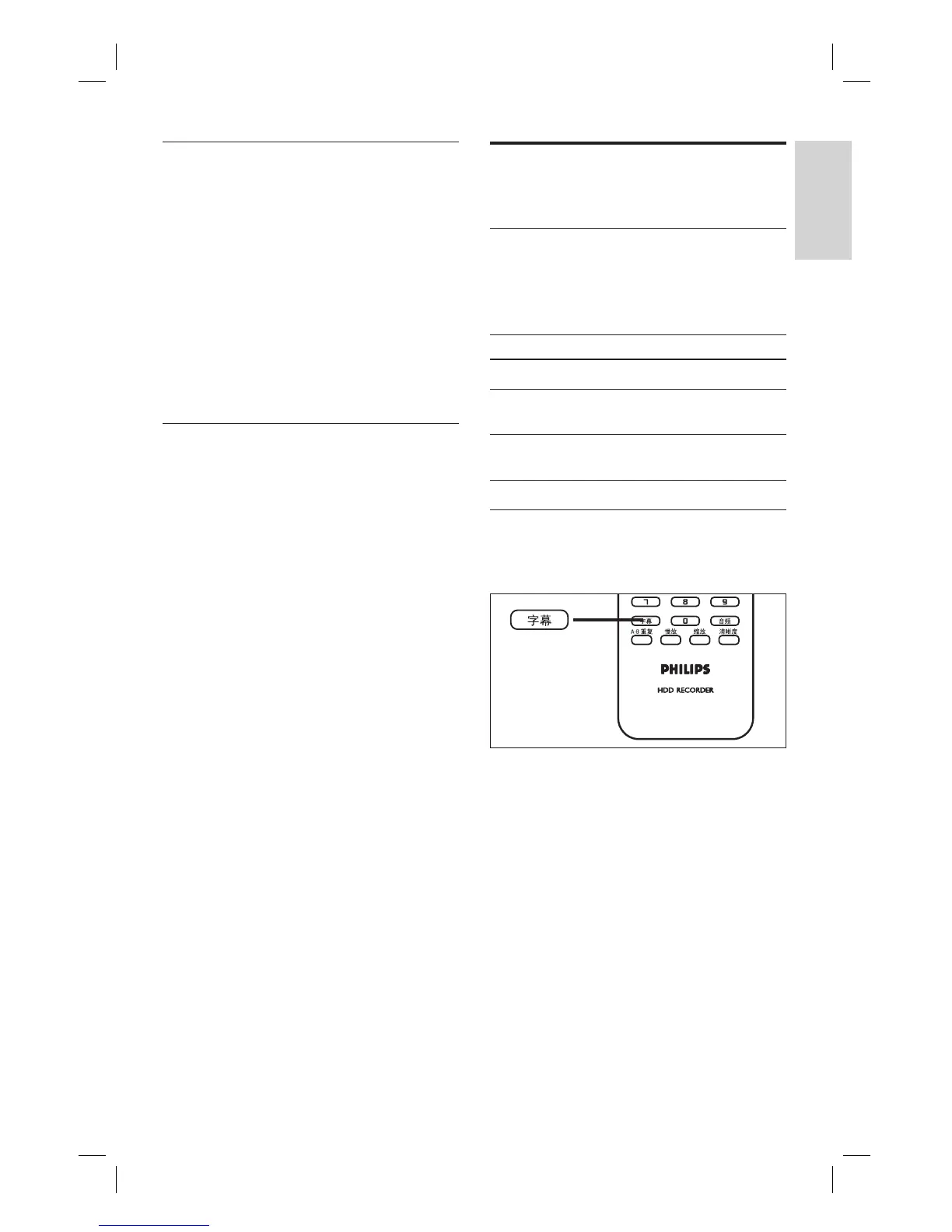
Select a subtitle language
Select a subtitle language on DivX
®
Ultra fi les.
1 During play, press 字幕.
2 Select a language and press OK.
If the selected language is not
available, the default content language
is used.
•
1_DVR2008-93_eng_wk822.indd 331_DVR2008-93_eng_wk822.indd 33 2008-05-26 10:53:17 AM2008-05-26 10:53:17 AM



 To Next Page