34 EN
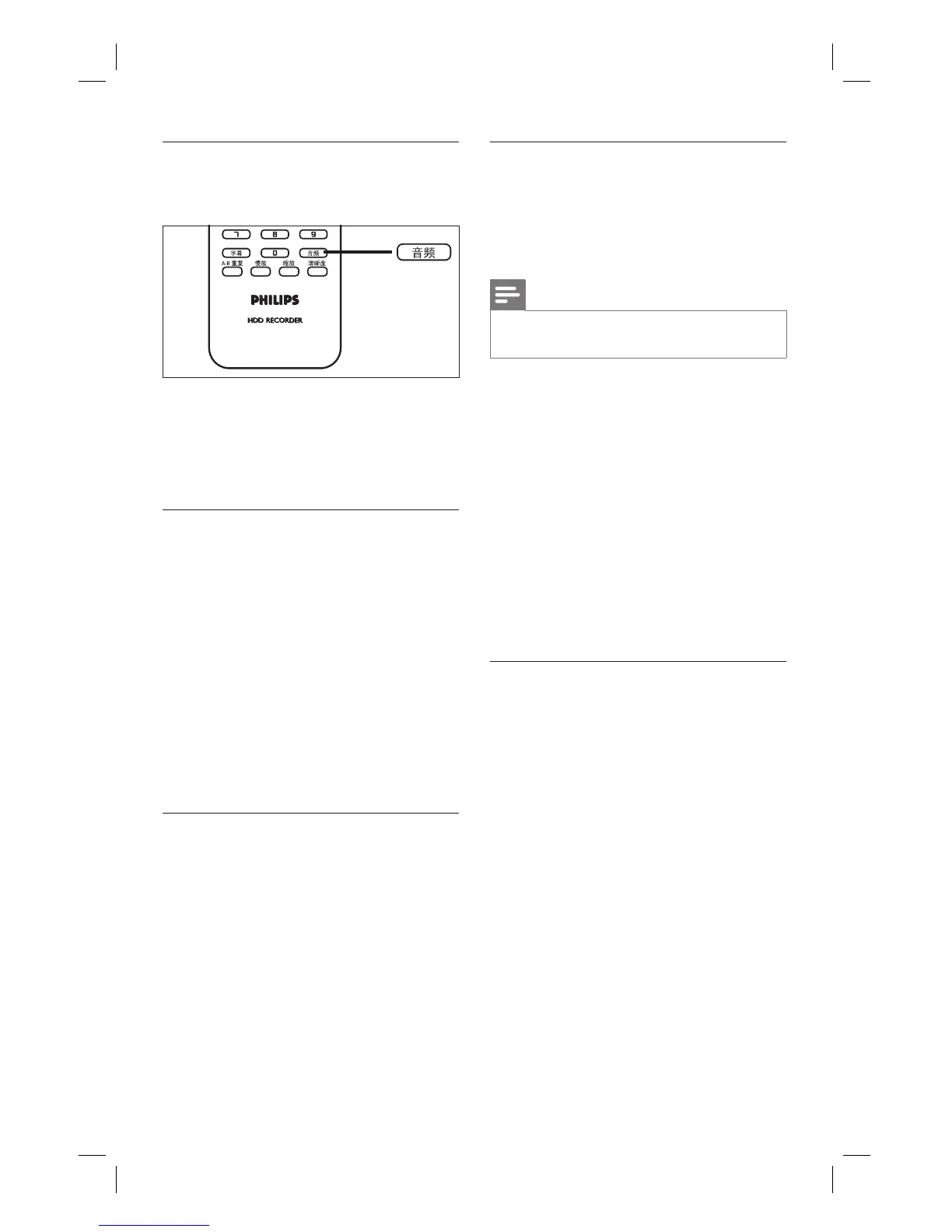
Select an audio language
Select an audio language in Live TV mode.
1 During play, press 音频.
The language options appear. If the
selected audio channel is not available,
the default audio channel will be used.
Search forward/ backward
You can fast forward search or fast reverse
search the video content during playback.
1 During play, press à or á.
The search status bar is displayed and
the sound is muted.
2 Press à or á repeatedly to cycle
through the different speed options.
To resume normal playback, press
u.
Slow motion play
1 During play of DivX
®
fi les or title
recordings, press the 慢放 key to enable
slow motion play.
2 Press 慢放 repeatedly to cycle through
the different slow motion speed.
To resume normal playback, press
u.
•
•
Repeat a specifi c scene (A-B Repeat)
You can repeat play of a specifi c segment
within a title or chapter. To do so, you must
mark the start and end of the segment you
want.
Note
This feature is only available when playing a
recording from the recording list.
•
1 During play, press A-B重复 at the
point to mark the start point for repeat
play.
2 Press A-B重复 again at the end point
and press OK.
Play skips to the start of the marked
segment. The segment is repeated
until repeat mode is cancelled.
3 To cancel repeat play, press A-B重复
repeatedly until [ Repeat Off ] is
displayed.
Resume play from the last stopped
point
This option is available if you have not fi nished
watching a title played previously. You can
resume play from its last stopped point.
1 Press 录像清单.
The list of recorded titles is displayed.
2 Select the fi le which you have not
fi nished watching and press the Blue
button [ Resume Play ].
Play starts from the last stopped point.
1_DVR2008-93_eng_wk822.indd 341_DVR2008-93_eng_wk822.indd 34 2008-05-26 10:53:18 AM2008-05-26 10:53:18 AM



 To Next Page