24 EN
Record the current TV
programme
1
Turn on the TV to the correct viewing
channel for the recorder.
2 Select a recording source:
To record directly in tuner mode:
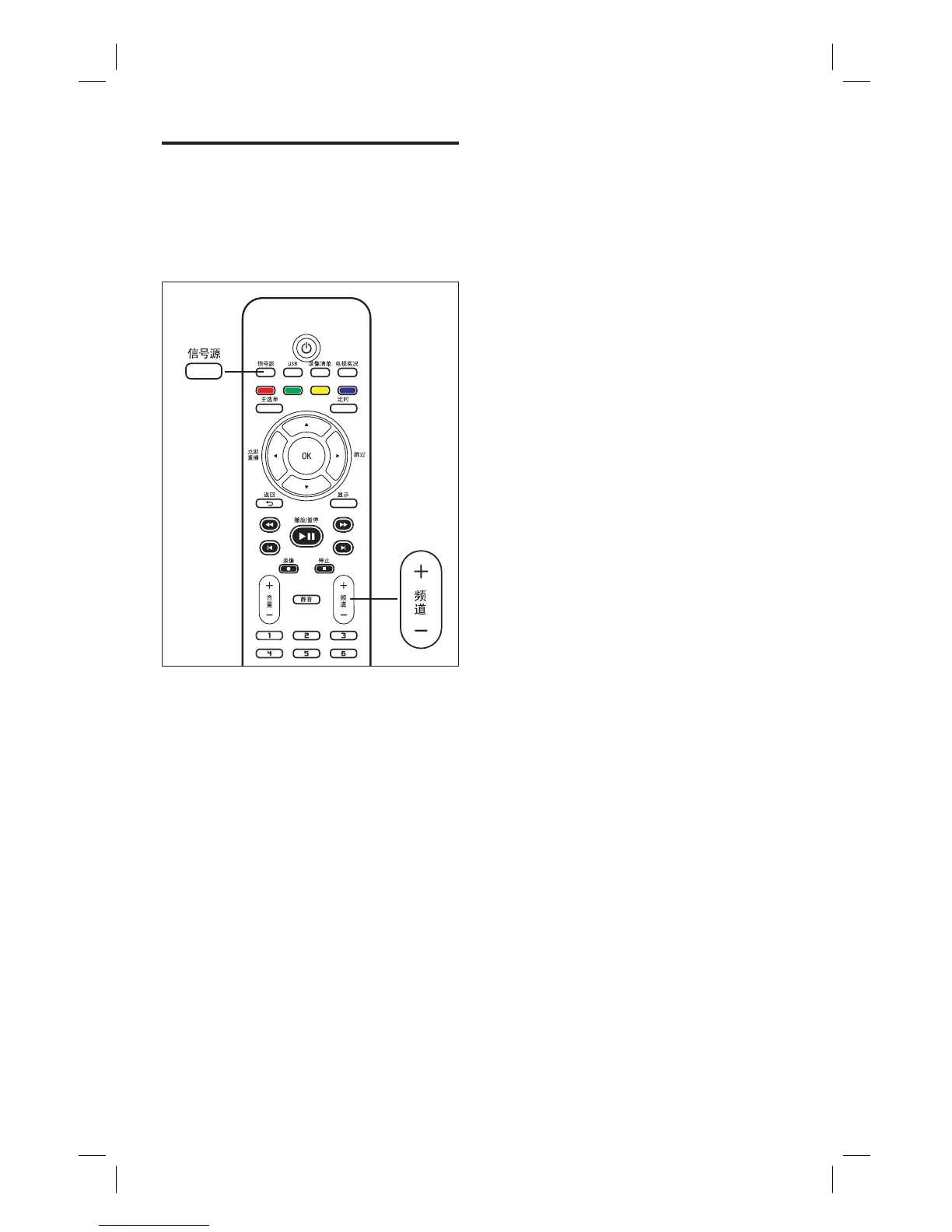
press 频道+/- key to select the
TV channel you wish to record.
To record from a satellite receiver
or cable box connected to VIDEO
OUTPUT: press 信号源 repeatedly
to select ‘CVBS’ or ‘YPbPr’.
•
•
3 Press z to start recording.
To add recording time, press z
repeatedly to extend the recording
time.
To pause recording, press u.
To continue recording, press u
again.
4 To stop recording, press x.
•
•
•
1_DVR2008-93_eng_wk822.indd 241_DVR2008-93_eng_wk822.indd 24 2008-05-26 10:53:15 AM2008-05-26 10:53:15 AM



 To Next Page