44 EN
Manage preset channels
1 Press 主选单.
2 Press [ Settings ], then press OK.
3 Press X to select [ Tuner ].
4 Press T to select [ Manage Presets ],
then press OK.
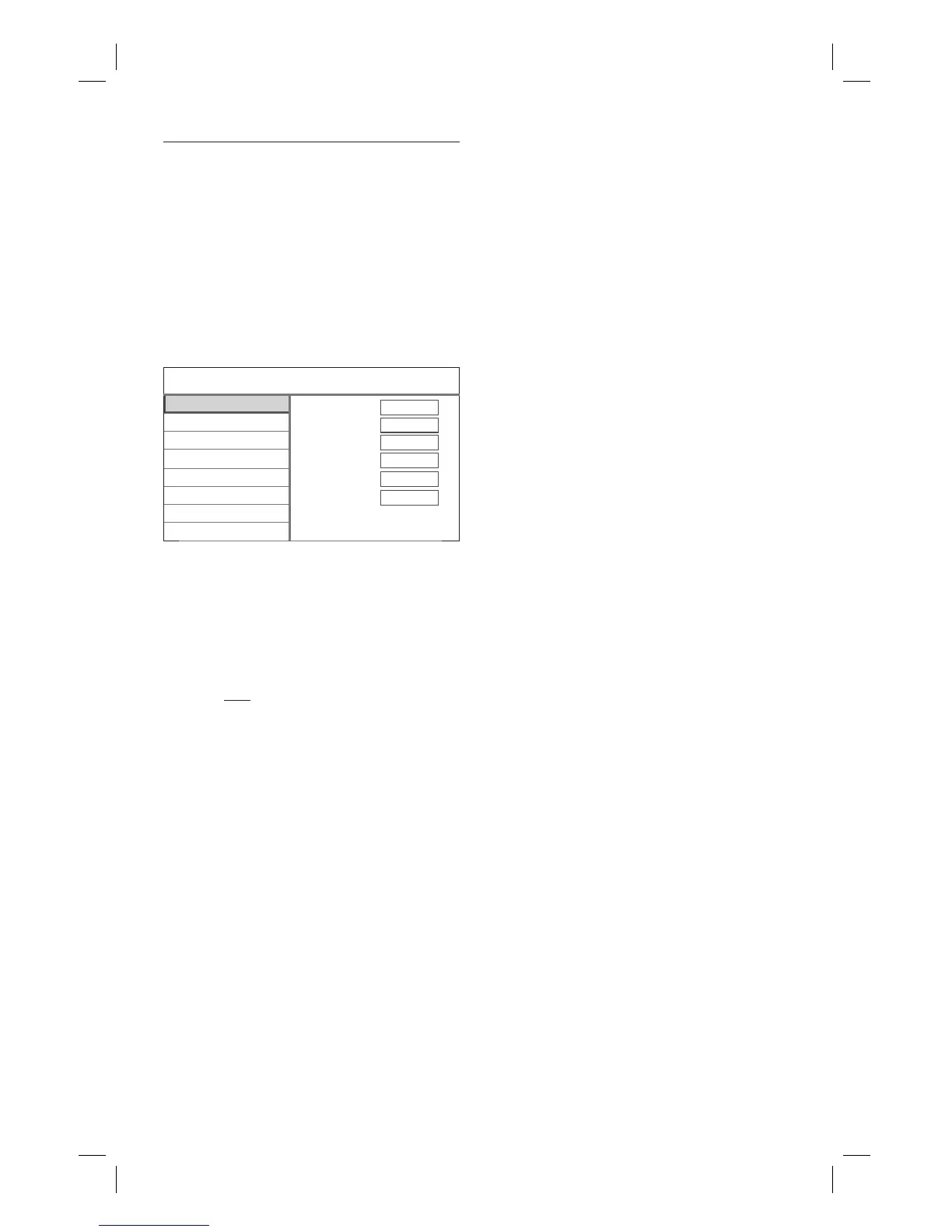
5 Select [ Edit ], then press OK.
1 PR 1
2 PR 2
3 PR 3
4 PR 4
5 PR 5
6 PR 6
7 PR 7
8 PR 8
Status ON
Name PR 2
Fine Tune 1
Video System PAL B/G
Swap With 1
Seek 175.25Mhz
PR Name Channel Edit
6 Select a channel to edit, then press OK.
7 Use WX keys to change the setting and
ST keys to select the previous/next
entry fi eld.
[ Status ]
[ ON ] : You can access the channel
by using the 频道 +/- key.
[ OFF ] : You can access the channel
only by pressing the corresponding
numeric key.
[ Name ]
Displays the channel name.
[ Fine Tune ]
Adjust the frequency of the channel.
Use WX keys to increase/decrease
the frequency.
•
•
•
[ Video Format ]
Use WX keys to select a TV system
standard that produces the least
distortion of picture and sound.
[ Swap With ]
Select the target channel to change
position with the current channel.
[ Seek ]
Enter the frequency of the channel.
Select the key to enter and press OK.
To confi rm, select [ OK ] , then press
OK.
6 Once complete, press OK.
7 To go to Home menu, press 主选单.
•
•
1_DVR2008-93_eng_wk822.indd 441_DVR2008-93_eng_wk822.indd 44 2008-05-26 10:53:20 AM2008-05-26 10:53:20 AM



 To Next Page